Calendar Reminders Do Not Pop Up? Fix Them Fast
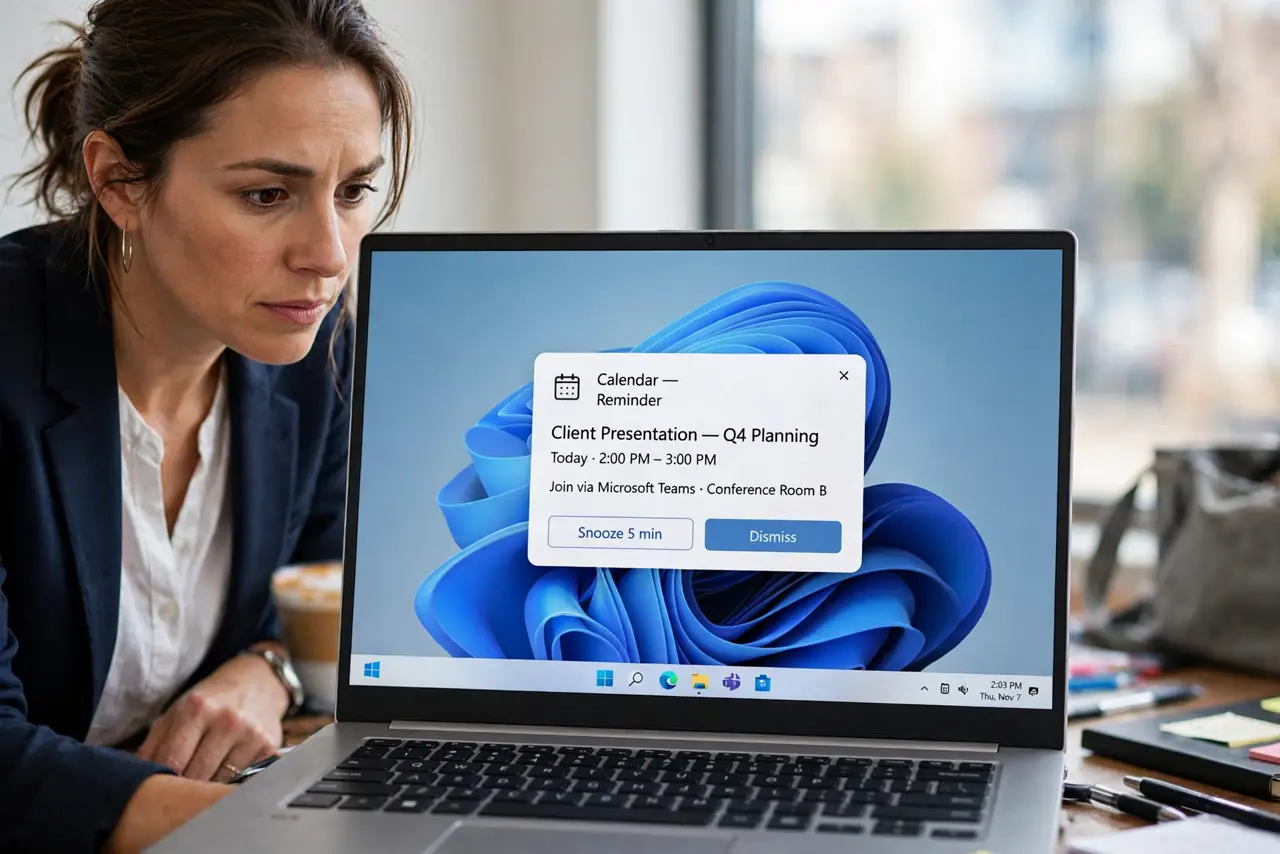
Your calendar events pass without any reminder popping up, so you miss meetings you actually scheduled. Notification permission, Do not disturb, and reminder timing can each hide a reminder that is otherwise correct.
TL;DR / Quick Fix
Quick fix: open Settings, then System, then Notifications, and confirm your calendar app may show notifications and banners. Turn Do not disturb off, create a test event five minutes ahead with a reminder, and watch carefully for its pop-up to appear.
Follow these steps
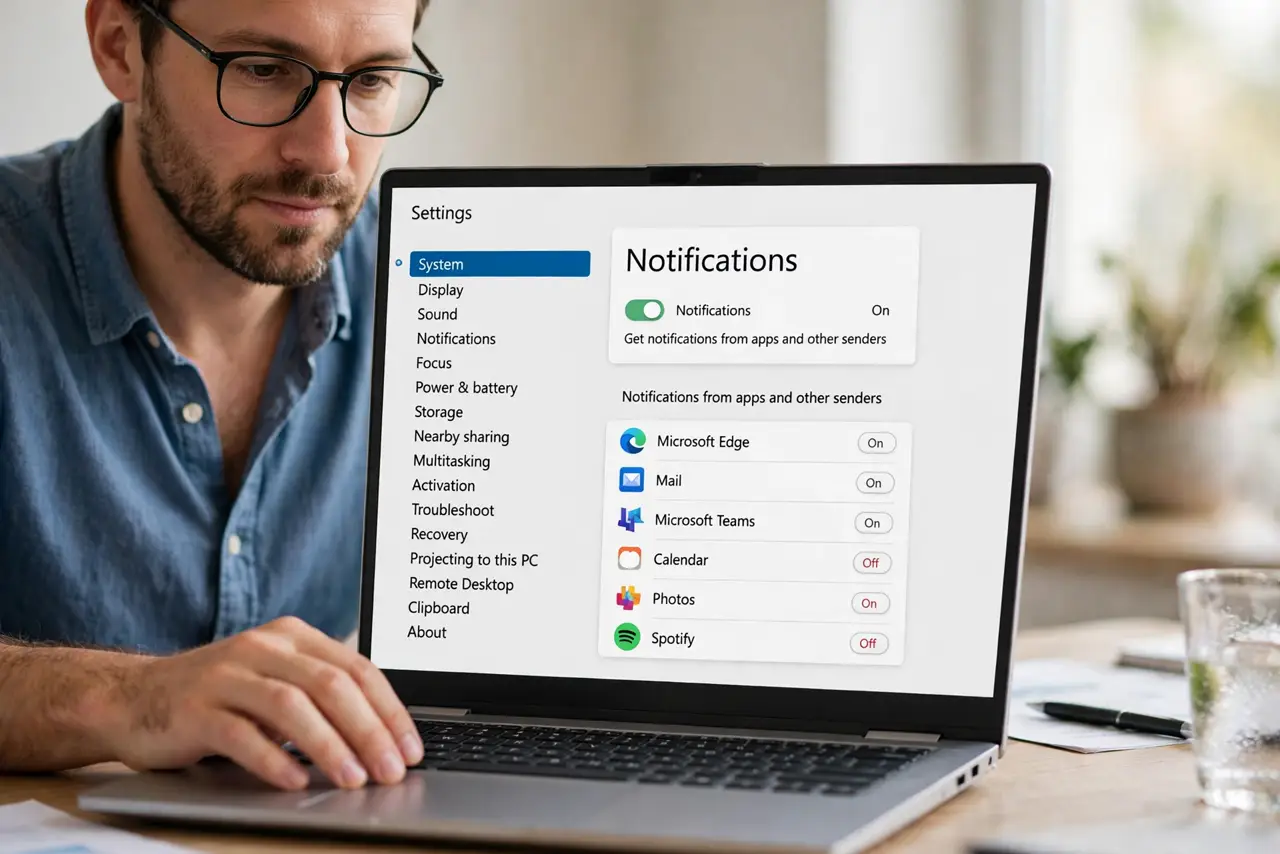
- Confirm calendar notification permission. Open Settings, then System, then Notifications, and confirm your calendar app is allowed to show notifications and banners. A blocked app cannot pop up reminders.
- Turn Do not disturb off. Open Quick Settings and turn Do not disturb off. Do not disturb hides banners, so reminders can pass silently while it is on.
- Create a test event five minutes ahead. Create a new event five minutes from now with a reminder set for the event time. A short test event proves whether reminders can pop up at all.
- Check the reminder time on real events. Open an event that failed to remind you and check its reminder setting. An event with no reminder, or a reminder set for hours earlier, will not pop up when you expect it.
- Check the notification center. Open the notification center from the taskbar and look for the reminder there. A reminder hidden as a banner may still wait in the center.
- Restart and retest. Save your work, restart, and create another five-minute test event. If the test pops up after restart, the earlier failure was a stuck notification state.
What NOT to do
- Do not create duplicate events to chase a missing reminder. Duplicates double the confusion, while a single test event proves whether reminders work at all.
- Do not assume the event itself is gone because no reminder appeared. The event remains on the calendar even when its reminder never pops up.
- Do not turn off all notifications to stop missed reminders. The fix is permission for the calendar app, not silence for everything else.
- Do not test reminders with an event hours away. A five-minute test gives a fast answer, while a distant event leaves you waiting and guessing.
Frequently asked questions
Why do reminders not pop up?
Usually the calendar app lacks notification permission, Do not disturb hides banners, or the event reminder time is set wrong.
Where do hidden reminders go?
Many wait in the notification center even when no banner appeared. Check there before assuming the reminder never fired.
What if the test event reminds me but real ones do not?
Check each real event reminder setting. The test proves the system works, so individual event settings are the difference.