Share Just Your Free/Busy Times
People need to book time with you — but they do not need to see that Tuesday block is Therapy or Interview. Sharing only free and busy times shows when you are open while keeping event details private. Here is how.
TL;DR / Quick Fix
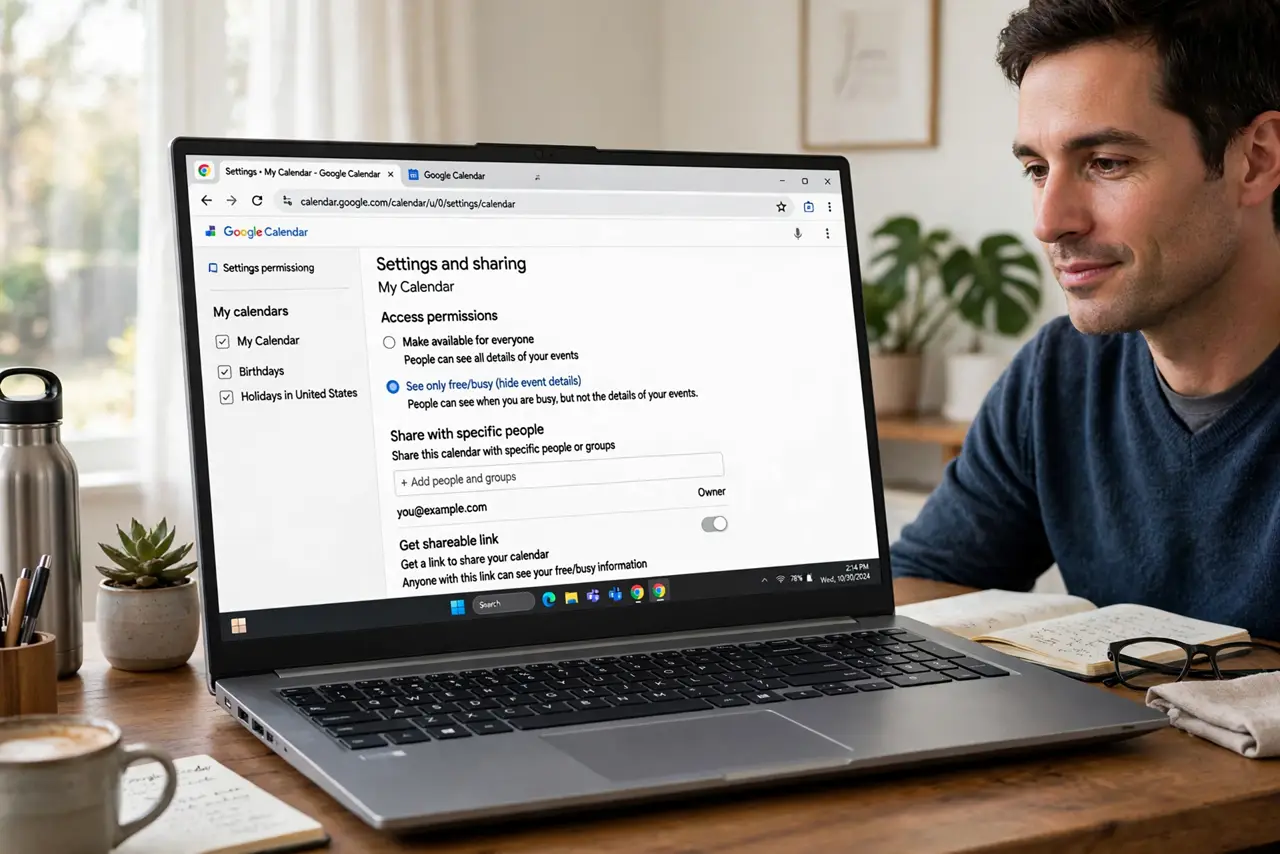
Quick fix: in Google Calendar go to Settings > your calendar > Share with specific people, add the person, and set permission to See only free/busy. They see blocked vs open, never titles. For public booking, use appointment slots instead — free/busy sharing is for people you name.
Follow these steps
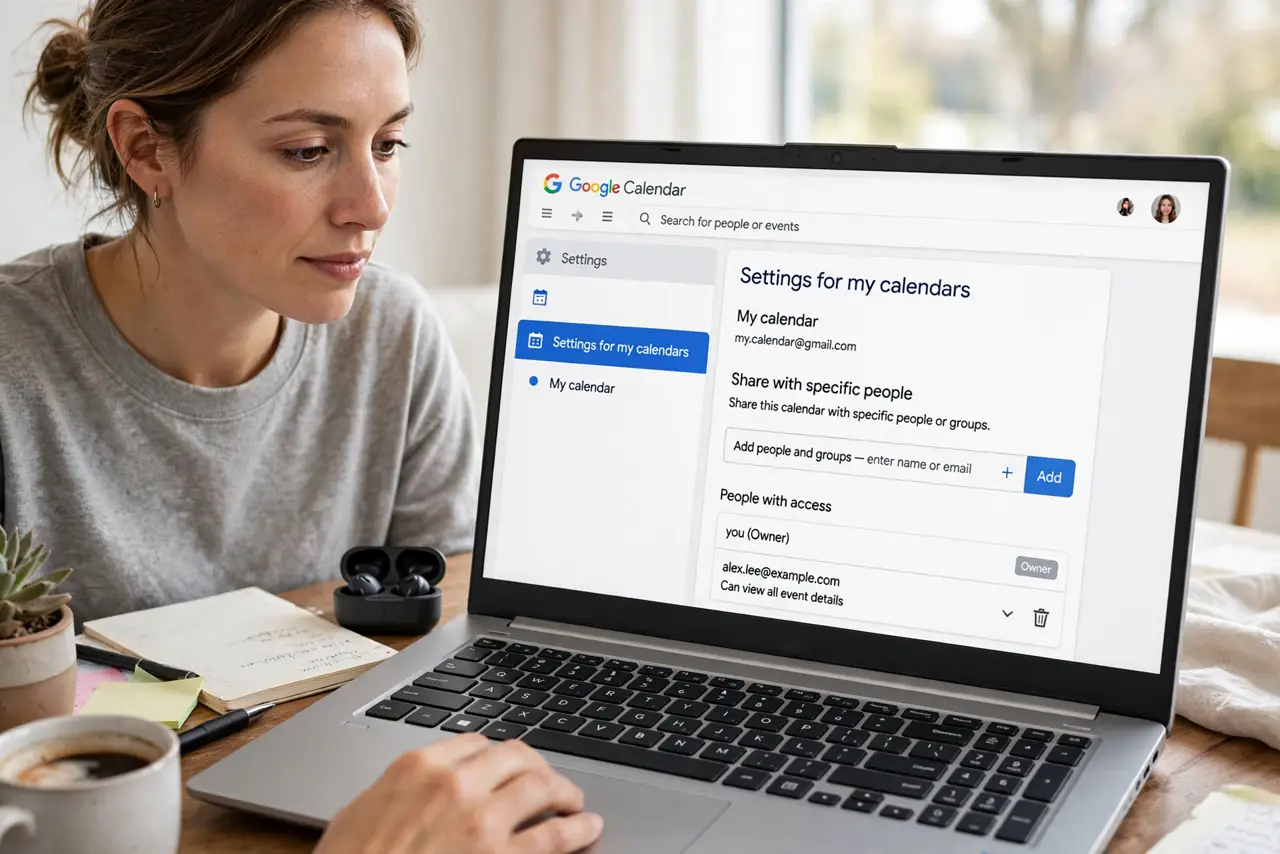
- Open the calendar sharing settings. Settings > Settings for my calendars > your calendar > Share with specific people.
- Add the person. Type their email and add them. Sharing is per-person — no link, no surprises.
- Choose See only free/busy. Set their permission to See only free/busy — hide details. This is the privacy-preserving choice — titles stay yours.
- Confirm what they see. They see blocks marked busy with no titles. Ask them to confirm — or check from a second account yourself.
- Remove access when it ends. Back in the same settings, remove people whose need expired. Calendar shares outlive their purpose by default.
- Know when to upgrade. If they need titles — an assistant — raise to See all event details. Match the permission to the actual need — no more.
What NOT to do
- Do not share full details to make it easier. Free and busy books meetings just as well — details are rarely needed.
- Do not use Make available to public for this. Public means public — anyone with the link sees everything you allow.
- Do not forget shared calendars inherit this. A shared team calendar events follow its own sharing rules.
- Do not leave ex-colleagues on the list. Remove access when people leave — calendar visibility is data.
Frequently asked questions
What is the difference between free/busy and full details?
Free and busy shows only blocked vs open time. Full details show titles, locations, guests — everything.
Can free/busy viewers see private events?
They see the time as busy, never the title. Private events stay private even from full-detail viewers, mostly.
Why can my guest not see my availability in Find a time?
You have not shared free or busy with them. Add them in sharing settings and the grid fills in.