See Tasks Inside Calendar
Your tasks live in one app, your time in another, and the day plan lives in neither. Showing Google Tasks inside Calendar merges them: dated tasks appear on their days, right beside events. Here is how to turn it on and use it well.
TL;DR / Quick Fix
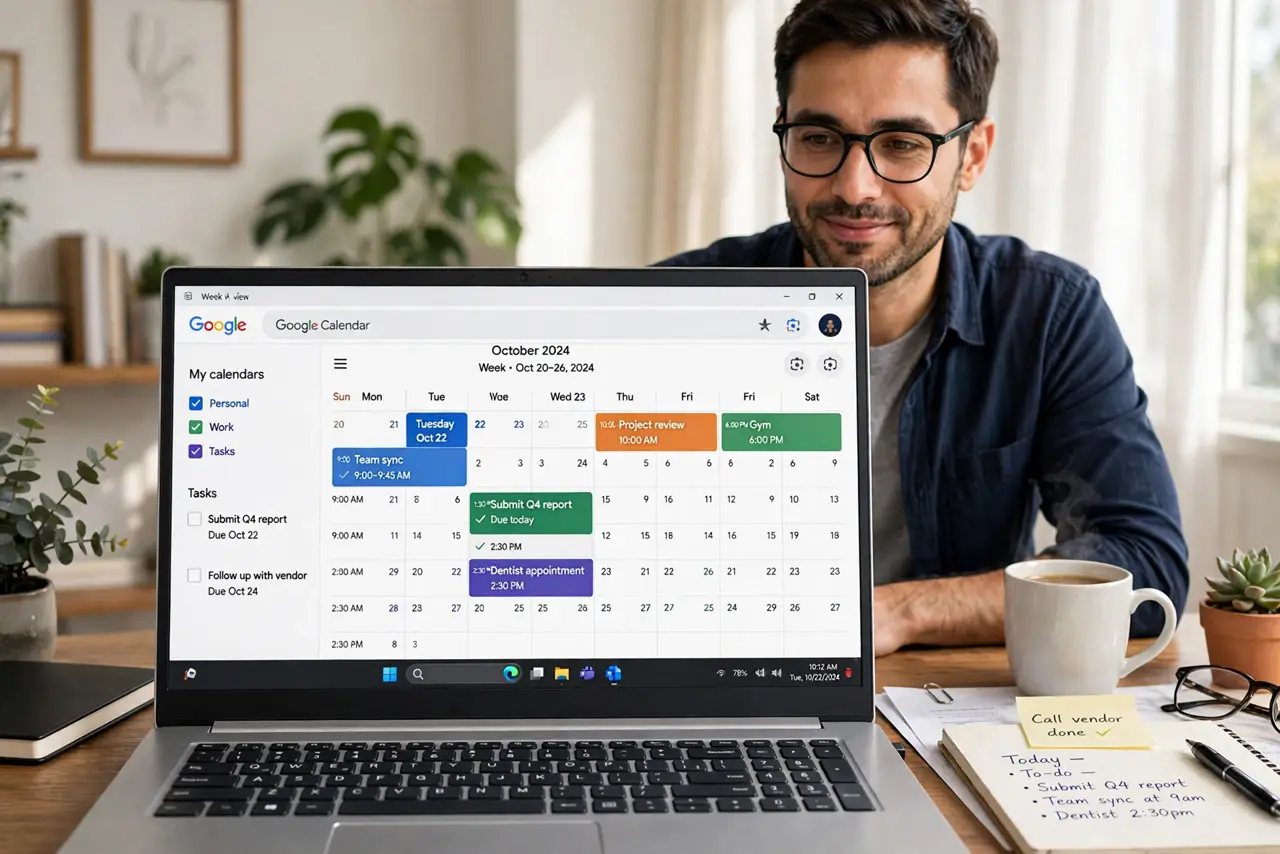
Quick fix: in Google Calendar check Tasks in the left sidebar — dated tasks then appear on their days. Create tasks with due dates from Calendar or the Tasks app. Review them each morning beside events; a task without a date stays invisible, so date everything that matters.
Follow these steps
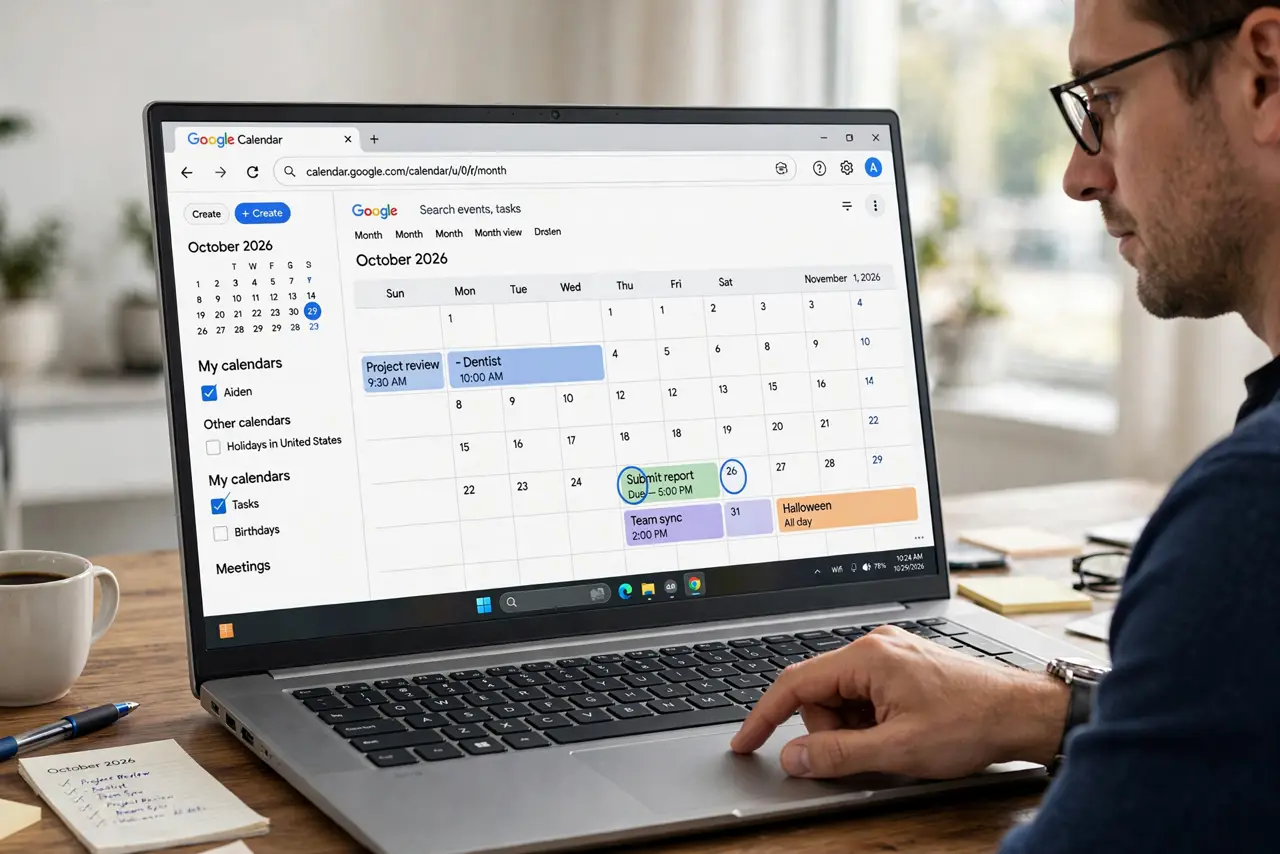
- Show the Tasks calendar. In Calendar left sidebar, find My calendars and check Tasks. Dated tasks immediately appear on their days.
- Create tasks from Calendar. Click a day > Task, name it, set the date. Creating where you will see it beats creating where you will forget it.
- Date everything that matters. Undated tasks hide in the Tasks app only. If it matters this week, it gets a date — no exceptions.
- Do the morning review. Each morning, scan today column: events plus tasks. Drag tasks to realistic times or defer them honestly.
- Check off from Calendar. Click a task on the calendar to mark it complete. The satisfaction of checking it where you planned it is real.
- Sync to the phone. The Tasks calendar syncs to mobile Calendar and the Tasks app. Check it is visible there too — plans die on unsynced devices.
What NOT to do
- Do not create tasks without dates for later. Later is where tasks go to die — date it or delete it.
- Do not overload one day. Ten tasks on Tuesday is a fantasy schedule; spread them.
- Do not confuse Tasks with Reminders. They are different systems — see the difference guide — pick one and commit.
- Do not let completed tasks pile up. Check them off — a done task left standing is visual noise.
Frequently asked questions
Where did my tasks go?
The Tasks calendar is probably unchecked in the sidebar, or the tasks have no dates. Check both.
Tasks vs Reminders — which should I use?
Google is merging toward Tasks. New setups should use Tasks; see the comparison before migrating.
Do tasks sync to my phone?
Yes — via the Calendar app and the Tasks app, once the Tasks calendar is visible in each.