Add Travel Time Blocks Before a Meeting
Back-to-back meetings ignore the drive between them, so you arrive late or skip lunch to make it. A travel time block before the meeting protects the journey and keeps the day realistic.
TL;DR / Quick Fix
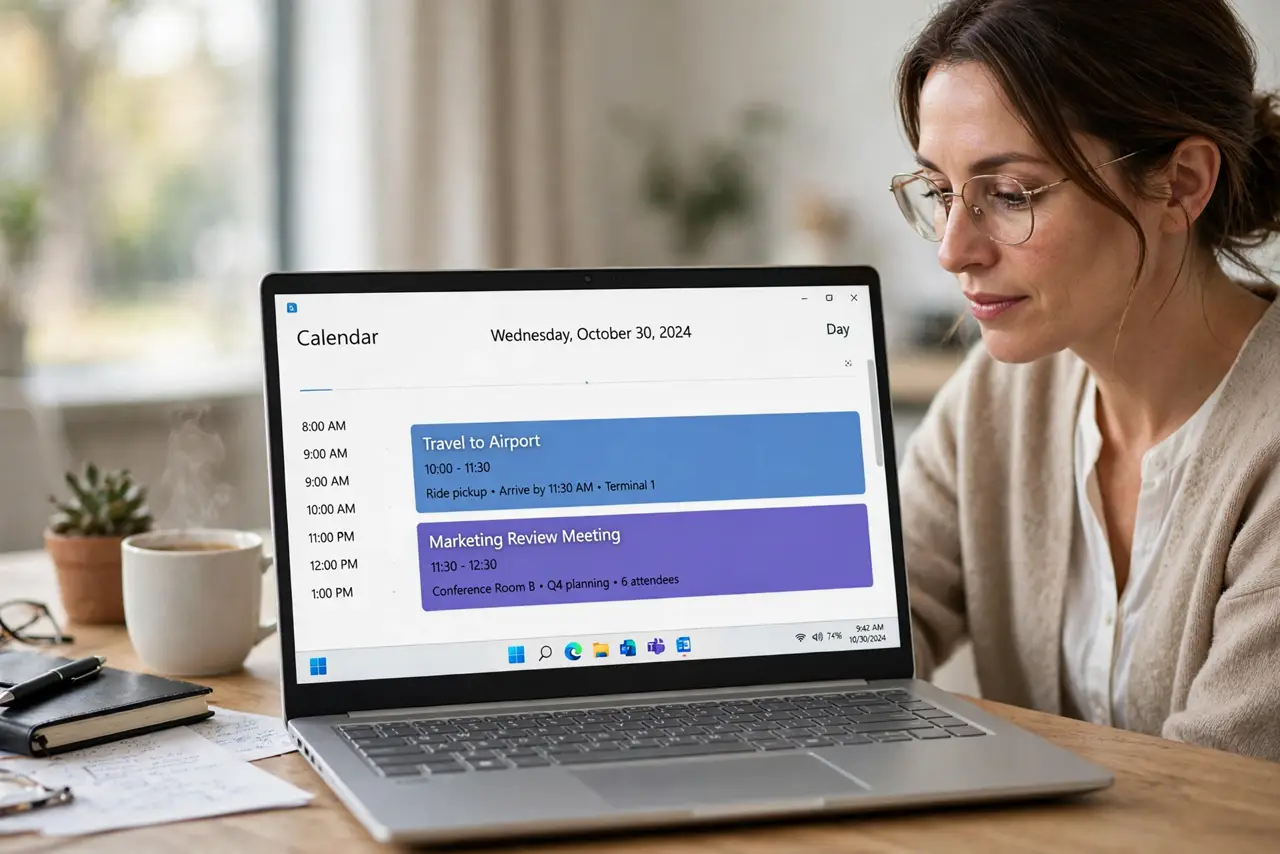
Quick fix: create a short event right before the meeting named Travel, set it as busy, and make it as long as the trip takes. Then check that nobody can book over it, and repeat the habit for every off-site meeting.
Follow these steps
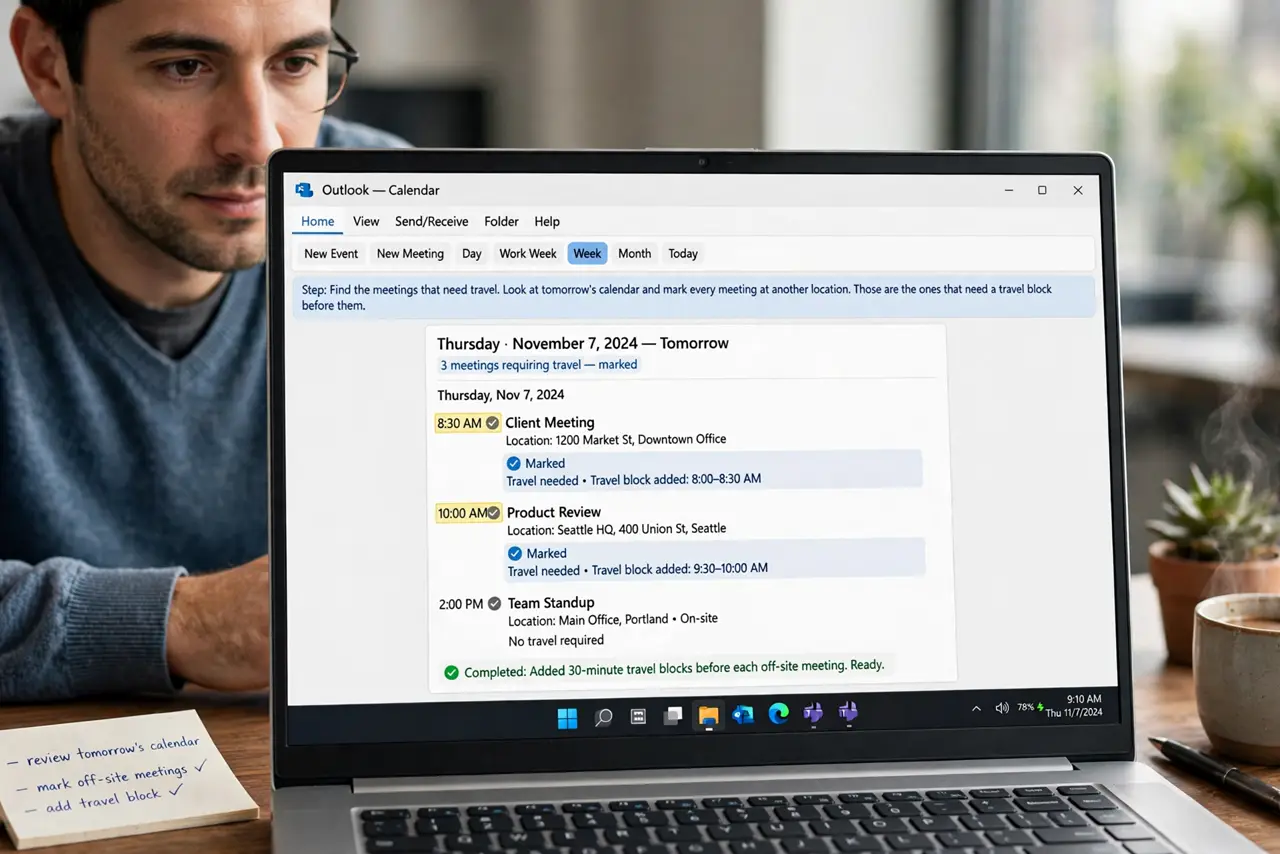
- Find the meetings that need travel. Look at tomorrow's calendar and mark every meeting at another location. Those are the ones that need a travel block before them.
- Create a travel block event. Add an event right before the meeting, named Travel, lasting as long as the trip. A visible block beats a mental note nobody else can see.
- Mark it as busy. Set the travel block's status to busy so others see you as unavailable. A free travel block invites bookings over your drive.
- Add buffer after too. If the return trip matters, add a travel block after the meeting as well. The way back takes time too, and the calendar should know.
- Use automatic travel time if offered. Some calendars estimate travel from the location field. Turn that on where available, and adjust the estimate when you know the real drive.
- Review the day the night before. Glance at tomorrow each evening and confirm every off-site meeting has its travel block. One review prevents the morning scramble.
What NOT to do
- Do not trust back-to-back scheduling across town. The calendar does not know about traffic, so the travel block has to come from you.
- Do not mark travel as free time. Others will book over it, and the block only works when it shows you as busy.
- Do not forget the return trip. Getting there is only half the journey, and the meeting after needs its own protected gap.
- Do not skip the block for familiar drives. Even a known route takes its minutes, and the calendar still needs to see them.
Frequently asked questions
How much travel time should I block?
The real trip time plus a small margin, since traffic and parking add minutes the map estimate skips.
Does my calendar add travel time automatically?
Some do, using the event location. Check your app's settings, and adjust the estimate to match your real drive.
What about video meetings?
They need a buffer too, just a shorter one. A few minutes between calls beats back-to-back video all day.