Set Working Hours That Block Others Out
Meetings keep landing at 7 in the morning or 9 at night. Working hours tell your calendar when you are available, so invites outside those hours get declined or flagged automatically.
TL;DR / Quick Fix
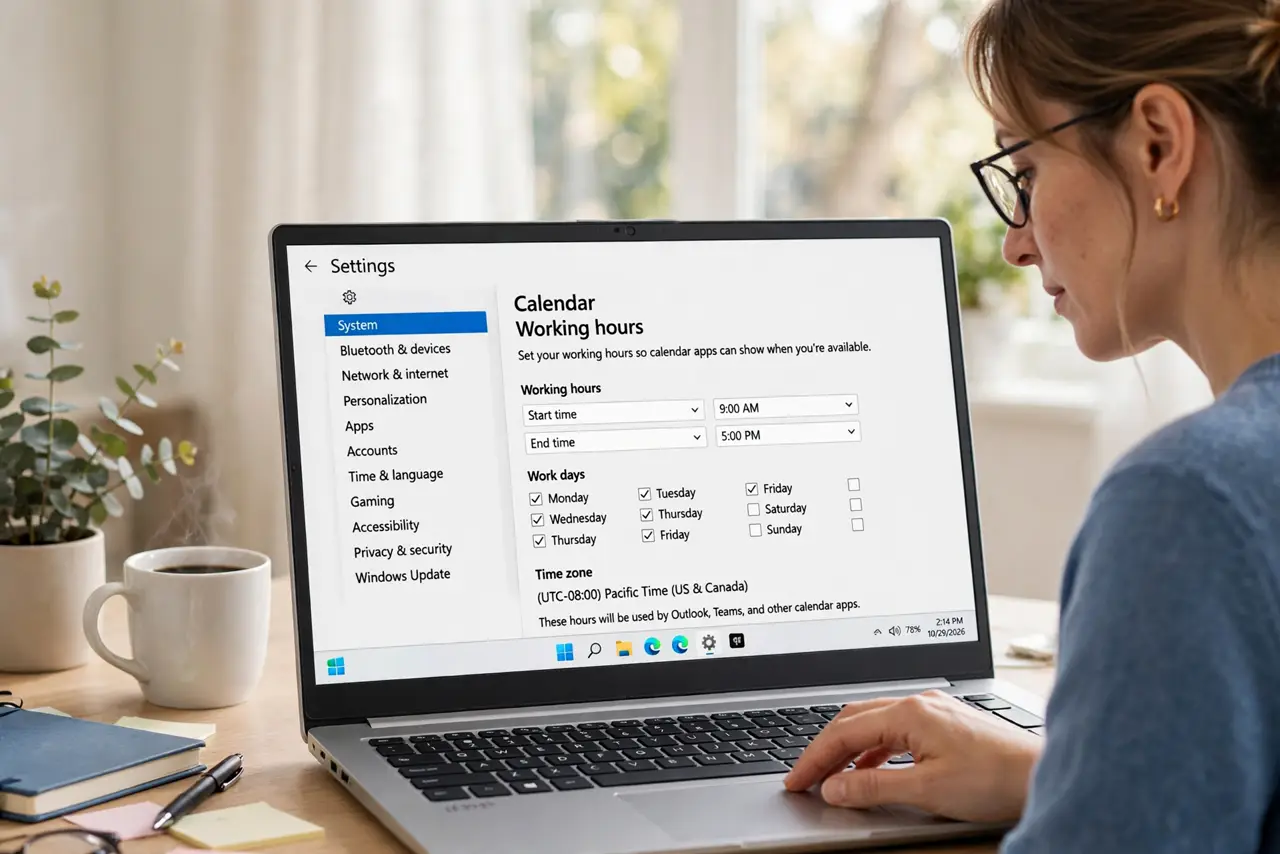
Quick fix: open your calendar settings and set working hours to the times you truly work, such as 9 AM to 5 PM. Then check that your calendar shows you as unavailable outside those hours, and tell regular contacts about the change.
Follow these steps
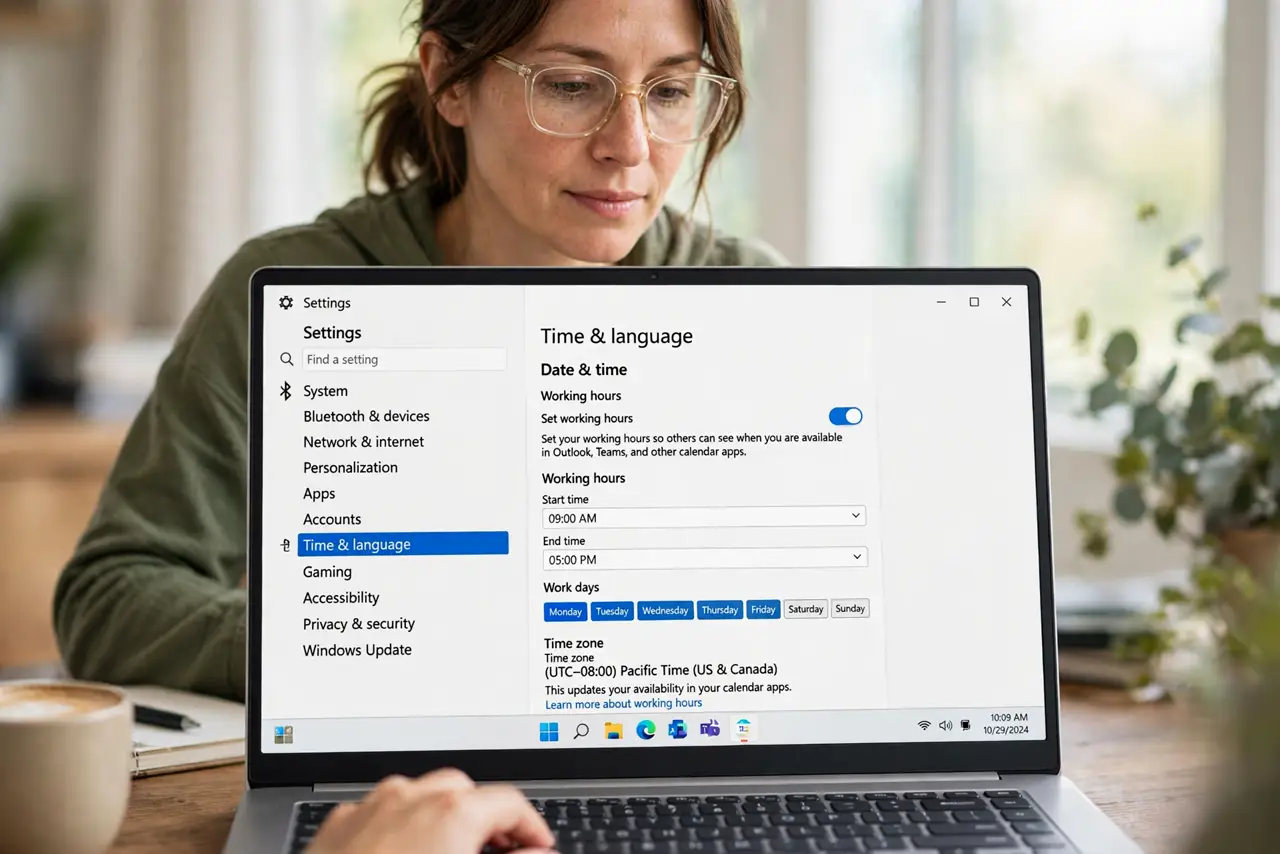
- Open working hours in settings. Find working hours or availability in your calendar settings. The exact name differs by app, but every major calendar has this feature.
- Set your real hours, not ideal ones. Enter the hours you actually work, including lunch if you protect it. Honest hours work better than aspirational ones nobody follows.
- Mark outside hours as unavailable. Confirm the calendar shows you as busy or unavailable outside working hours. That status is what stops or warns new invites.
- Set different hours per day if needed. Adjust individual days for early Fridays or late Wednesdays. Real schedules differ by day, and the settings allow it.
- Tell regular contacts. Mention the change to people who book you often. Settings help, but a quick note prevents the awkward decline.
- Review after a schedule change. When your job or routine changes, update working hours the same week. Stale hours invite meetings you no longer want.
What NOT to do
- Do not set working hours you will not keep. Hours nobody follows teach people to ignore them.
- Do not hide working hours from your team. Visibility is the point, so keep your calendar's availability shared.
- Do not set one schedule for the whole year. Update hours when your routine changes, since stale hours mislead everyone.
- Do not rely on hours alone for deep work. Pair them with focus time blocks, since working hours still allow meetings inside them.
Frequently asked questions
What do working hours do?
They mark when you are available, so your calendar shows you as unavailable outside them and invites there get flagged or declined.
Will working hours auto-decline invites?
In many calendars yes, or at least they warn the organizer. Check your app's exact behavior in its settings.
Should working hours include lunch?
If you protect lunch, yes. Marking it unavailable keeps the midday meeting off your calendar.