Camera On or Off?
Your camera is off in every meeting, and part of you worries it looks disengaged — but turning it on means a bad-hair, messy-room broadcast to twenty colleagues. Camera anxiety is normal and fixable: a few small setup habits remove the reasons people hide, so the choice becomes about the meeting, not your fear. Here is the calm middle ground.
TL;DR / Quick Fix
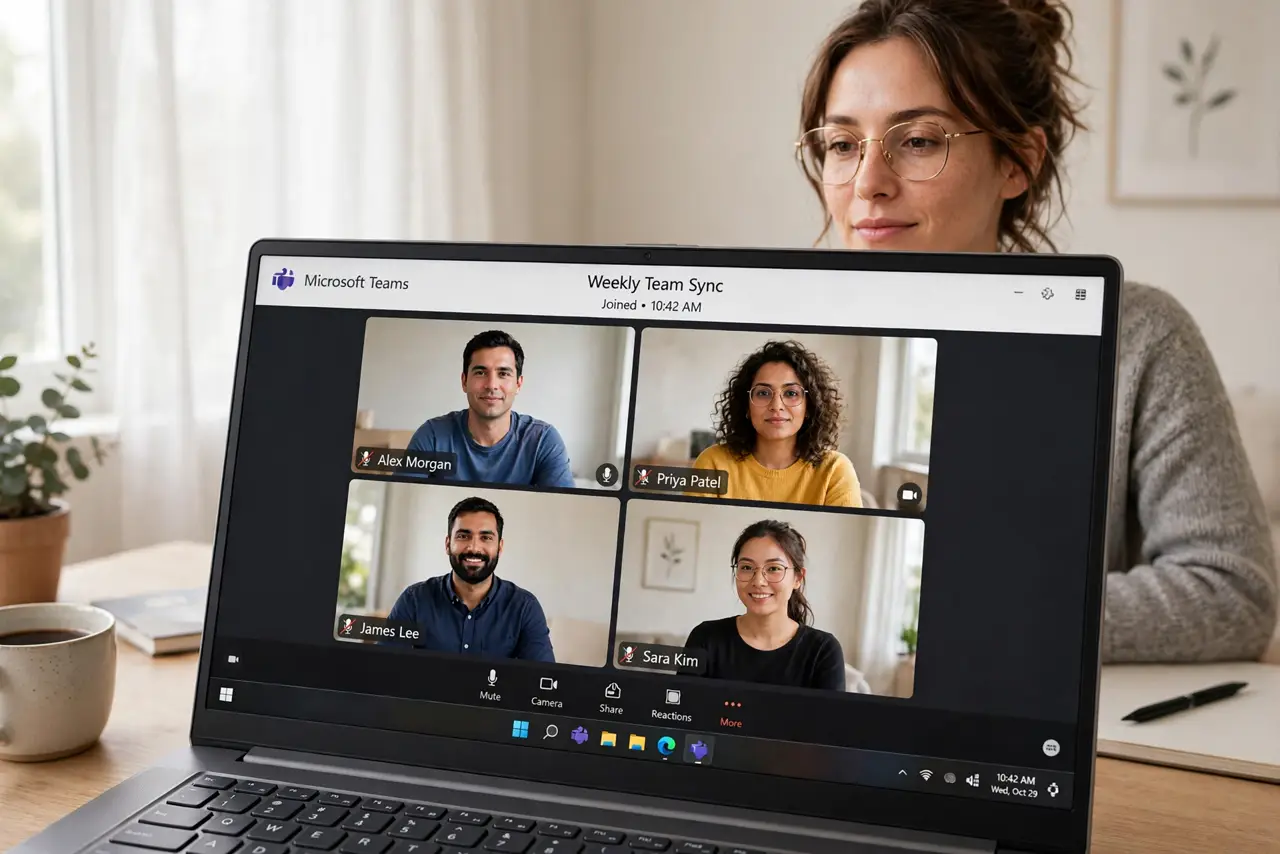
Quick fix: camera anxiety usually comes from three fixable things — bad lighting, a messy background, and not knowing the norms. Fix your light with a window or lamp in front of you, blur the background, and default to camera-on for small meetings, camera-off for big listen-only ones.
Follow these steps
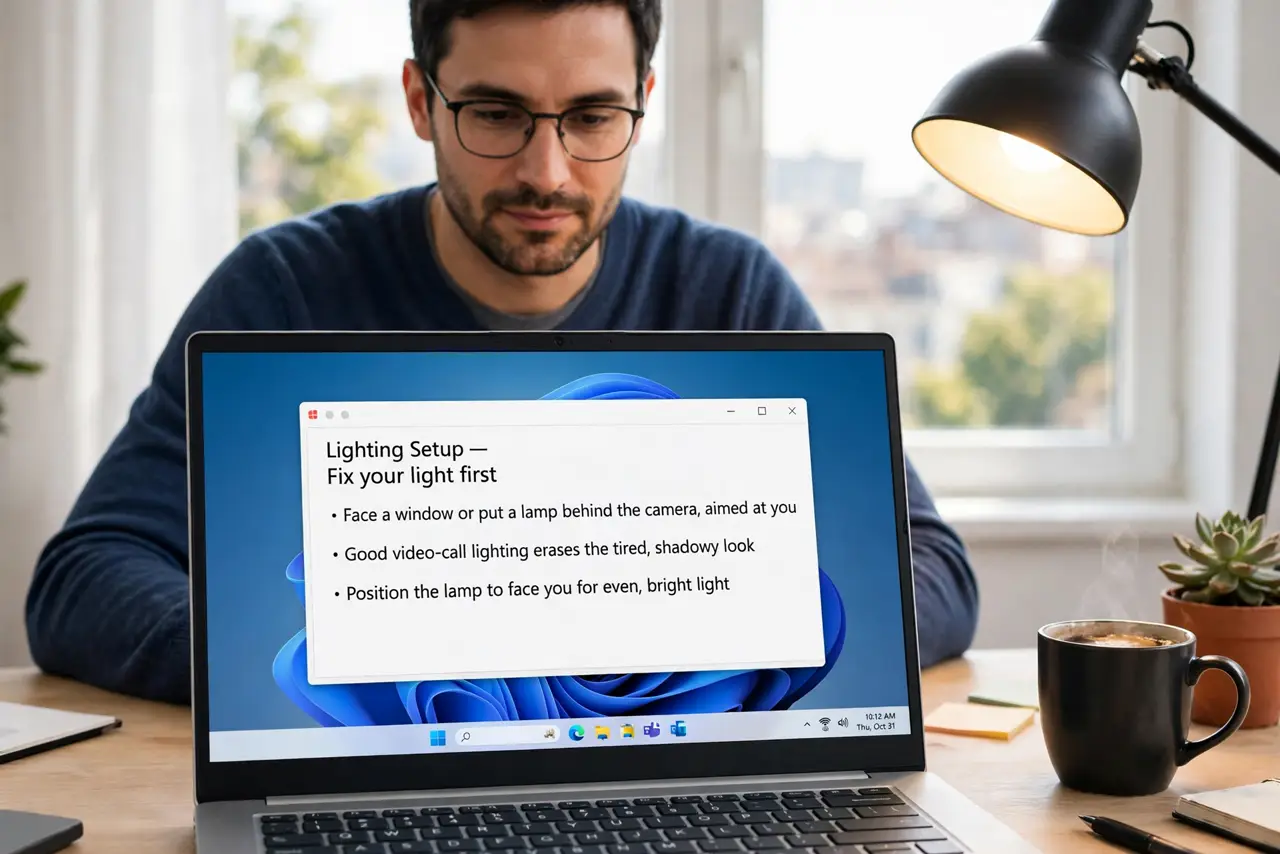
- Fix your light first. Face a window or put a lamp behind the camera, aimed at you. Good video-call lighting erases the tired, shadowy look that makes people dread being seen — it is the single biggest upgrade.
- Blur or tidy the background. Every video app has background blur or virtual backgrounds. Use them. The messy-room fear disappears with one toggle, and nobody expects a studio.
- Frame yourself properly. Camera at eye level, a little headroom above, shoulders visible. Stack the laptop on books if needed — the looming up-the-nose angle is what actually looks bad.
- Learn the real norms. Small collaborative meetings: camera on builds trust. Large all-hands where you only listen: camera off is normal and expected. Match the meeting's purpose, not your anxiety.
- Do a 10-second preview ritual. Open the preview before joining: hair, background, mute state. Ten seconds kills the 'what do they see?' panic that drives people to stay hidden.
- Give yourself permission to go off. Stepping away, eating, or a bad connection day are all legitimate camera-off reasons. A short note in chat beats anxious lurking.
What NOT to do
- Do not sit with a bright window behind you. Backlighting turns you into a silhouette — the camera sees light, not you.
- Do not leave the camera on while multitasking visibly. People notice wandering eyes; go off-camera or stay present.
- Do not apologize at length for your appearance. A quick hello beats a five-minute disclaimer that makes everyone uncomfortable.
- Do not force camera-on for everyone as a manager. Bandwidth, disability, and caregiving realities make mandates backfire.
Frequently asked questions
Is it rude to keep my camera off?
Not by itself. In small working meetings it can read as disengaged, so use chat and voice actively. In large listen-only calls, off is completely normal.
How do I look less tired on camera?
Front light, camera at eye level, and a plain background do more than any filter. Filters help, but light is the real fix.
Should cameras be on for interviews?
Yes — treat it like an in-person meeting. Good light, tidy background, and eye contact with the camera read as professionalism.