Wi-Fi Login Page Never Appears? Fix It
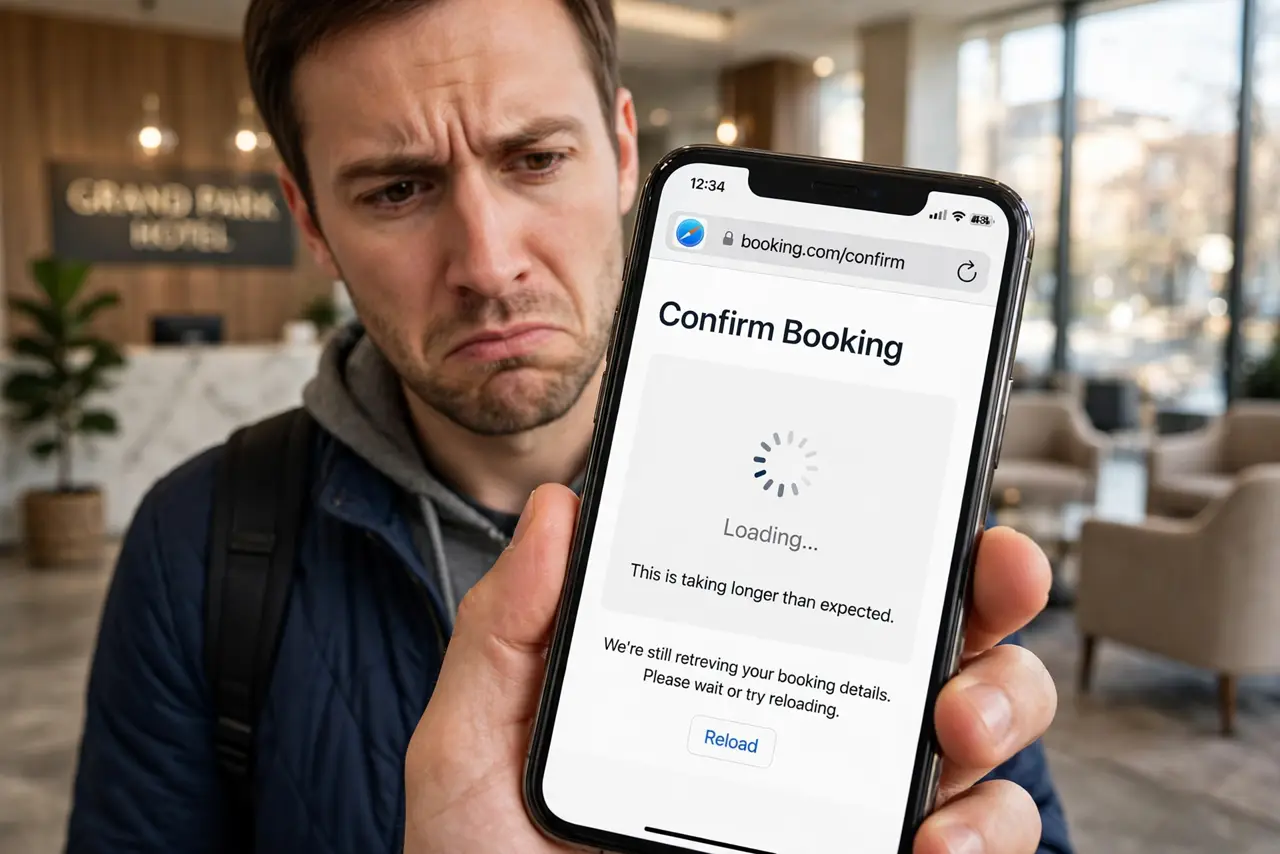
You join the hotel Wi-Fi, open the browser expecting the login page — and get nothing, or an endless spinner. Captive portals hijack your first request, and anything from a VPN to HTTPS can break the hijack. Here is the sequence that summons the page.
TL;DR / Quick Fix
Quick fix: disconnect any VPN and open a plain HTTP site like example.com — the portal appears. If not, forget and rejoin the network, then open the browser. Ask the front desk for the login address as a last resort. Never enter card details on a portal that looks wrong.
Follow these steps
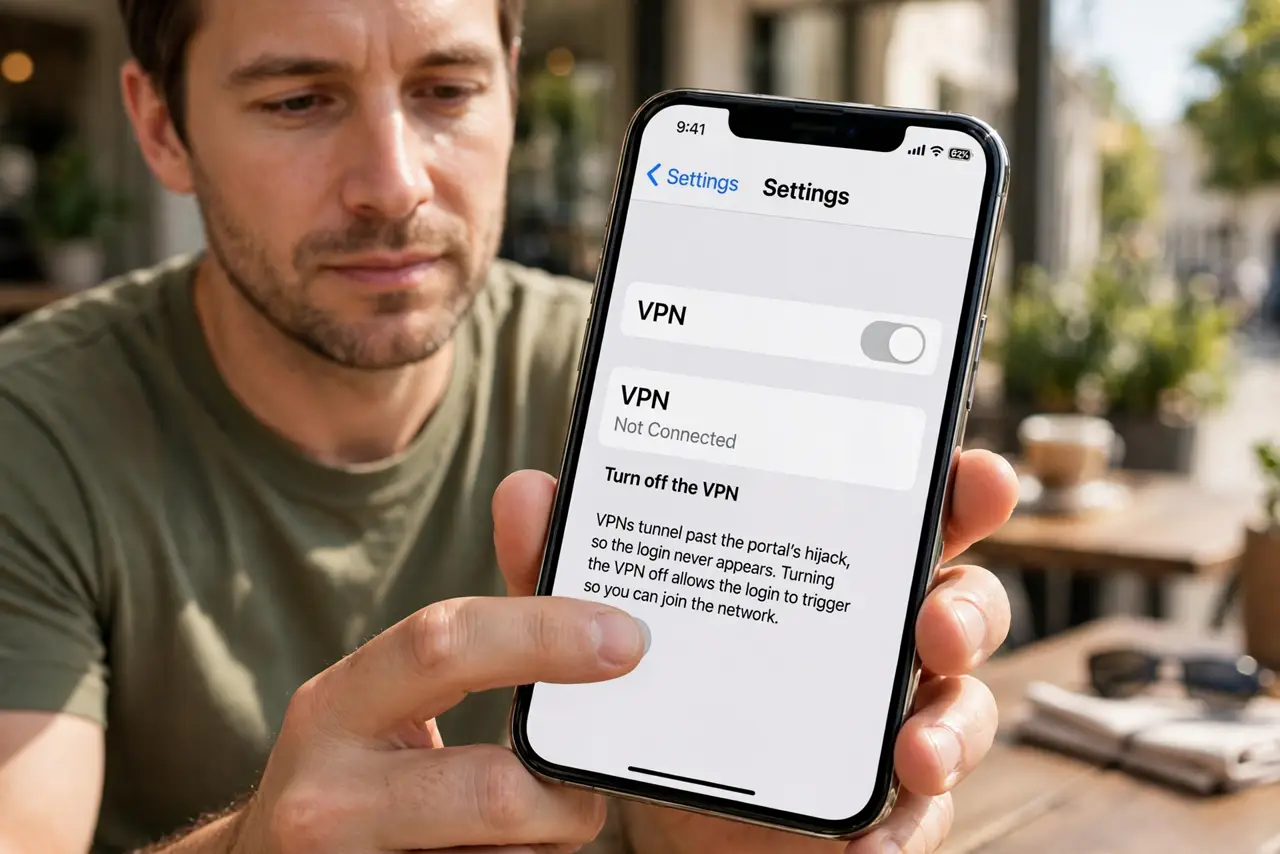
- Turn off the VPN. VPNs tunnel past the portal's hijack, so the login never triggers. Off first, login second, VPN third.
- Open a plain HTTP site. Type example.com or another never-HTTPS address. Portals intercept plain HTTP reliably; HTTPS often slips past the trap.
- Try a private window. A fresh private window skips cached redirects that can jam the portal flow.
- Forget and rejoin the network. A stale DHCP lease can point at a dead portal address. Forgetting rebuilds the handshake cleanly.
- Open the browser immediately after joining. Join the network, then open the browser within seconds — some portals only intercept the first requests.
- Ask for the direct address. Front desks often know the portal's numeric address. Typing it directly bypasses the interception entirely.
What NOT to do
- Do not enter payment details on a suspicious portal. A luxury-hotel portal asking for card details over plain HTTP deserves a call to the desk.
- Do not assume no portal means free internet. Some networks silently limit you until login — test by loading a real page.
- Do not use a random portal helper app. They harvest credentials — the browser method above is all you need.
- Do not forget to reconnect the VPN after. The portal got you online; the VPN keeps you safe on it.
Frequently asked questions
Why won't the login page appear?
Usually a VPN, HTTPS-only browsing, or a cached redirect blocks the portal's interception. The VPN-off plus plain-HTTP combo fixes most cases.
Is it safe to log in to a captive portal?
For the portal itself, yes — but assume the network is hostile afterward. Reconnect your VPN before doing anything sensitive.
The portal appears but loops forever — help?
That is the payment loop variant: clear cookies for the portal domain or try a different browser.