Car Bluetooth Won't Auto-Connect? Fix It
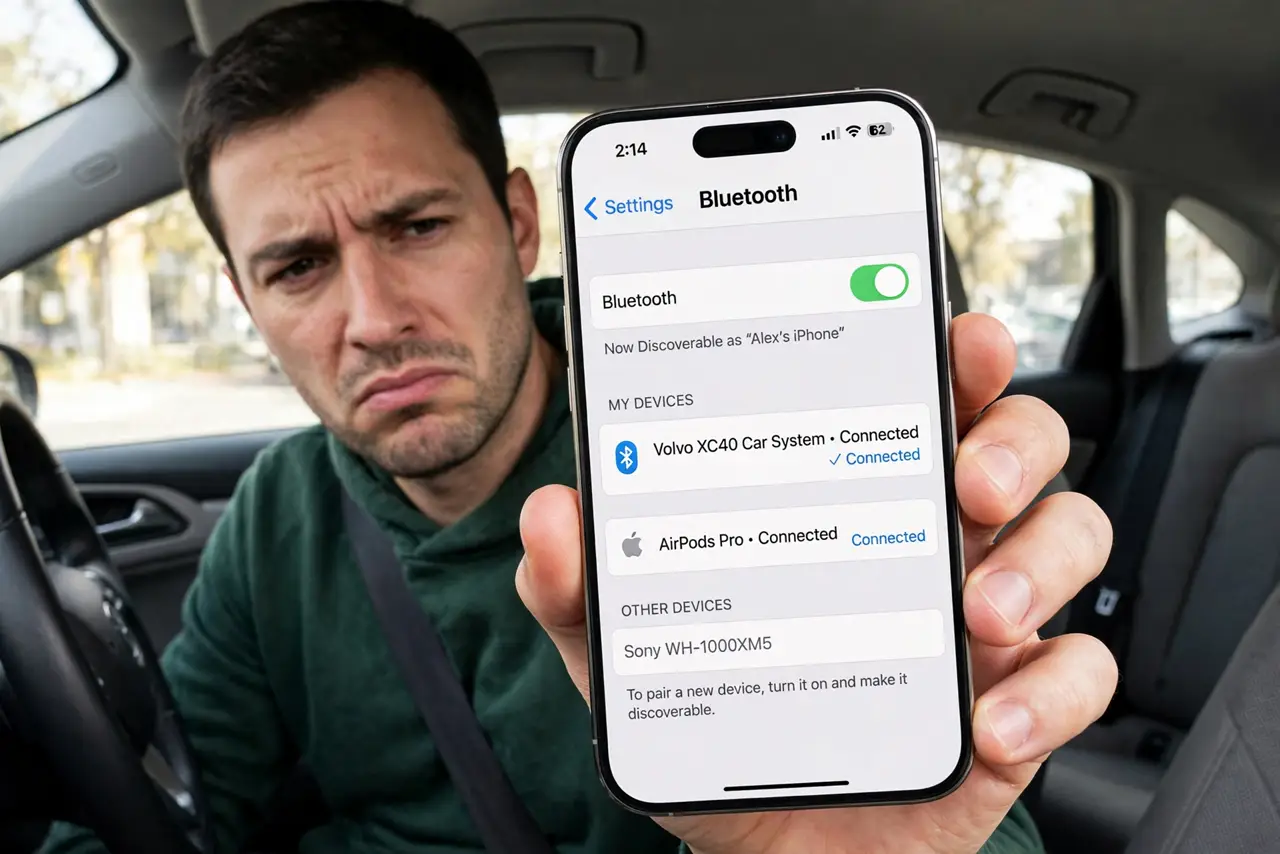
Every drive starts with you manually reconnecting the phone to the car — the auto-connect that used to work just stopped. Cars are picky Bluetooth partners: too many paired phones, a full car memory, or a phone update can break the handshake. This guide restores the automatic connection, unlike the deeper audio dropouts some drivers get mid-drive.
TL;DR / Quick Fix
Quick fix: delete the car from the phone's Bluetooth list and delete the phone from the car's paired list, then pair fresh. In the car's Bluetooth settings, set your phone as the priority or favorite device. Keep the phone's Bluetooth on before starting the car so the handshake happens automatically.
Follow these steps
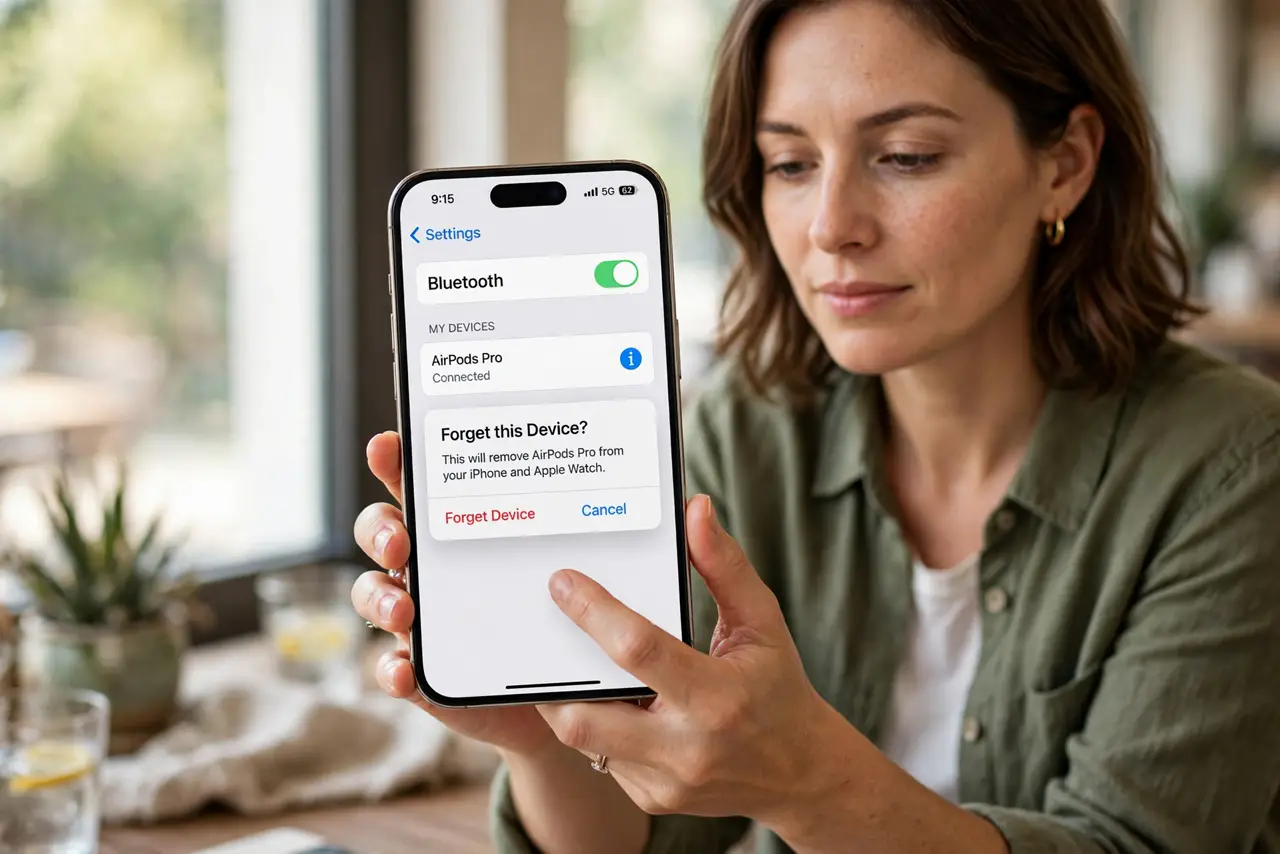
- Forget the pairing on both sides. Remove the car from the phone's Bluetooth list AND remove the phone from the car's paired-devices list. Clearing only one side leaves stale data that breaks auto-connect.
- Pair fresh with the car in pairing mode. Put the car's system in discoverable mode and pair from the phone. Accept any pairing codes and grant contacts access if you want caller names on the dashboard.
- Set your phone as the priority device. In the car's Bluetooth settings, mark your phone as the favorite or priority device. Cars with several paired phones connect to the priority one first.
- Keep Bluetooth on before starting the car. Turn the phone's Bluetooth on before you start the engine. If the phone's radio wakes after the car's search window, they miss each other.
- Trim the car's paired-device list. Delete old phones from the car's memory. A full car Bluetooth list causes slow or failed connections — some cars only remember a handful of devices.
- Check for car firmware updates. Some car systems get Bluetooth fixes through dealer updates or USB updates. If auto-connect broke suddenly, ask the dealer whether an update exists.
What NOT to do
- Do not pair while driving. Set this up parked — fumbling with Bluetooth menus on the road is dangerous.
- Do not forget the car side of the pairing. Re-pairing only on the phone while the car keeps stale data rarely fixes anything.
- Do not leave five old phones paired to the car. Stale entries slow the handshake and cause exactly this problem.
- Do not assume a phone update broke it permanently. Re-pairing fresh after an update resolves most post-update car Bluetooth issues.
Frequently asked questions
Why won't my phone auto-connect to my car anymore?
Usually stale pairing data on one side, too many paired phones in the car's memory, or a phone update that changed Bluetooth behavior. A fresh two-sided re-pair fixes most cases.
My car connects but then drops — is that the same issue?
No — that is a dropout problem during the drive, a different fault from failing to connect at startup.
Should I delete other paired phones from the car?
Yes, if you do not use them. Fewer entries mean a faster, more reliable handshake with your phone.