Android Auto Keeps Disconnecting? Fix It
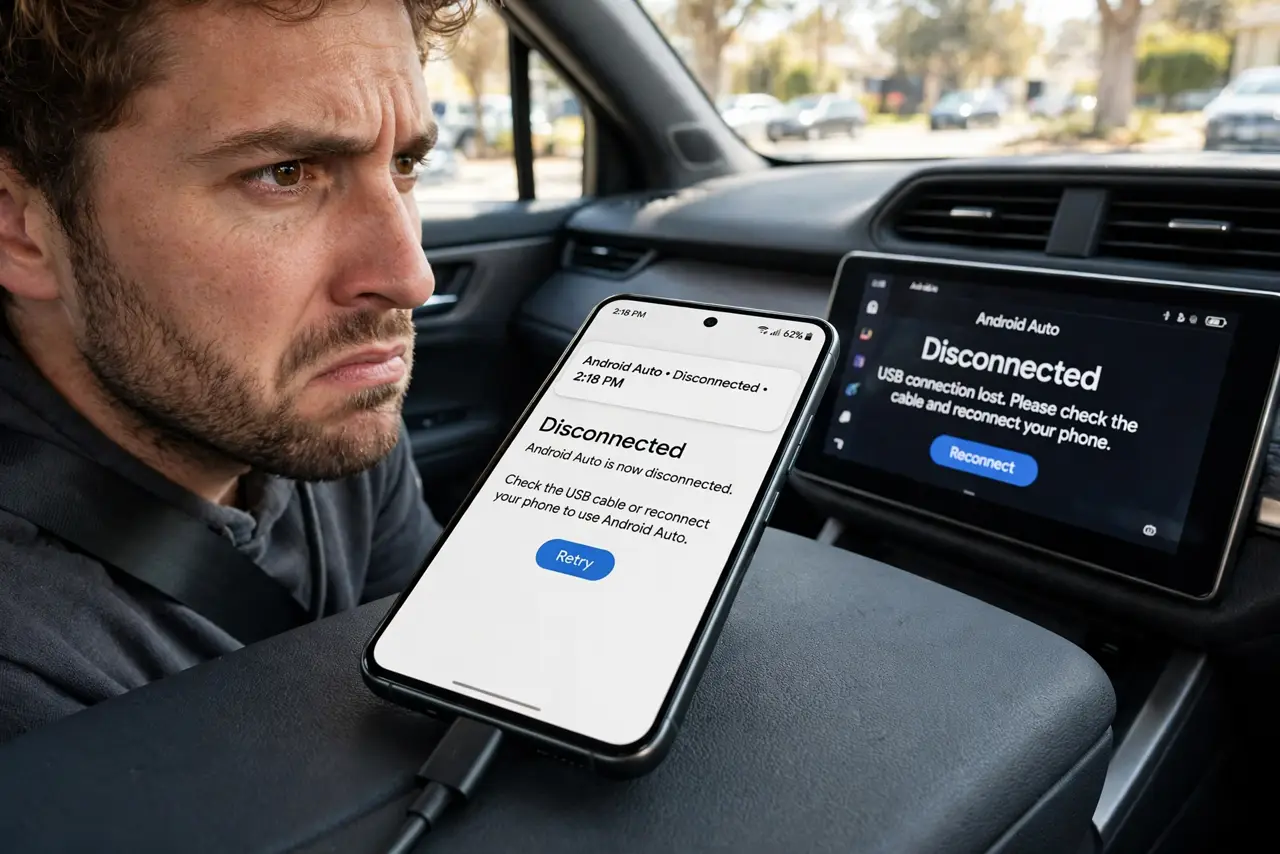
Android Auto drops mid-drive — the screen freezes, goes black, or returns to the car's menu. The usual suspects are the USB cable, the phone's battery optimization killing the app, or wireless interference. This guide stabilizes the connection so your car's Bluetooth is not the only thing that works.
TL;DR / Quick Fix
Quick fix: use a short, high-quality USB cable and plug directly into the car's data port, not a hub. Set the Android Auto app's battery usage to Unrestricted. If wireless Android Auto drops, forget the car's Wi-Fi network on the phone and set it up again.
Follow these steps
- Use a short, quality USB cable. Swap in a short cable from a reputable brand, plugged directly into the car's USB data port. Long, cheap, or charge-only cables are the number one cause of drops.
- Set Android Auto to Unrestricted battery. In app settings, set Android Auto's battery usage to Unrestricted. Battery optimization killing the app mid-drive looks exactly like a cable fault.
- Lock Android Auto in recent apps. Pin or lock the app in the recent-apps view so the system cannot sweep it away during a long drive.
- For wireless: re-do the Wi-Fi pairing. Wireless Android Auto uses Wi-Fi plus Bluetooth. Forget the car's Wi-Fi network on the phone, unpair Bluetooth, and set both up fresh.
- Turn off battery saver while driving. Battery saver throttles background activity that Android Auto needs. Disable it for the drive, or add Android Auto as an exception.
- Update the app and the car's system. Update Android Auto from the Play Store and check the car maker's site for infotainment updates. Mismatched versions cause mysterious drops.
What NOT to do
- Do not use a gas-station bargain cable for Android Auto. Data-grade cables matter here — the cheapest cable is the most expensive in frustration.
- Do not troubleshoot while driving. Pull over before replugging cables or digging through settings.
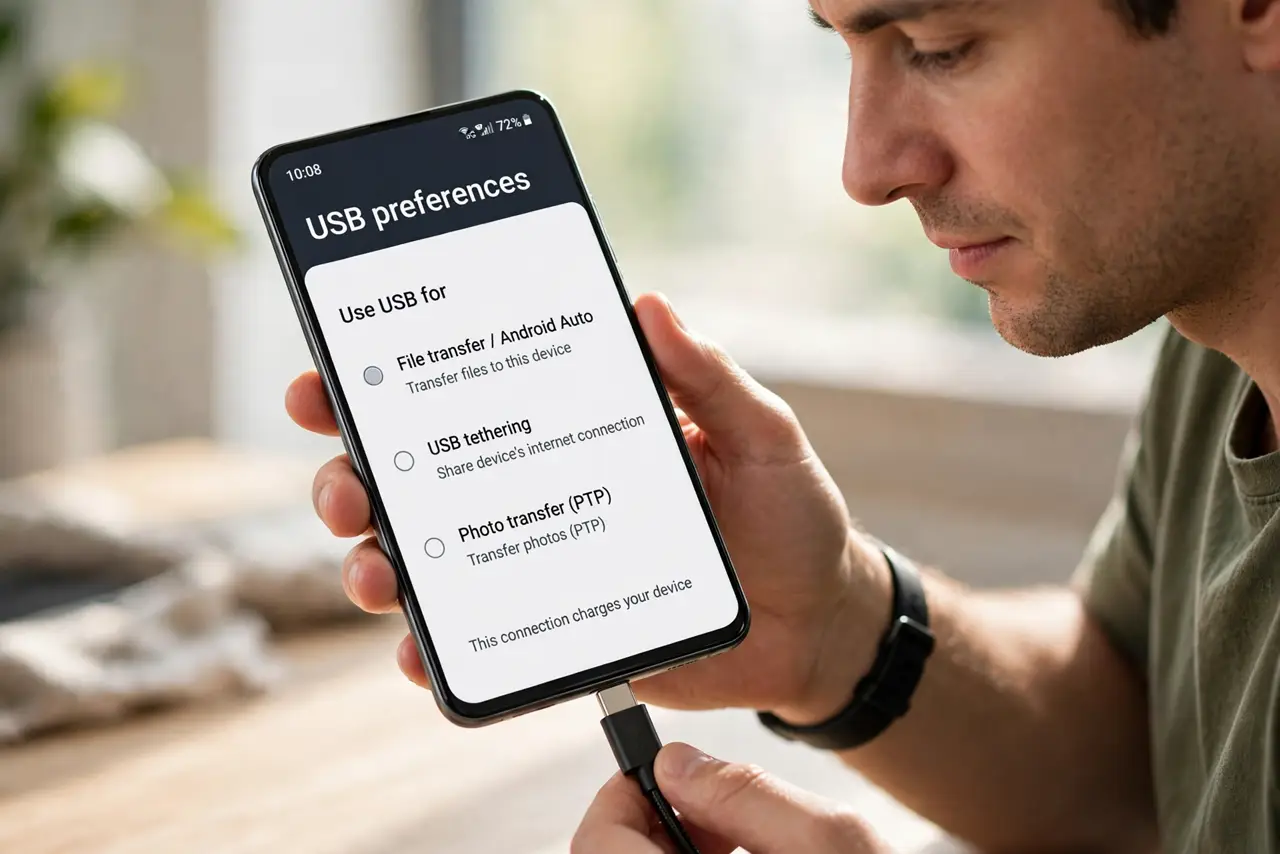
- Do not assume the car's USB port is a data port. Some ports are charge-only; the manual marks which one handles Android Auto.
- Do not leave battery optimization on for Android Auto 'to save power.' A killed app mid-navigation is worse than the tiny power saving.
Frequently asked questions
Why does Android Auto keep disconnecting?
Most often a poor USB cable, or the phone's battery optimization killing the app. Wireless drops usually mean the Wi-Fi link needs re-pairing.
Wired or wireless Android Auto — which is more stable?
Wired, with a good cable. Wireless is convenient but adds a Wi-Fi link that can drop in interference.
Android Auto worked, then broke after a phone update — why?
Updates can reset battery optimization or change USB behavior. Re-check the Unrestricted battery setting first.