Check Email Twice a Day
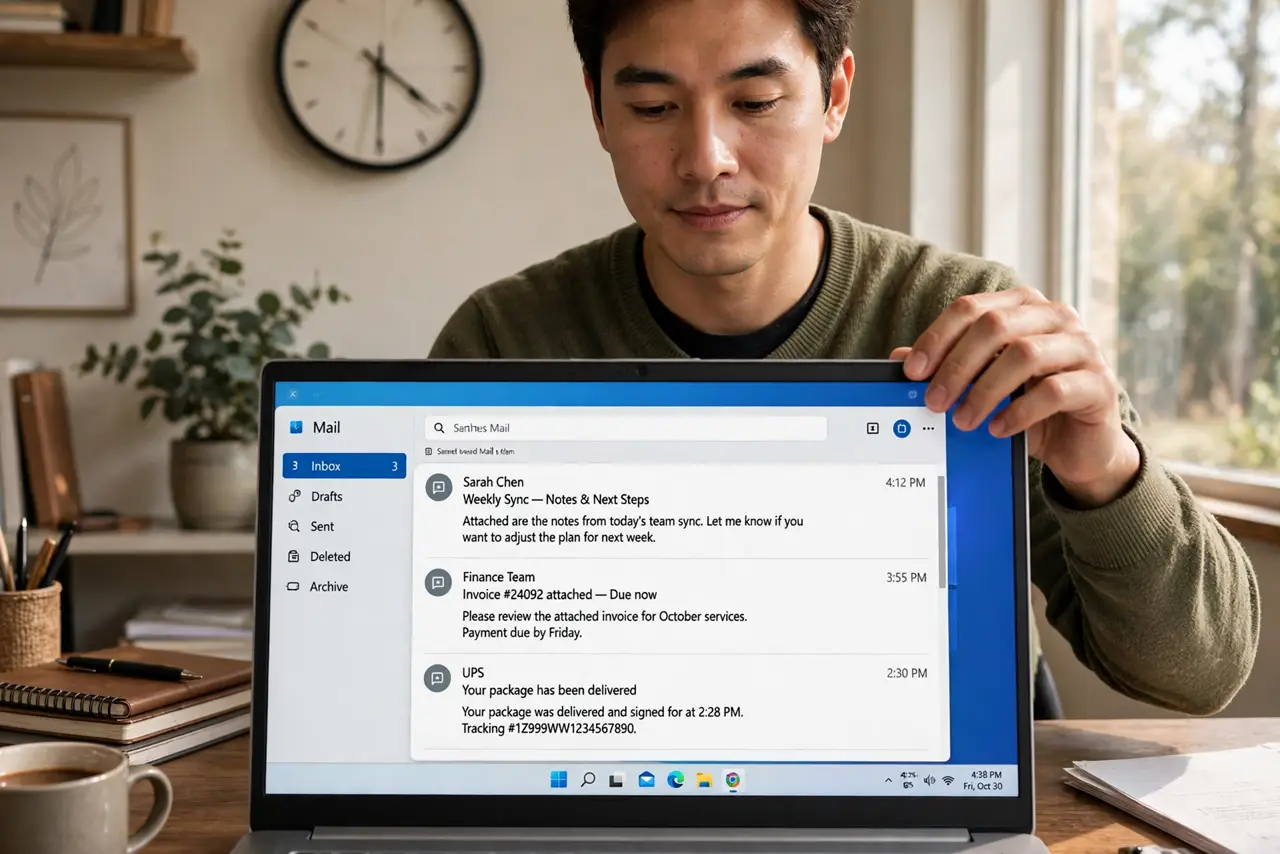
The inbox sits open all day, and every new message — important or not — interrupts whatever you were doing. Email is other people's priorities arriving unannounced, and an always-open inbox means living on their schedule. The fix is batching: check email twice a day, process it in focused sessions, and close it otherwise. It sounds radical until you try it for a week — then it sounds obvious. Pair with chat boundaries so urgent things still reach you.
TL;DR / Quick Fix
Quick fix: check email just twice a day — late morning and late afternoon — and keep the inbox closed otherwise. Batching turns email from a constant interruption into two focused sessions. Tell colleagues about the schedule, and use filters so truly urgent messages still break through by another channel.
Follow these steps
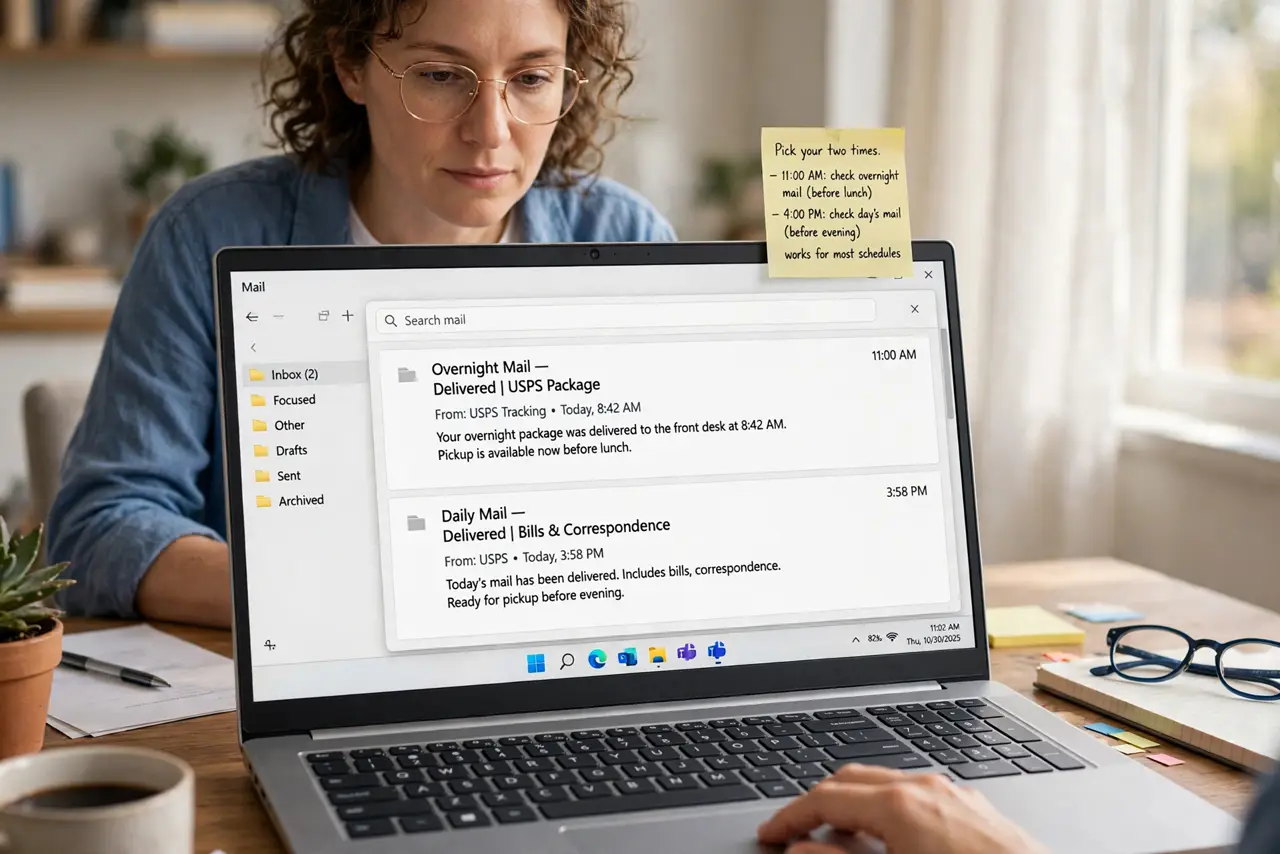
- Pick your two times. Late morning (around 11) and late afternoon (around 4) work for most schedules — you catch overnight mail before lunch and the day's mail before leaving. Two fixed times, not 'whenever'.
- Close the inbox between sessions. Close the tab, quit the app, silence its notifications. An open inbox is a slot machine — out of sight is the only reliable off switch.
- Process, do not just read. Each session: delete, archive, reply, or convert to a task — then move on. Reading without deciding just re-reads the same email tomorrow.
- Tell people the schedule. Add it to your email signature or tell key colleagues: 'I check email at 11 and 4; call me if it is urgent.' The social contract kills the anxiety on both sides.
- Set up an urgent bypass. Give truly urgent matters another channel — phone, chat, a VIP filter. Email's job is the non-urgent 95%; the bypass handles the 5% that cannot wait.
- Use filters aggressively. Newsletters to a folder, notifications to skip the inbox, clients to labels. A filtered inbox makes the two sessions short — unfiltered, they balloon.
What NOT to do
- Do not 'just peek' between sessions. Peeking reopens the slot machine — the schedule works only if the inbox stays closed.
- Do not start the day with email. Morning email sets everyone else's agenda first — your priorities come before the inbox opens.
- Do not use the inbox as a to-do list. Unprocessed email is a to-do list that re-sorts itself randomly — convert items to real tasks.
- Do not apologize for the schedule. 'I check email twice daily' is professional, not rude — constant availability was never in your job description.
Frequently asked questions
What if my job requires fast email responses?
Then batch tighter — three or four sessions — or exempt one VIP sender. Even constrained batching beats the always-open inbox.
Will people think I am ignoring them?
Only if you vanish silently. The signature line and the urgent bypass answer that worry before it forms.
How long until it feels normal?
About a week. The first days itch; then the reclaimed hours speak for themselves — most people never go back.