Sharing Child Photos in a School App
Class apps and school chats fill up with kids' photos — cute, but also a permanent record of your child's face, name, and school. A few sharing habits keep the memories without building a public dossier on your kid.
TL;DR / Quick Fix
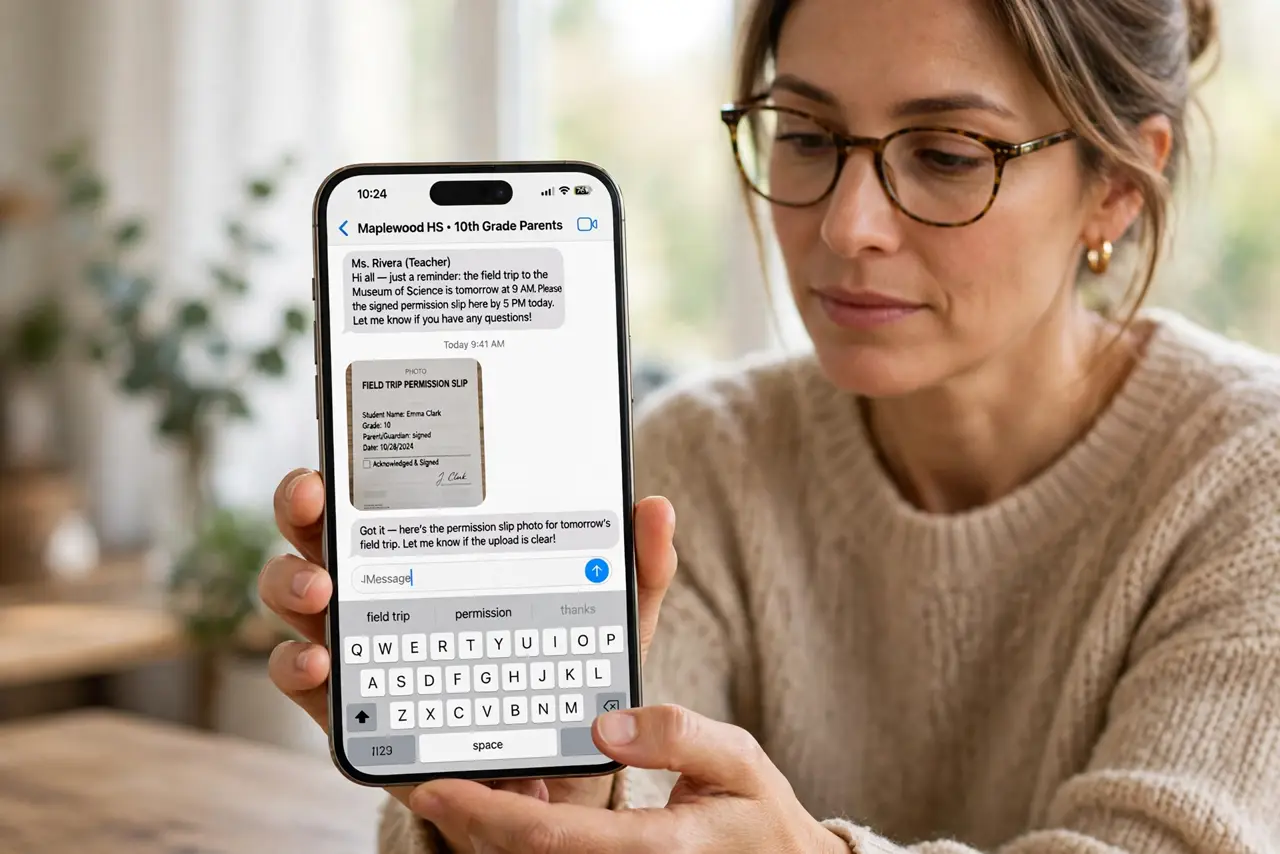
Quick fix: check the school app's privacy settings and photo-sharing rules before posting, and keep kids' full names and school names out of captions. Then ask other parents before posting group photos, limit sharing to the class group, and review old posts yearly.
Follow these steps
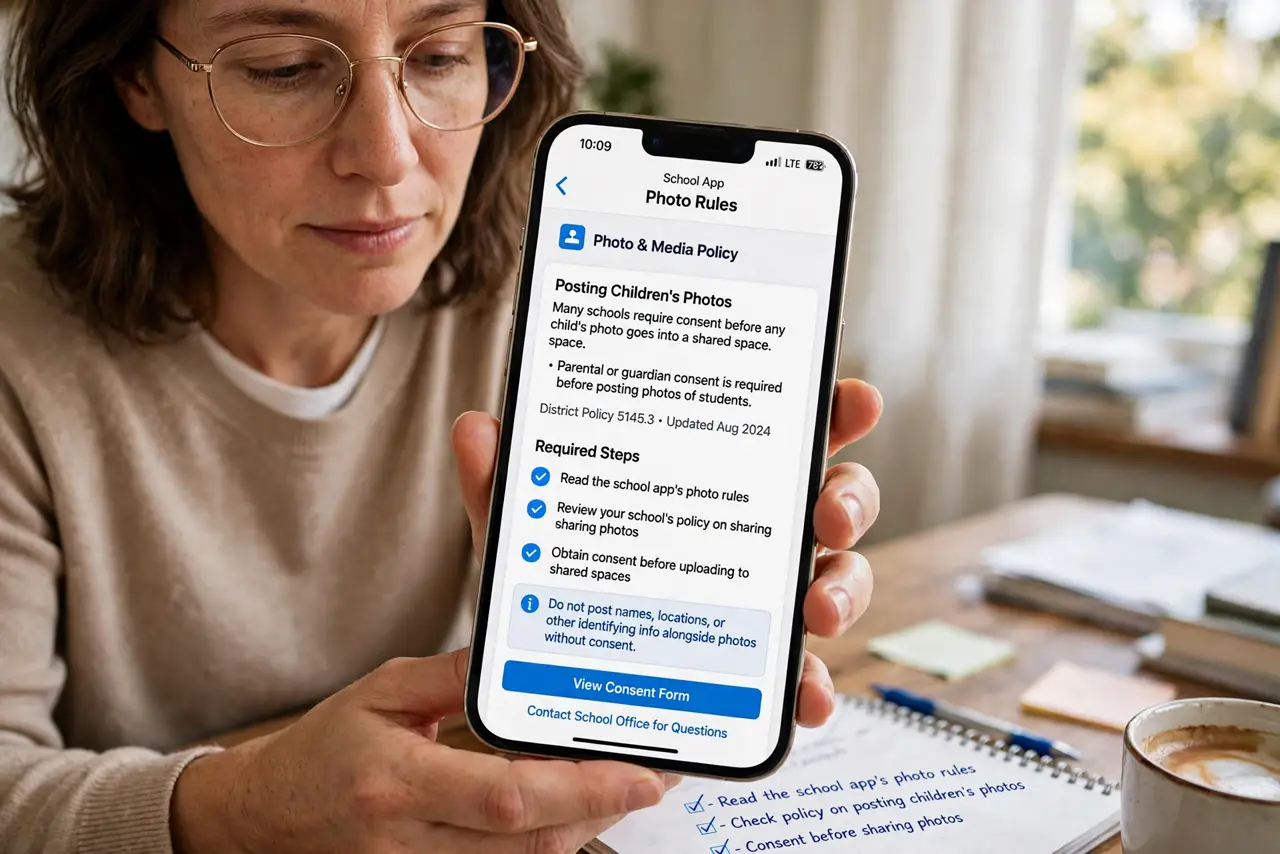
- Read the school app's photo rules. Check the app's or school's policy on posting children's photos. Many schools require consent before any child's photo goes into a shared space.
- Keep names and schools out of captions. Post the photo without full names, school names, or locations in the text. A cute photo with no identifiers is far safer than the same photo with a full caption.
- Ask before posting other people's kids. Get a quick okay from the other parent before sharing a group photo. Their privacy standards may differ from yours, and asking costs nothing.
- Share to the class group, not publicly. Keep school photos inside the class or team group instead of public social feeds. A smaller audience means fewer strangers collecting your child's image.
- Review old posts once a year. Revisit last year's school posts and delete the ones that now feel too revealing. Kids grow, and a yearly privacy audit keeps their digital footprint age-appropriate.
- Turn off location on the camera for kid photos. Disable location tagging when photographing children. Location data embedded in a photo can reveal home and school addresses.
What NOT to do
- Do not post other children without asking. Their parents did not consent to your share, and the photo may violate the school's policy.
- Do not include the school name in captions. Name plus face plus school is everything a stranger needs to find a child.
- Do not assume a private group stays private. Screenshots leave any group, so post only what you would tolerate going further.
- Do not tag children's locations. Check-ins at the school or the playground turn a photo into a map.
Frequently asked questions
Can I post my own child's photo?
Yes, but mind the school's rules, skip identifying captions, and keep it inside the class group rather than public feeds.
What about group photos?
Ask the other parents first. One objection means cropping or skipping that photo, no debate needed.
Should location be off for kid photos?
Yes. Location metadata can reveal home and school addresses, so disable it for photos of children.