Choose a VR Headset
Standalone, PC-tethered, console-bound — VR headset shopping feels like decoding a secret language, and the price spread is enormous. The good news: the market has settled into three clear lanes, and matching yourself to the right lane answers 90% of the question. This guide maps the lanes so you buy the headset you will actually use.
TL;DR / Quick Fix
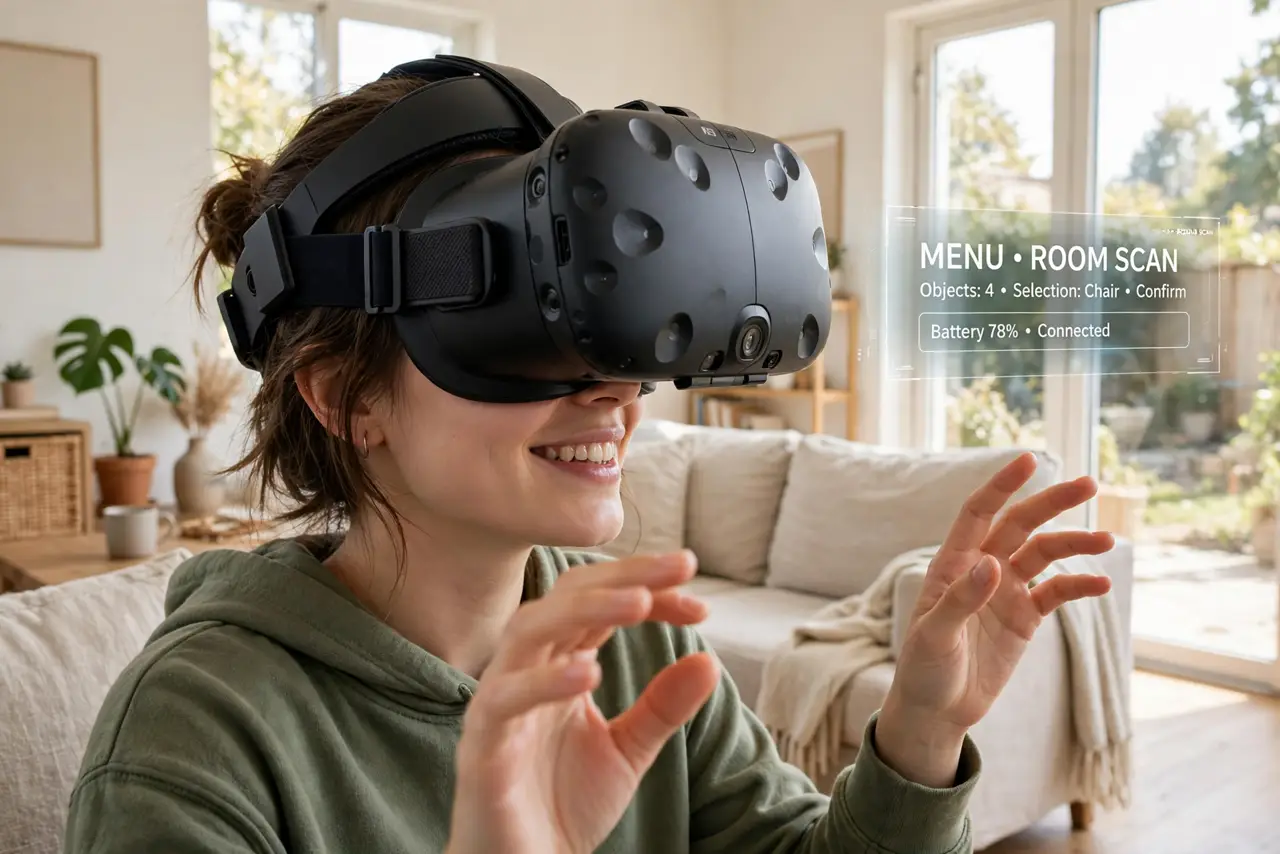
Quick fix: for most first-time buyers, a standalone headset like the Quest 3 is the right call — no PC or console needed, handling both games and casual apps. Buy PC-tethered only for top-end graphics, and a console headset only if you own that console. Comfort beats specs.
Follow these steps
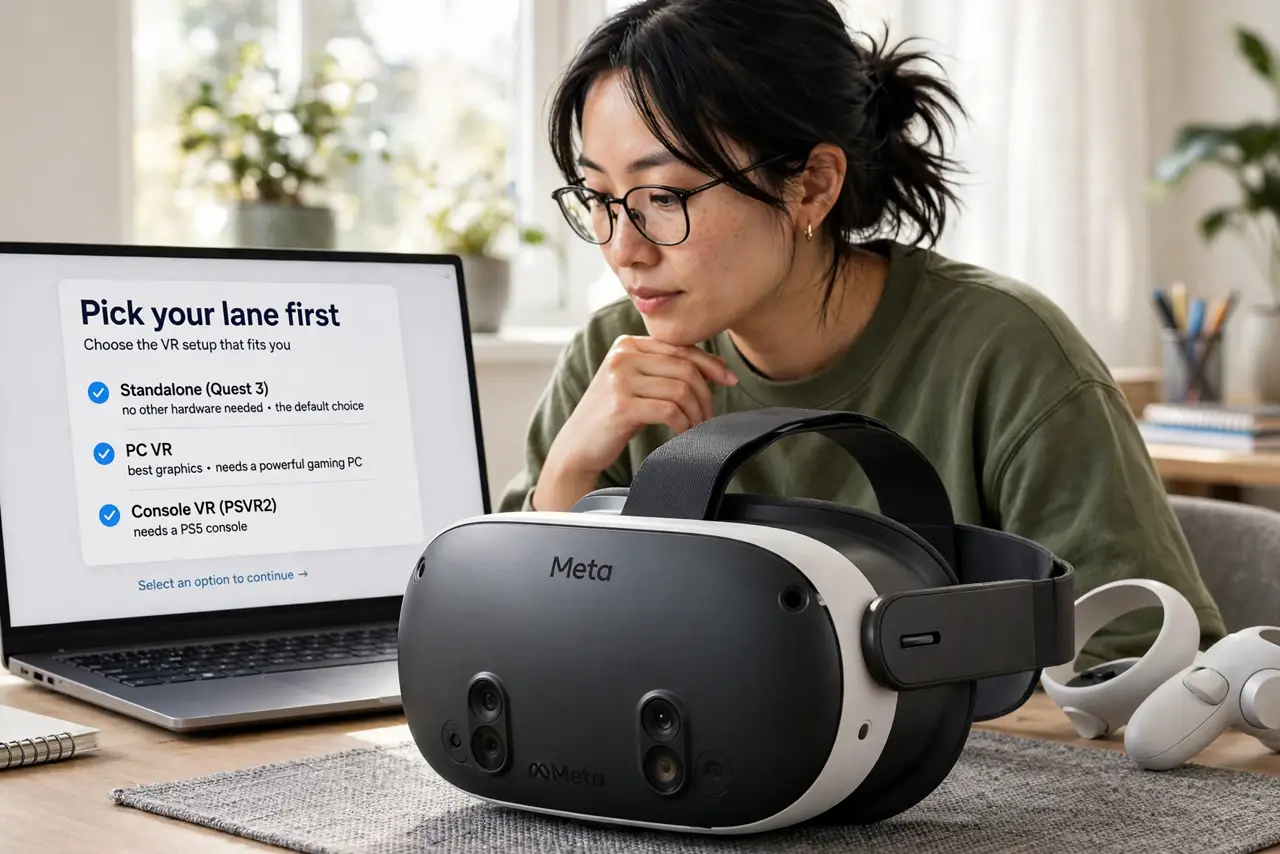
- Pick your lane first. Standalone (Quest 3): no other hardware needed, the default choice. PC VR: best graphics, needs a powerful gaming PC. Console VR (PSVR2): needs that console. Your existing hardware usually decides the lane for you.
- Start with standalone unless you have a reason. For most buyers, standalone is the answer — no wires, no extra purchases, huge library. Only leave this lane for a specific reason: you own a VR-ready PC and crave top-end visuals, or you live in the PlayStation ecosystem.
- Prioritize comfort over specs. A headset lives on your face. Weight distribution, strap quality, and lens sweet spot matter more than a spec-sheet resolution bump — an uncomfortable headset becomes a shelf ornament regardless of its pixels. Try before you buy if at all possible.
- Check the glasses situation. If you wear glasses, confirm the headset fits them or supports prescription lens inserts. This is a daily-comfort dealbreaker that spec comparisons never mention.
- Budget for the extras. The headset price is the start: prescription inserts, a better strap, a carrying case, and rechargeable batteries add up. Price the real kit, not the box.
- Start with the friendly on-ramp. If standalone wins, the Quest 3 basics guide covers setup and first steps; console owners should read the PSVR2 setup guide instead. Either way, begin with short sessions — VR legs build over days.
What NOT to do
- Do not buy PC VR without a VR-ready PC. The headset is a paperweight without the graphics card to drive it — check your PC first.
- Do not chase the highest resolution blindly. Lens quality and comfort affect what you see more than raw pixel counts.
- Do not start with marathon sessions. Motion sensitivity is normal at first — short sessions over several days build tolerance; pushing through nausea trains nothing.
- Do not forget the play space. Room-scale VR needs clear floor space; a cramped room turns the best headset into a seated-only experience.
Frequently asked questions
Is VR still a gimmick?
No — standalone headsets made it a real platform with fitness, social, and creative apps beyond gaming. It is still maturing, but 'gimmick' is years out of date.
Can kids use VR headsets?
Makers set minimum ages (usually 10-13 depending on the headset). Young eyes and developing balance deserve caution — follow the maker's guidance, not the marketing.
Do I need a big empty room?
No. Most popular experiences work standing or seated in a small clear area. Full room-scale is optional, not required.