What Is a Chromebook?
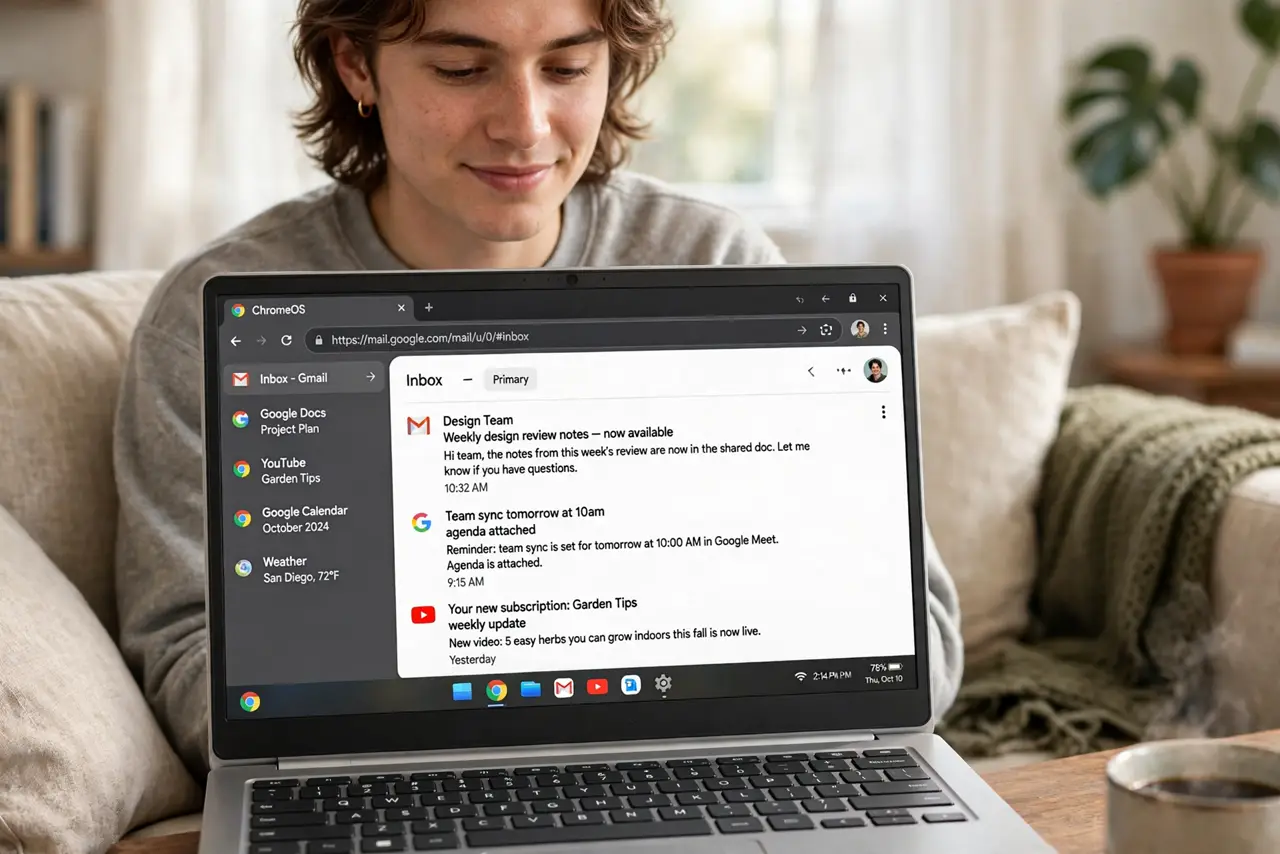
Laptops for a fraction of the usual price, booting in seconds, with batteries that last all day — Chromebooks sound too good to be true, and in a sense they are: the catch is what they cannot do. A Chromebook runs ChromeOS, essentially the Chrome browser as an operating system, which covers web life beautifully and leaves traditional software behind. Knowing which side of that line you live on decides everything.
TL;DR / Quick Fix
Quick fix: a Chromebook is perfect if your life is the browser — email, docs, streaming, video calls — plus Android apps for the gaps. Skip it if you need Windows or Mac desktop software, heavy gaming, or professional creative tools. They are cheap, fast, and nearly maintenance-free.
Follow these steps
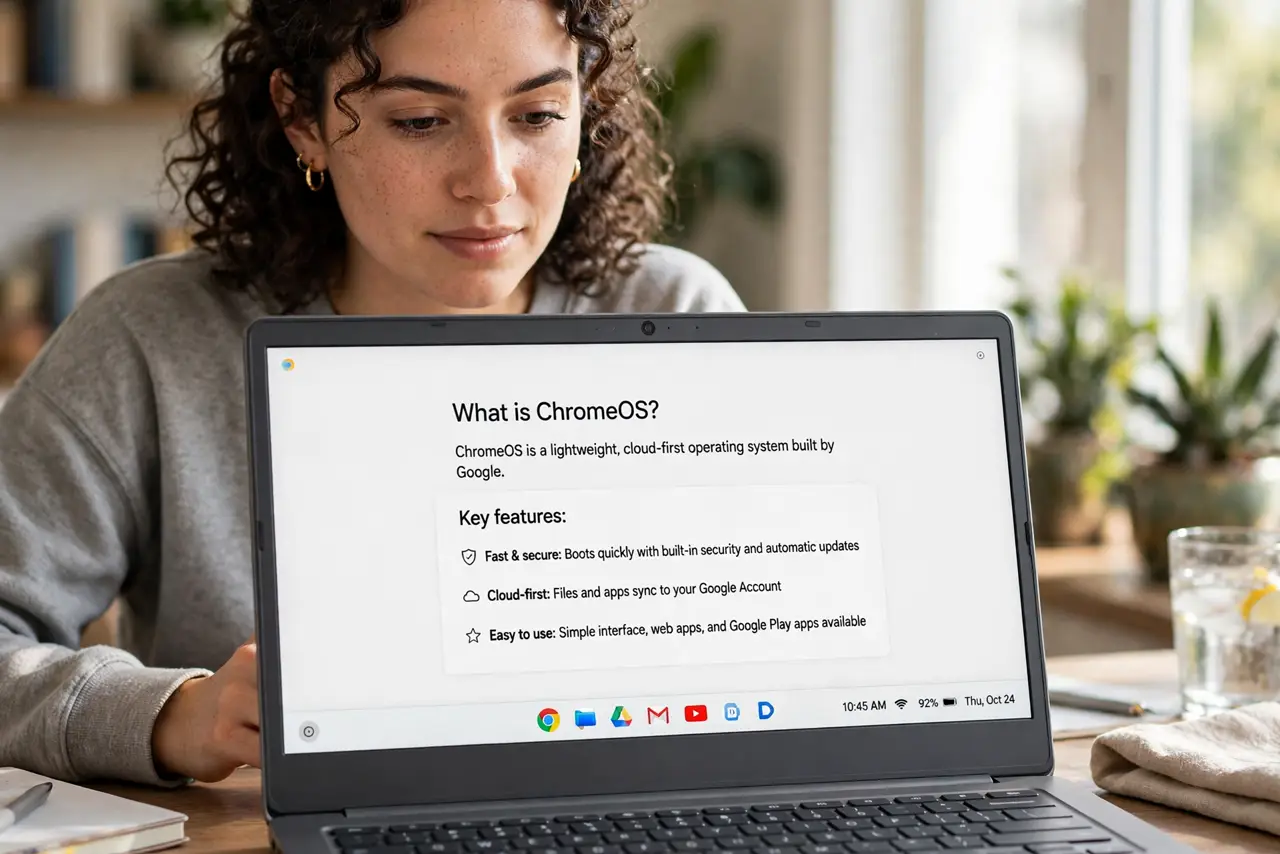
- Understand what ChromeOS is. ChromeOS is a lightweight system built around the Chrome browser, with Android app support layered on. It boots fast, updates silently, and barely needs maintenance.
- List what you actually do. Write down your real daily tasks. If they are all in a browser — email, documents, spreadsheets, streaming, calls — a Chromebook covers them. Be honest about the exceptions.
- Check your must-have software. Need full Photoshop, specific Windows business software, or heavy development tools? Those do not run on Chromebooks. Check the limits list before assuming your app has a web version.
- Try the Android apps. Many gaps are filled by Android apps from the Play Store — but not all Android apps work well on a big screen. Test your critical ones during the return window.
- Understand the offline limits. Chromebooks shine online; offline they are thinner. Google's apps cache well, but a week without internet is not their habitat.
- Buy for the use case, not the price. The low price tempts impulse buys. A cheap laptop that cannot do your work is not a bargain — match the machine to the tasks first.
What NOT to do
- Do not buy one for Windows-only software. Compatibility layers and remote desktops are workarounds, not solutions, for daily drivers.
- Do not assume all Android apps work great. Phone apps on a laptop screen range from fine to awkward — verify yours.
- Do not skip the update expiry date. Chromebooks get updates for a set number of years — check the Auto Update Expiration before buying.
- Do not expect heavy gaming. Cloud gaming works; local AAA gaming does not — the hardware is not built for it.
Frequently asked questions
Can a Chromebook replace a Windows laptop?
For browser-centered users, absolutely — many never miss Windows. For software-dependent work, no.
Are Chromebooks good for students?
Excellent — cheap, durable, long battery, and Google Classroom integration. Schools buy them by the thousand for good reason.
What is the difference versus a cheap Windows laptop?
The Chromebook is faster and simpler within its lane; the Windows laptop runs anything but needs more maintenance. Pick by software needs.