Chromecast Is Not Found on the Same Wi-Fi
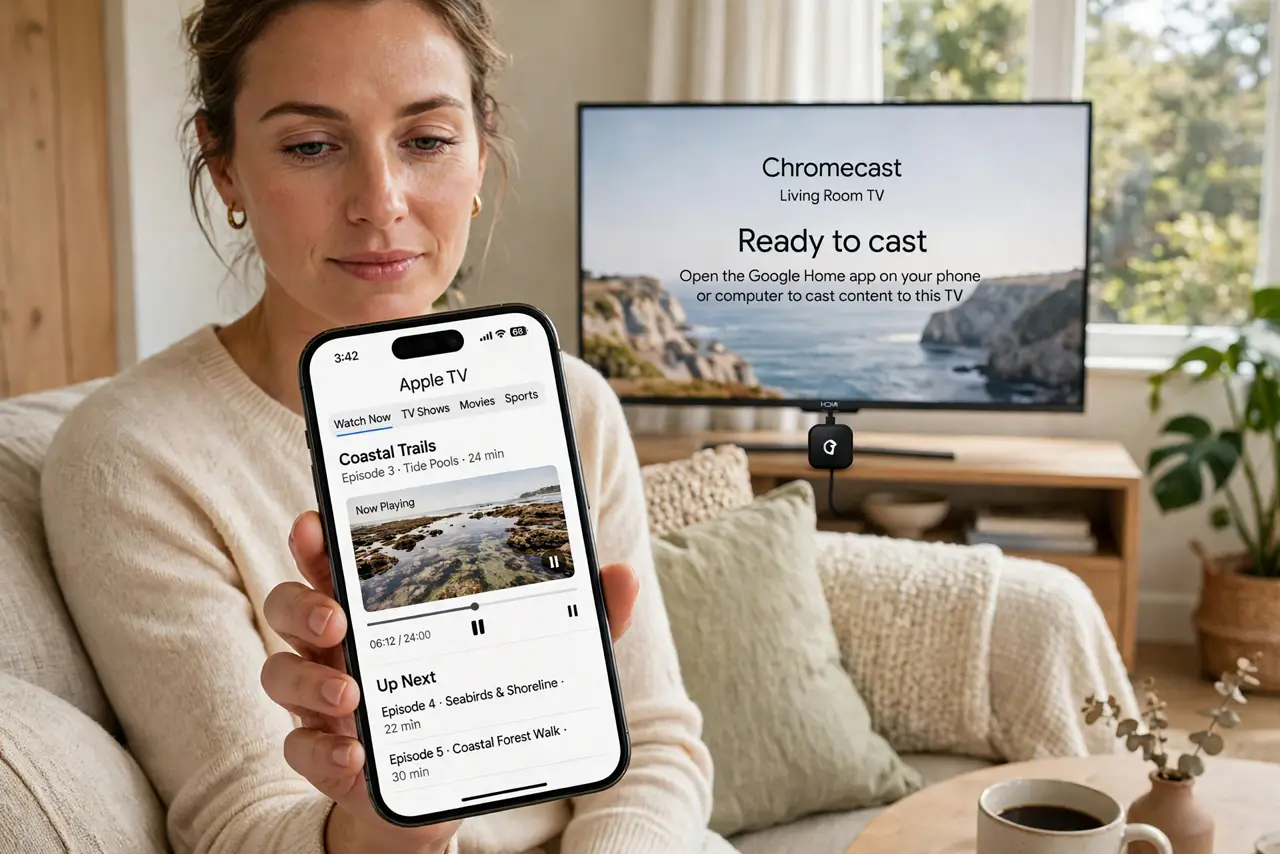
The phone and the Chromecast both claim to be on the same Wi-Fi, yet the cast button finds nothing. Usually they are on two networks that merely look alike — or the router is keeping them apart.
TL;DR / Quick Fix
Quick fix: confirm the phone and the Chromecast show the exact same Wi-Fi name, then restart the Chromecast and the phone. If it still hides, check the router for AP isolation or a guest network, since either one blocks the discovery the cast button needs.
Follow these steps
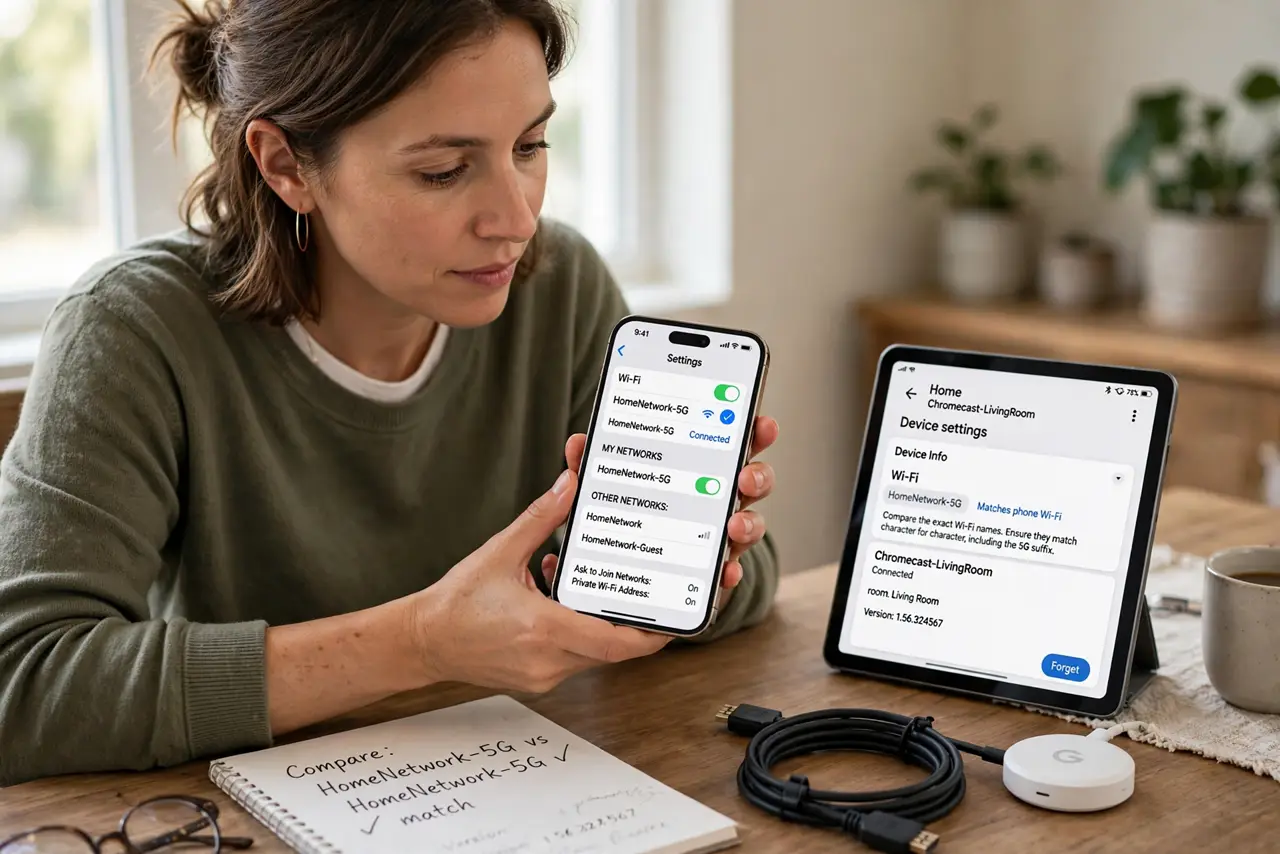
- Compare the exact Wi-Fi names. Open Wi-Fi settings on the phone and the Google Home app for the Chromecast. The names must match character for character, including 5G suffixes that look like the same network but are not.
- Restart the Chromecast first. Unplug the Chromecast's power for ten seconds and plug it back in. A fresh boot re-announces it on the network, which fixes most discovery failures.
- Restart the phone too. Reboot the phone after the Chromecast comes back. The phone's discovery cache can hold onto the old, failed search until a restart clears it.
- Check you are not on the guest network. If the phone joined the guest network, it cannot see the Chromecast on the main network. Move the phone to the main Wi-Fi and try again.
- Look for AP or client isolation in the router. Log into the router and turn off AP isolation or client isolation. That setting deliberately blocks devices from seeing each other, which kills casting completely.
- Check for a stuck mesh node if you use mesh. A Chromecast clinging to a far node can miss discovery messages — the classic stuck mesh node problem. Restart the nearest node and confirm the Chromecast connects to it.
What NOT to do
- Do not factory-reset the Chromecast first. A restart fixes discovery in most cases, while a reset erases its setup for a problem that was never in the device.
- Do not cast from a VPN-connected phone and expect it to work. The VPN tunnels the phone away from the local network, so the Chromecast becomes invisible until the VPN is off.
- Do not assume the Chromecast is broken because one app cannot see it. If the Google Home app sees it but a video app does not, the app is the problem, not the Chromecast.
- Do not rename your Wi-Fi to fix one device. Renaming forces every device in the house to reconnect, while the real fix is usually a restart or one router setting.
Frequently asked questions
Why does the cast button vanish sometimes?
Because discovery needs the phone and the Chromecast on the same network with nothing blocking device-to-device traffic, and any of those can change silently.
Can a VPN hide my Chromecast?
Yes. A VPN moves the phone's traffic off the local network, so discovery cannot reach the Chromecast until the VPN is off.
Does it matter which mesh node it uses?
It can. A Chromecast stuck on a distant node may miss discovery, so keep it on the nearest healthy node.