Mesh Device Sticks to a Far Node? Fix It
A device stays connected to a distant mesh node, even when you stand beside a nearer one, and speed suffers. Devices choose when to roam, and a device will cling to a known node until its signal gets truly bad.
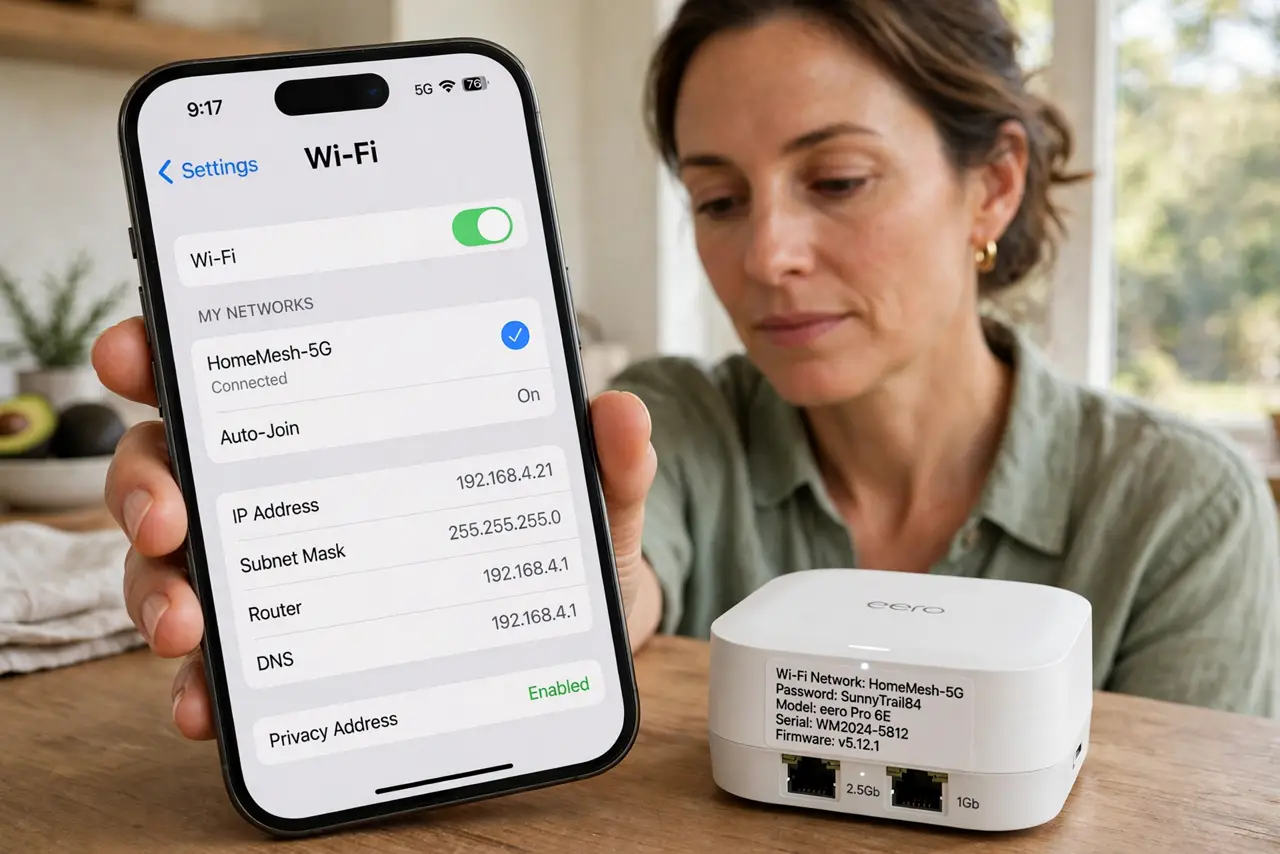
TL;DR / Quick Fix
Quick fix: toggle Wi-Fi off and on on the device beside the near node, so it picks the nearest node fresh. Then check node placement for good overlap, and enable roaming help in the mesh app if it offers it.
Follow these steps
- Toggle Wi-Fi off and on. Beside the near node, turn Wi-Fi off and on on the device. A fresh join usually picks the nearest node, while an old connection clings to the far one.
- Move the device closer to the near node. Stand near the near node for a minute after toggling, so the device measures a strong near signal. Roaming decisions need a clear signal difference to trigger.
- Check node placement overlap. Confirm nodes are placed with overlapping coverage, not too far apart. Nodes placed too far apart leave a gap where devices cling to the far node.
- Enable roaming help if offered. In the mesh app, look for fast roaming, band steering, or client steering, and turn it on if offered. These settings nudge devices toward the nearest node.
- Restart the far node once. Restart the far node the device clings to, so the device is forced to pick again. After the restart, check whether the device now uses the near node.
- Forget and rejoin as a last step. Forget the network on the device and rejoin it beside the near node. A fresh join with clean settings often fixes a device that refuses to roam.
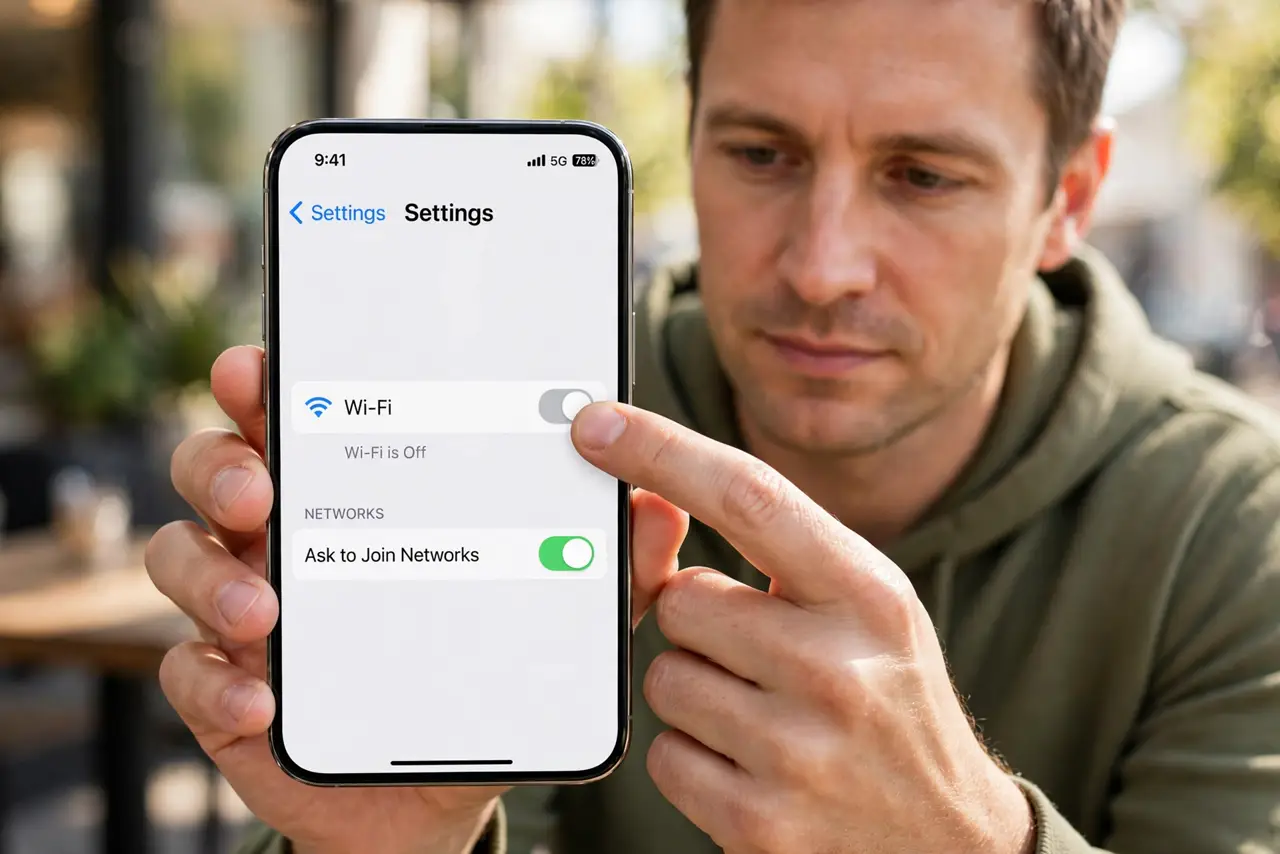
What NOT to do
- Do not move nodes closer together until they overlap heavily. Nodes too close waste coverage and can confuse roaming instead of helping it.
- Do not toggle Wi-Fi constantly hoping for a better node. Toggle once beside the near node, then give the device time to settle.
- Do not blame the device alone. Node placement and roaming settings matter as much as the device choice, so check both.
- Do not turn off mesh nodes to force roaming. Turning nodes off shrinks coverage and can leave the device with no good node at all.
Frequently asked questions
Why does a device stick to a far node?
Devices roam only when the current signal gets bad enough. A usable far signal is enough for many devices to stay put.
Does toggling Wi-Fi help roaming?
Yes. A fresh join lets the device pick the nearest node, instead of clinging to an old connection.
What is band steering?
A mesh feature that guides devices to the best band or node. Turning it on can improve roaming.