Cloud Backup Saturates Upload Every Night
Every night the cloud backup kicks in and the internet turns to molasses — video calls stutter, pages crawl, and games lag. The backup is doing its job; it is just doing it with no manners.
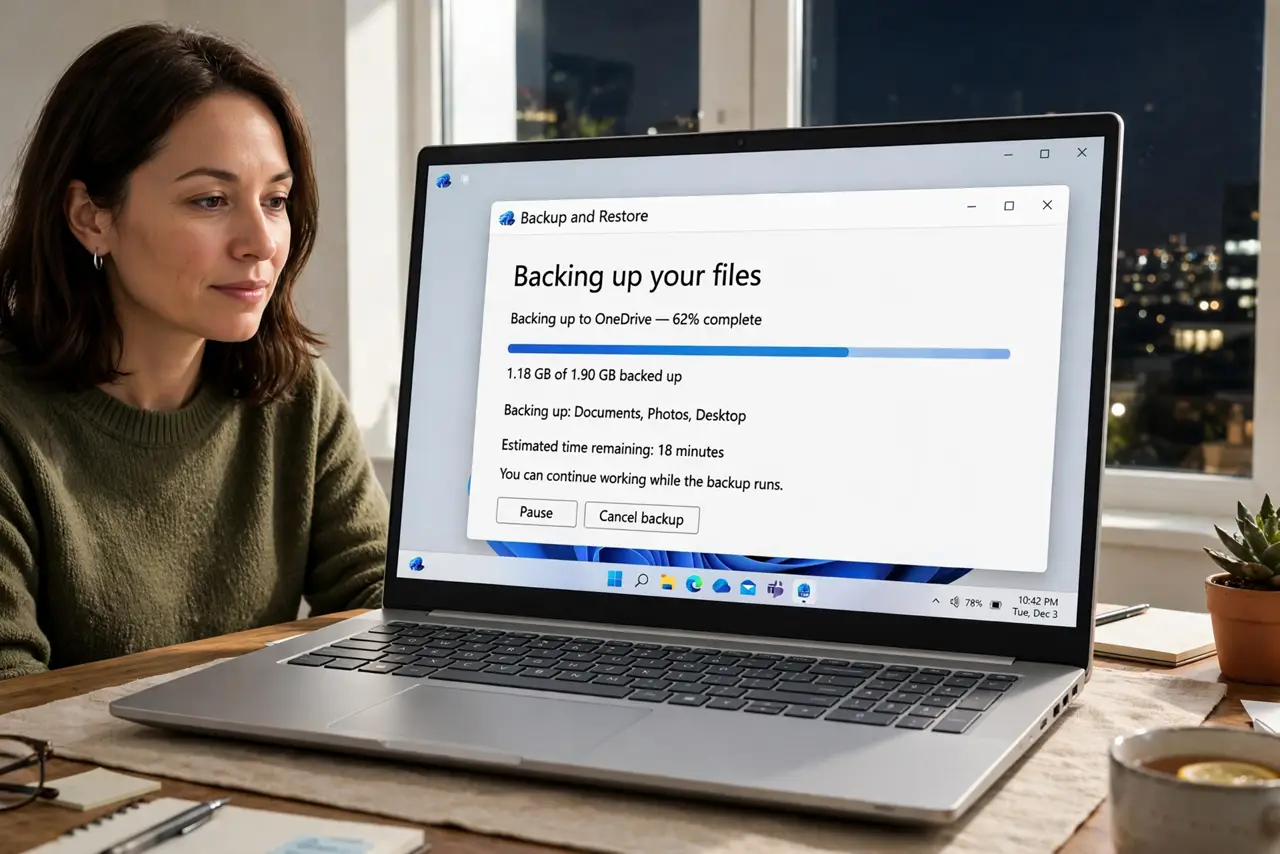
TL;DR / Quick Fix
Quick fix: open the backup app's settings and set an upload speed limit or a night schedule. Cap uploads well below your plan's maximum, restrict heavy backups to sleeping hours, and pause the backup manually during evening calls so your calls stay perfectly clear.
Follow these steps
- Find the backup's bandwidth setting. Open the backup app's preferences and look for bandwidth, throttle, or speed limit. Most serious backup apps include one, though it hides in advanced settings.
- Cap the upload well below your max. Set the limit to about half your plan's upload speed. The backup still finishes overnight, but it stops hogging the whole pipe.
- Schedule it for sleeping hours. If the app allows scheduling, confine heavy backups to the deep night. An upload that runs at 3 a.m. bothers nobody.
- Pause it during evening calls. Learn the app's pause button and use it before important calls. A paused backup resumes on its own, while a ruined call does not un-ruin itself.
- Wire the backing-up computer. An ethernet cable gives the backup a stable path and keeps it off Wi-Fi. This helps the whole house, not just the backup speed.
- Check what is actually uploading. Review the backup set for giant folders that do not need nightly backup. Excluding a video archive you never change can shrink the nightly job dramatically.

What NOT to do
- Do not kill the backup to fix the slowness. An unprotected computer is worse than a slow evening, so throttle the backup instead of stopping it.
- Do not set the throttle to nearly zero and forget it. A backup that never finishes is decoration, so check occasionally that it completes.
- Do not blame the internet provider first. A backup saturating upload looks exactly like download speed much lower than the plan until you check what is uploading.
- Do not run the first full backup during the day. Seed the initial backup overnight or over a weekend, since the first upload is always the monster.
Frequently asked questions
Why is the internet slow every night?
Likely the cloud backup saturates the upload. Many plans offer little upload, so one aggressive backup can fill it completely.
Will throttling make the backup fail?
No. It just takes longer. A capped backup that finishes by morning protects you exactly as well as an uncapped one.
How do I know the backup is the culprit?
Pause it for ten minutes. If the internet instantly recovers, you found your bandwidth hog.