Download Speed Lower Than Your Plan? Check It
Speed tests show far less than the plan promises, and downloads crawl, even though the connection feels alive. The gap may be Wi-Fi, a busy house, a plan detail, or a real line problem, and a clean test tells them apart.
TL;DR / Quick Fix
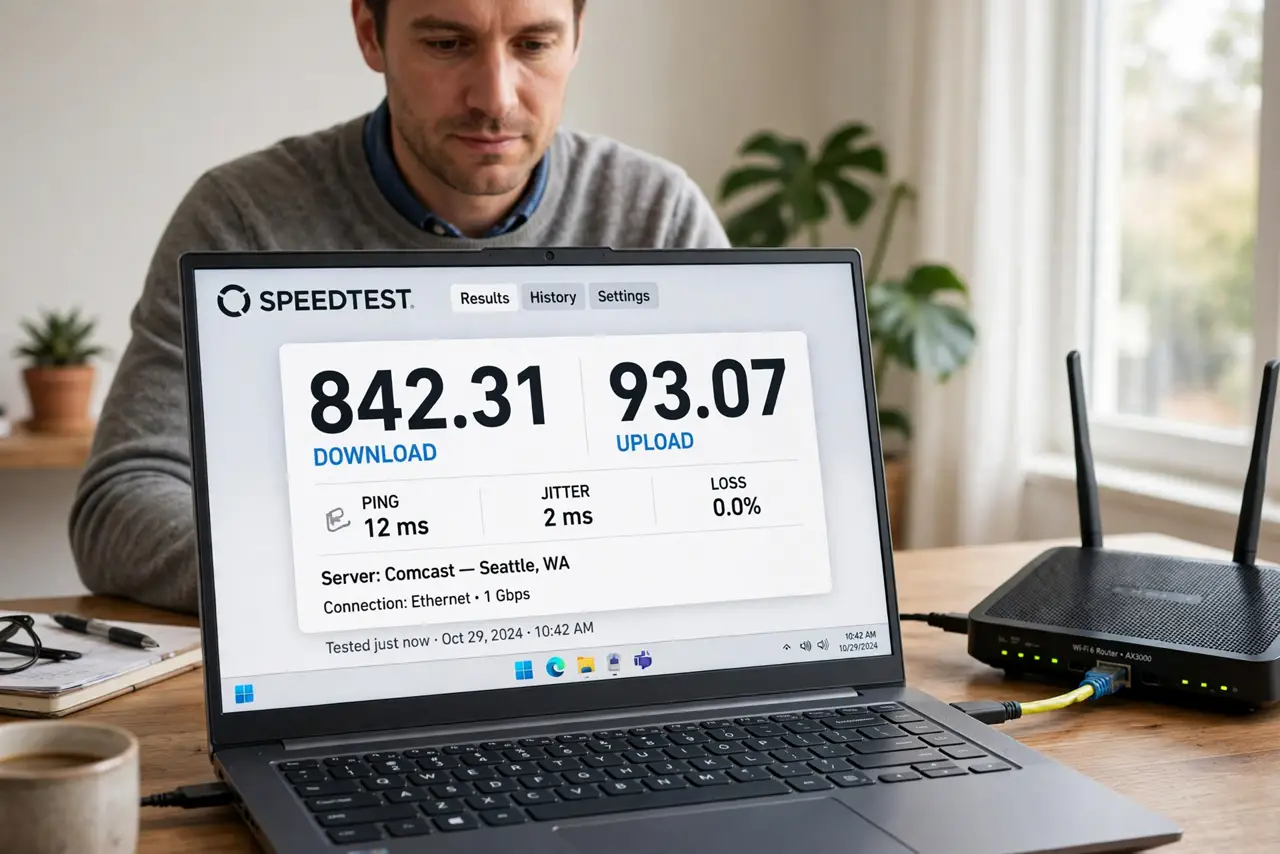
Quick fix: test with one computer wired to the router, with nothing else streaming or downloading. Compare that result with the plan details, restart the modem and router, and test again at a quiet time. Test once more after a restart. Write down what worked for next time.
Follow these steps
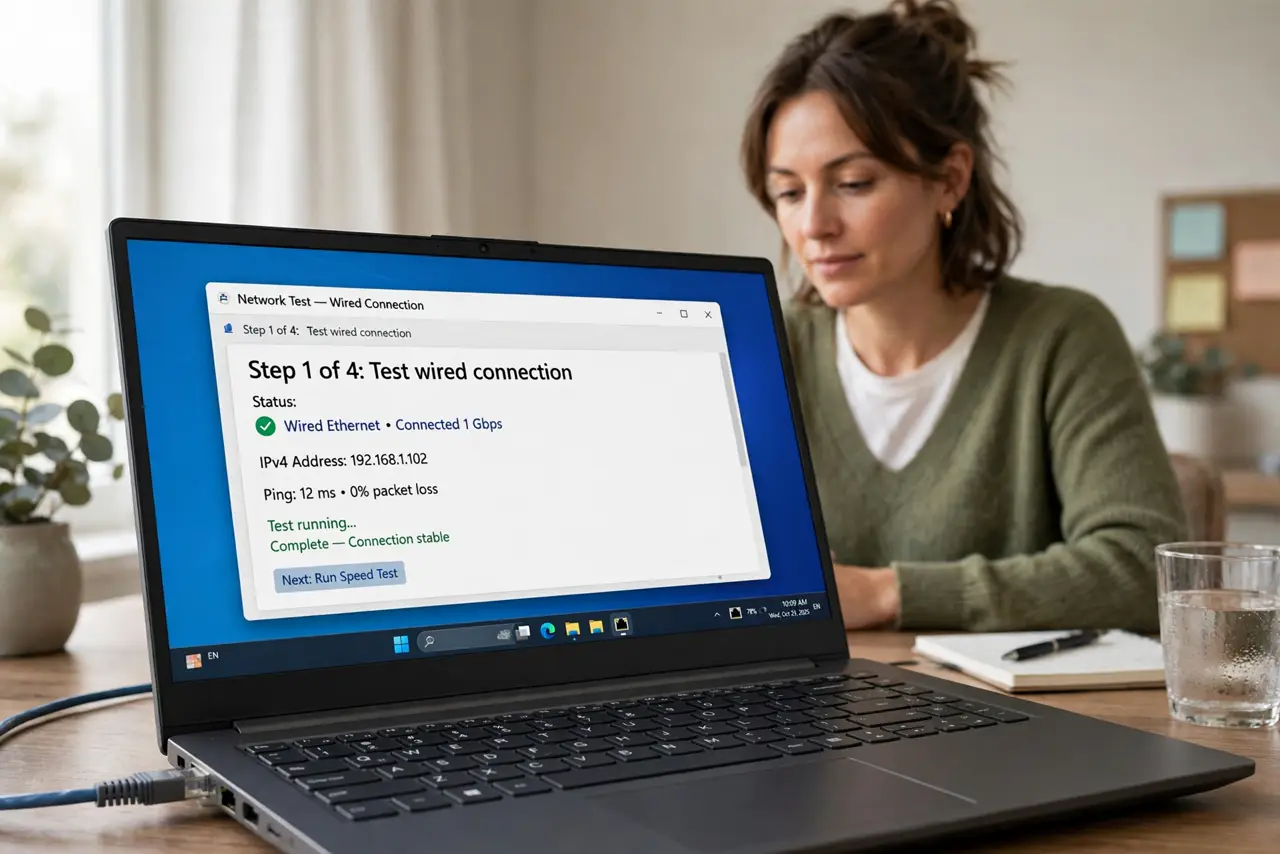
- Test wired, alone, and quiet. Connect one computer to the router with a cable, close every stream and download, and run the test. A wired, quiet test measures the line, not Wi-Fi or household load.
- Read the plan details carefully. Check whether the plan promises a maximum, a typical evening speed, or a range. A plan maximum is a ceiling, not a promise for every hour of the day.
- Restart the modem and router. Unplug the modem and router, wait thirty seconds, and plug them back in, then test again once lights settle. A restart clears a tired line state.
- Check the cable and port speed. Confirm the wired link shows a fast rate and the cable is undamaged. A slow cable or port caps the test before the line is even measured.
- Test at different times. Test in the morning and evening, and note both results. A morning-fast, evening-slow pattern points to peak load, while constant slowness points to the line or gear.
- Contact the provider with results. If wired, quiet tests stay far below the plan, contact the provider with times, results, and the wired test details. Clean test evidence speeds up a real line investigation.
What NOT to do
- Do not test speed over Wi-Fi and blame the plan. Wi-Fi alone can halve a result, so a wired test must come first.
- Do not test while streaming or downloading. Background traffic eats the result and makes a healthy line look slow.
- Do not expect the plan maximum at all hours. Plans promise a ceiling, and evening peak load can pull real speeds below it.
- Do not pay for a faster plan before a wired test. If the cable or Wi-Fi caps speed, a faster plan will test the same through the same bottleneck.
Frequently asked questions
Why is my speed lower than my plan?
Wi-Fi loss, household load, peak hours, a slow cable, or a line problem can all pull results below the plan maximum.
Should I test wired or on Wi-Fi?
Wired, for a plan complaint. Wi-Fi adds its own losses, so only a wired test measures the line fairly.
What results should I give my provider?
Wired, quiet-time results with times, plus the plan details. That evidence separates a line problem from Wi-Fi or load.