Cloud Sync Made a Duplicate File? Fix It
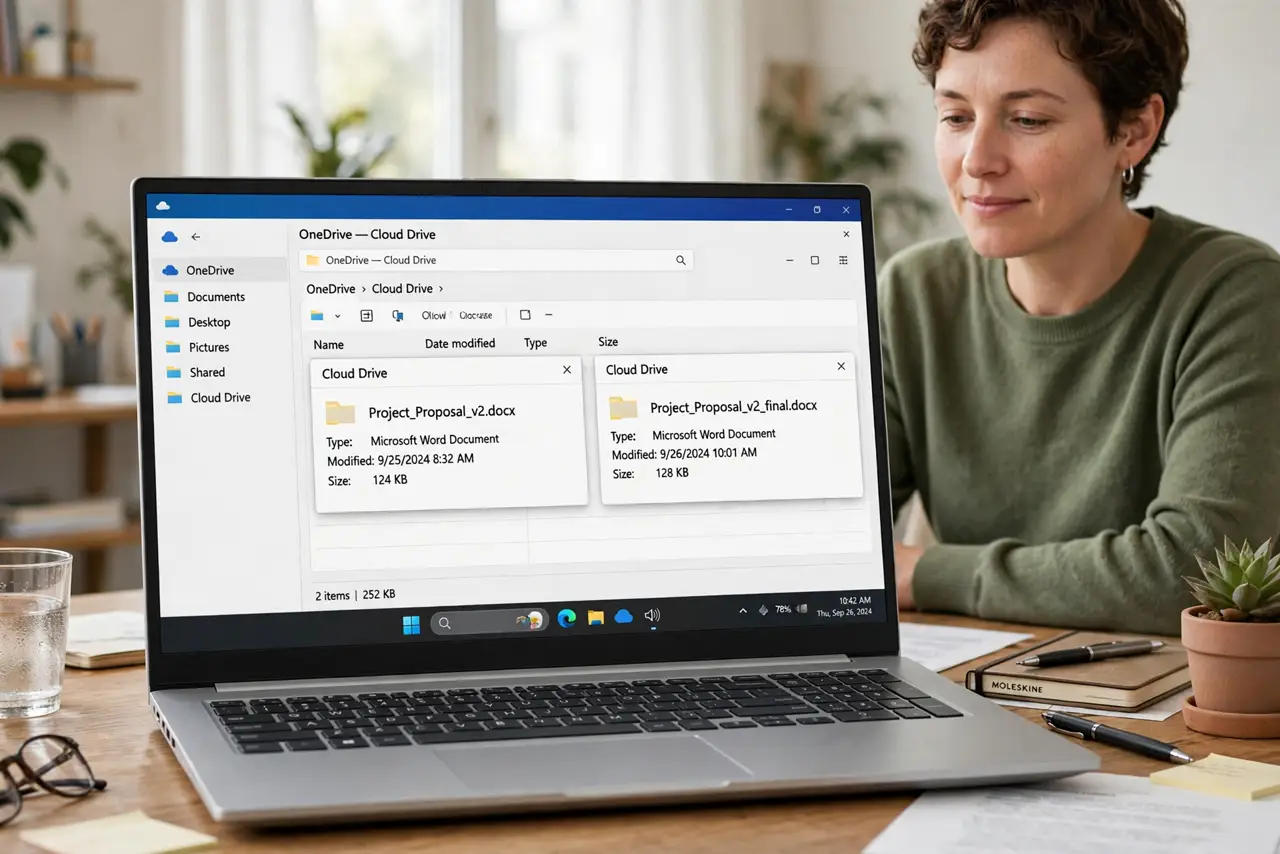
A sync conflict copy appears when the same file was edited on two devices before either could sync. Both copies hold work, so compare them before deleting either one.
TL;DR / Quick Fix
Quick fix: open both copies and compare their contents, merge any unique changes into one file, and then delete the conflict copy. After that, wait for sync to finish before editing on a second device. Last, wait for sync before switching devices to confirm it.
Follow these steps
- Find both copies. Look in the same folder for the original file and the conflict copy, which usually has conflict or a device name in its title. Open both, so you know what each one holds.
- Compare the contents carefully. Read both copies and note anything that exists in only one of them. The newest time is a clue, but content, not the clock, decides which copy matters.
- Merge unique changes into one file. Copy anything unique from the conflict copy into the main file, and save it. The goal is one file that holds every change from both copies.
- Rename the merged file clearly if needed. Give the merged file the original name, so links and shortcuts keep working. Avoid keeping two similar names side by side.
- Delete the conflict copy only after merging. Once the merged file holds everything, delete the conflict copy. Deleting before merging is how work disappears.
- Wait for sync before switching devices. Let the cloud app finish syncing the merged file before editing on another device. Switching too fast is how the next conflict starts.
What NOT to do
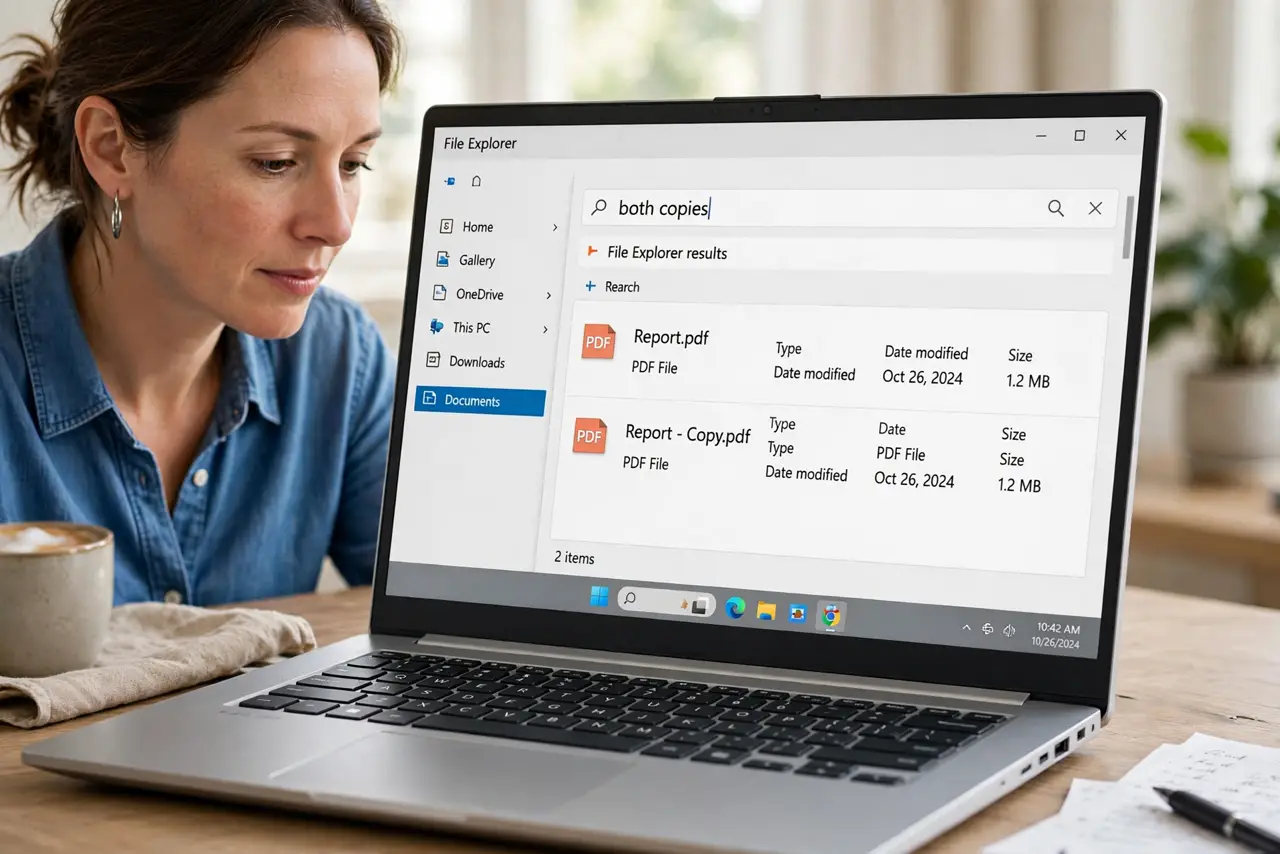
- Do not delete the conflict copy on sight. It may hold the only copy of a recent change.
- Do not edit both copies to fix them. Editing both creates a second conflict instead of resolving the first.
- Do not rename the conflict copy as the main file without comparing. The older content may win by accident.
- Do not turn sync off mid-conflict. That freezes the problem and creates more diverging copies later.
Frequently asked questions
What causes a sync conflict?
Editing the same file on two devices before either device syncs creates two versions the cloud cannot merge safely.
Which copy should I keep?
Keep the merged copy that holds changes from both versions, not simply the newest file by time.
Can conflicts be prevented?
Mostly yes, by waiting for sync to finish before switching devices, and by editing shared files from the cloud.