Cloud File Conflict Creates Copies? Fix It
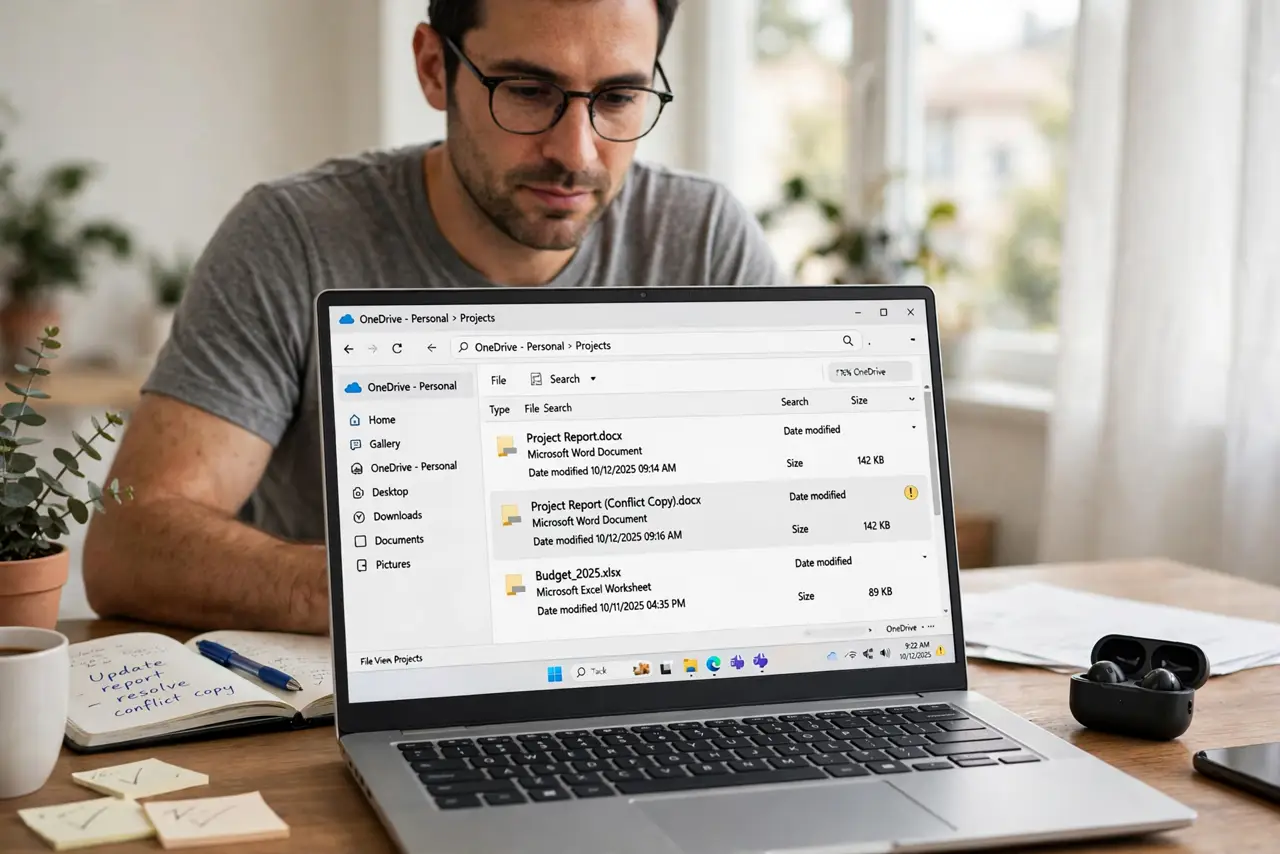
Cloud conflict copies appear when the same file is edited in two places before syncing, so the service saves both versions rather than choosing one. The copies look alarming, but they are the service protecting your work, not losing it.
TL;DR / Quick Fix
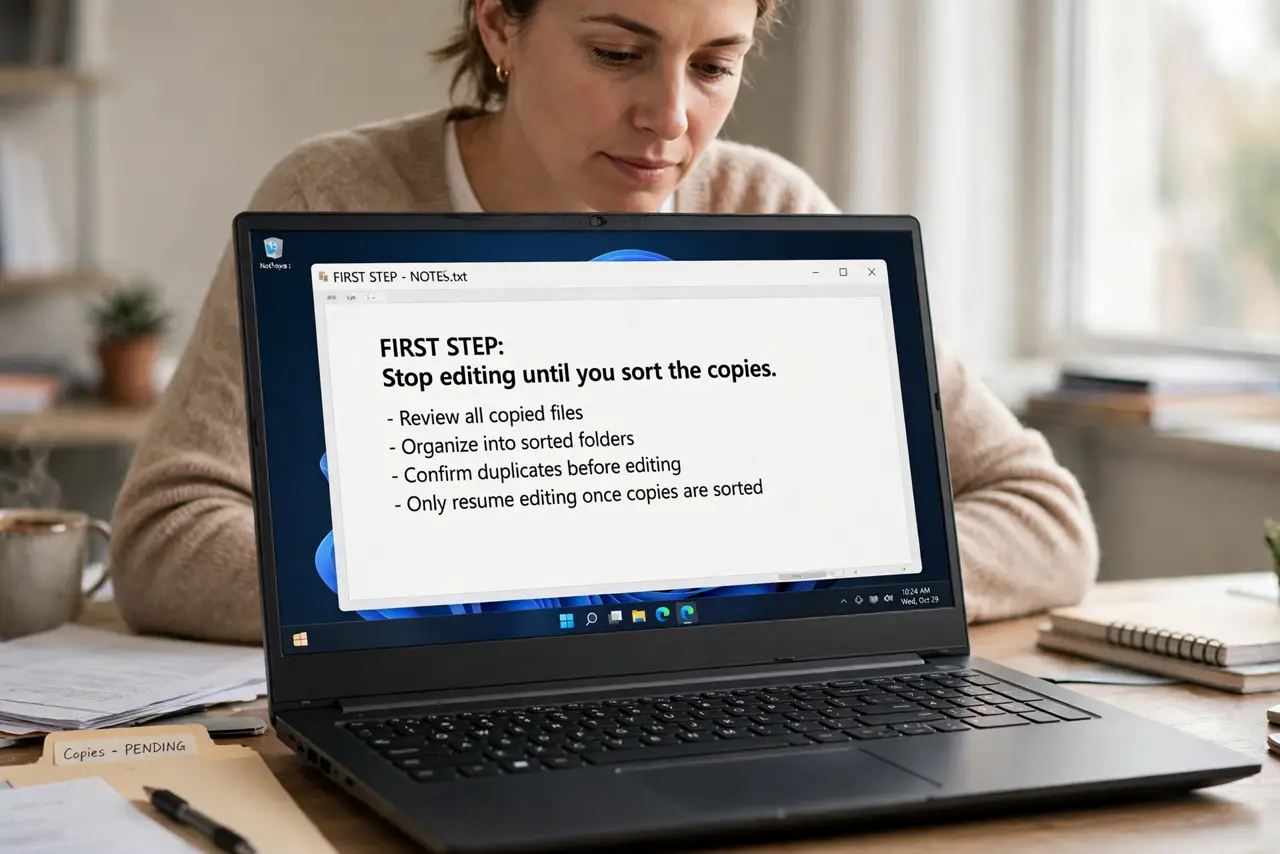
Quick fix: Stop editing until you sort the copies. Open each copy and compare content. Build one merged good copy. Rename the merged file clearly and archive the rest. Let sync finish completely on every device. Check the offline copy setting on each device.
Follow these steps
- Stop editing until you sort the copies. Pause edits on all devices first. Editing during cleanup creates a third conflicting version and turns a simple merge into a tangle.
- Open each copy and compare content. Check the original and each conflict copy for their latest edits. Note which copy has which changes, rather than guessing from filenames.
- Build one merged good copy. Copy the newest edits from each version into a single file, and save it as the current version. This merged file becomes the only one you keep editing.
- Rename the merged file clearly and archive the rest. Give the merged file a dated name, and move conflict copies to an archive folder. Do not delete them until the merged copy is confirmed good.
- Let sync finish completely on every device. Wait until every device reports sync complete before editing again. Impatience during sync is how the next conflict starts.
- Check the offline copy setting on each device. Devices set to offline-first, or with paused sync, diverge fastest. Make sure sync is running on every device you edit from.
What NOT to do
- Do not delete conflict copies before merging. One of them may hold the only copy of an important edit.
- Do not keep editing both copies and hope sync sorts it out. It will not; it will make more copies.
- Do not rename conflict copies to the original name on two devices at once. That recreates the conflict instantly.
- Do not ignore paused sync warnings. A paused sync is a conflict waiting for its next edit.
Frequently asked questions
What is a conflict copy?
A saved extra version created when two unsynced edits to the same file collide, so neither edit is lost.
Which copy should I keep?
Neither, directly. Merge the edits into one good copy, then archive the originals.
How do I prevent conflicts?
Edit on one device at a time and let sync finish before switching devices.