Splitters Weaken Signal?
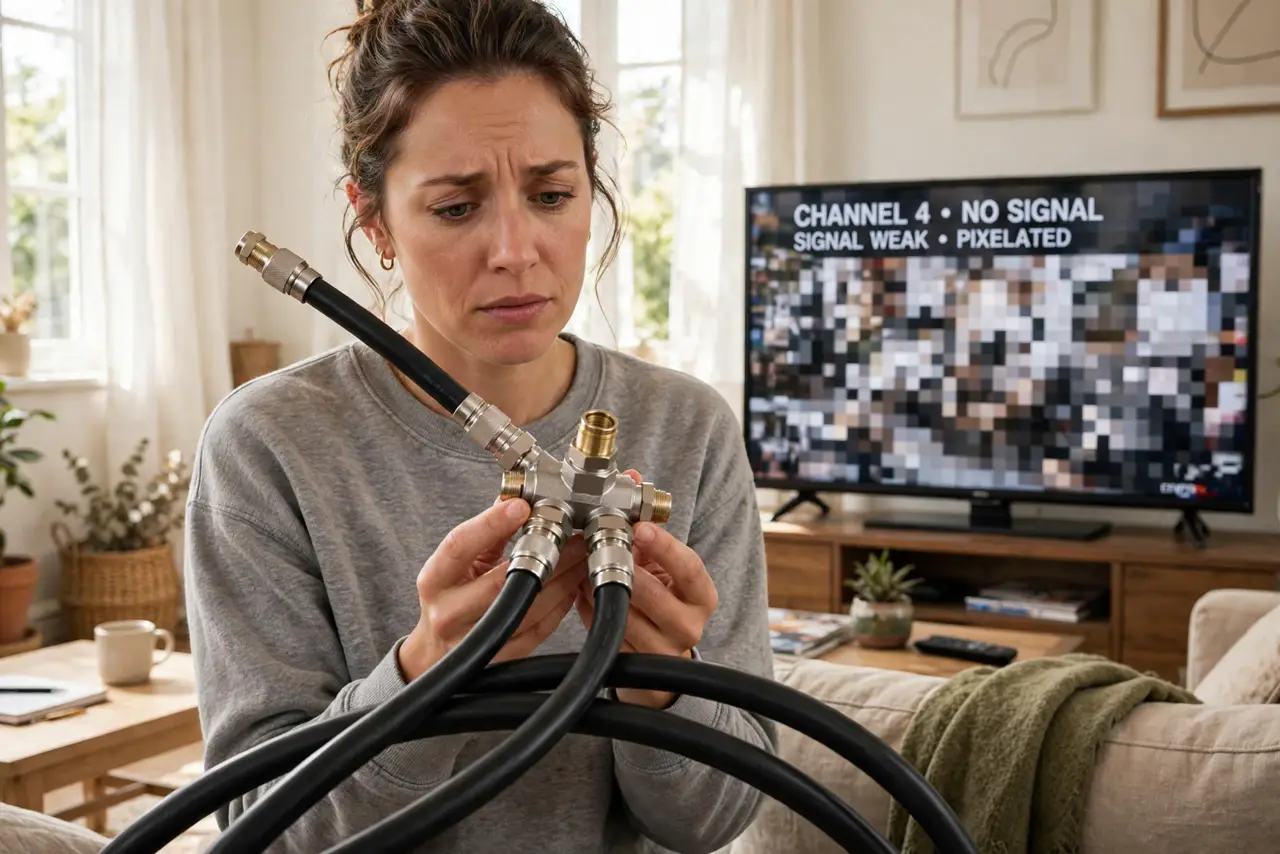
You added a splitter so the TV and the modem could share one cable outlet, and now the picture pixelates every evening — or the internet slows at the worst moments. This is not a mystery: every coax splitter weakens the signal by a fixed, predictable amount, and too much splitting starves your devices. The good news is the math is simple and the fix is usually one better-placed splitter away. Check your modem's signal levels to see the damage in numbers.
TL;DR / Quick Fix
Quick fix: yes, every coax splitter weakens the signal — a two-way splitter costs about 3.5 dB per output, and cheap or daisy-chained splitters cause exactly the pixelation you see. Use the fewest splits possible and buy a quality splitter rated for your frequencies. Check signal levels before adding more.
Follow these steps
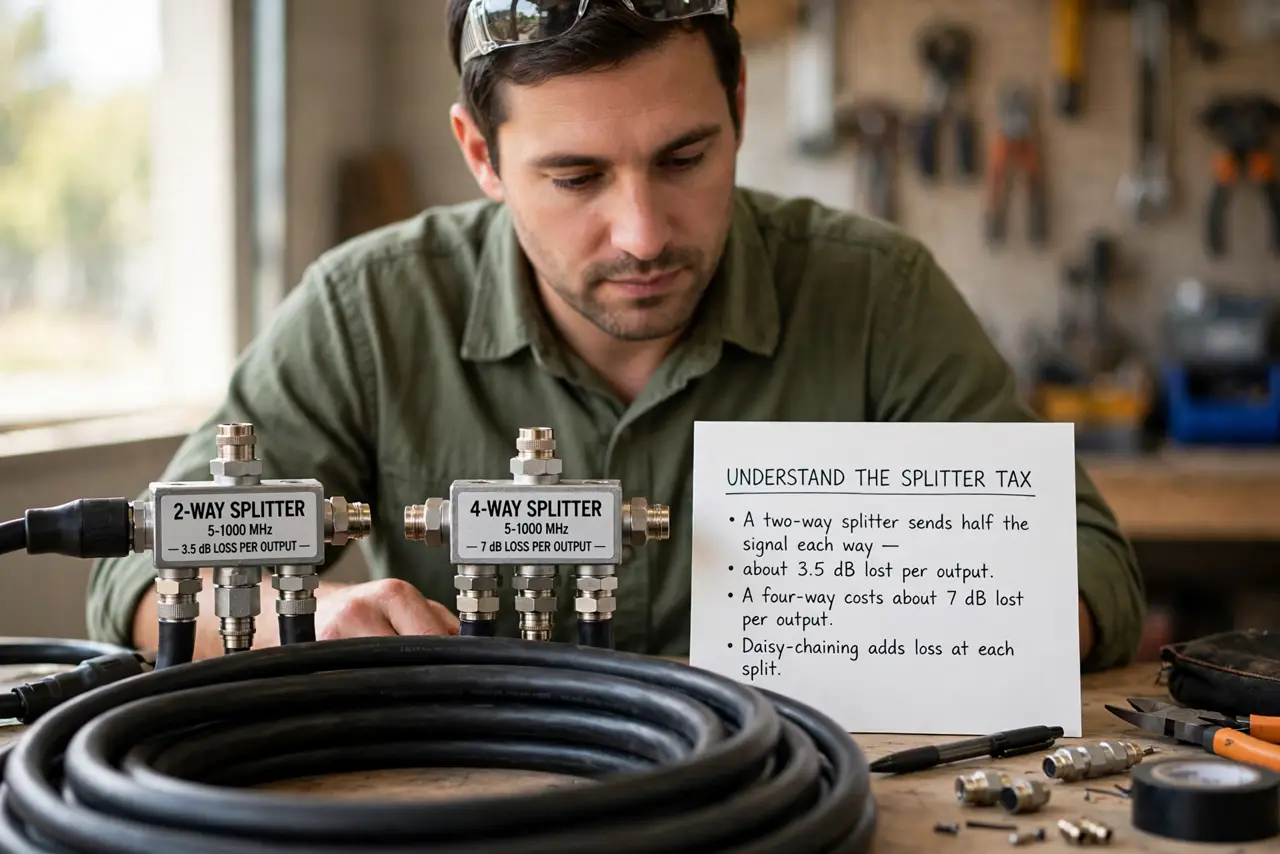
- Understand the splitter tax. A two-way splitter sends half the signal each way — about 3.5 dB lost per output. A four-way costs about 7 dB per output. Daisy-chaining splitters multiplies the loss, which is why the TV worked before the second splitter appeared.
- Count your splits. Trace the cable from the wall: every splitter between the entry point and the device is a tax. Two splits is usually fine; four chained bargain splitters is where pixelation lives.
- Replace cheap splitters with quality ones. A good splitter is rated for the right frequency range (up to at least 1 GHz for modern cable) and loses only its rated amount. Dollar-store splitters often lose more than claimed and leak interference.
- Put the modem on the first split. The modem is the most signal-hungry device — give it the strongest feed by splitting to it first, before the TV runs. Priority order matters more than most people think.
- Terminate unused ports. Every open splitter port should have a terminator cap (cheap). Open ports reflect signal back and invite interference — a two-minute job with real benefits.
- Check levels before adding more. Your modem's status page shows downstream power and SNR — see the signal levels guide. If levels are already marginal, another splitter will push them over the edge.
What NOT to do
- Do not daisy-chain splitters room to room. Each one multiplies the loss — run a single quality splitter from the entry point instead.
- Do not use ancient splitters from a drawer. Old 900 MHz splitters strangle modern signals — check the frequency rating printed on the body.
- Do not leave splitter ports open. Unused open ports reflect signal and invite noise — cap them with terminators.
- Do not split before the modem to feed six TVs. The modem needs a clean strong signal — starve the TVs before you starve the internet.
Frequently asked questions
How much loss is too much?
Cable modems generally want downstream power roughly between -7 and +7 dBmV. If splitting pushes you outside that, you need fewer splits or an amplifier — not a bigger splitter.
Will an amplifier fix bad splitting?
An amplifier boosts a weak-but-clean signal; it cannot fix a noisy or over-split one. Fix the splitting first, amplify only a clean signal that is simply too quiet.
Do I need a special splitter for the modem?
Not special — just quality, correctly rated, with the modem on the first split. Avoid splitters with a built-in 'modem port' gimmick unless your provider recommends it.