Coax Splitters? Basics
That little metal Y-shaped gadget splitting your cable line between the modem and the TV box is a coax splitter — and it quietly eats your internet signal with every split. Too many splits, or a cheap splitter, is a classic cause of slow speeds and dropouts nobody suspects. Here is how they work and when they are the problem.
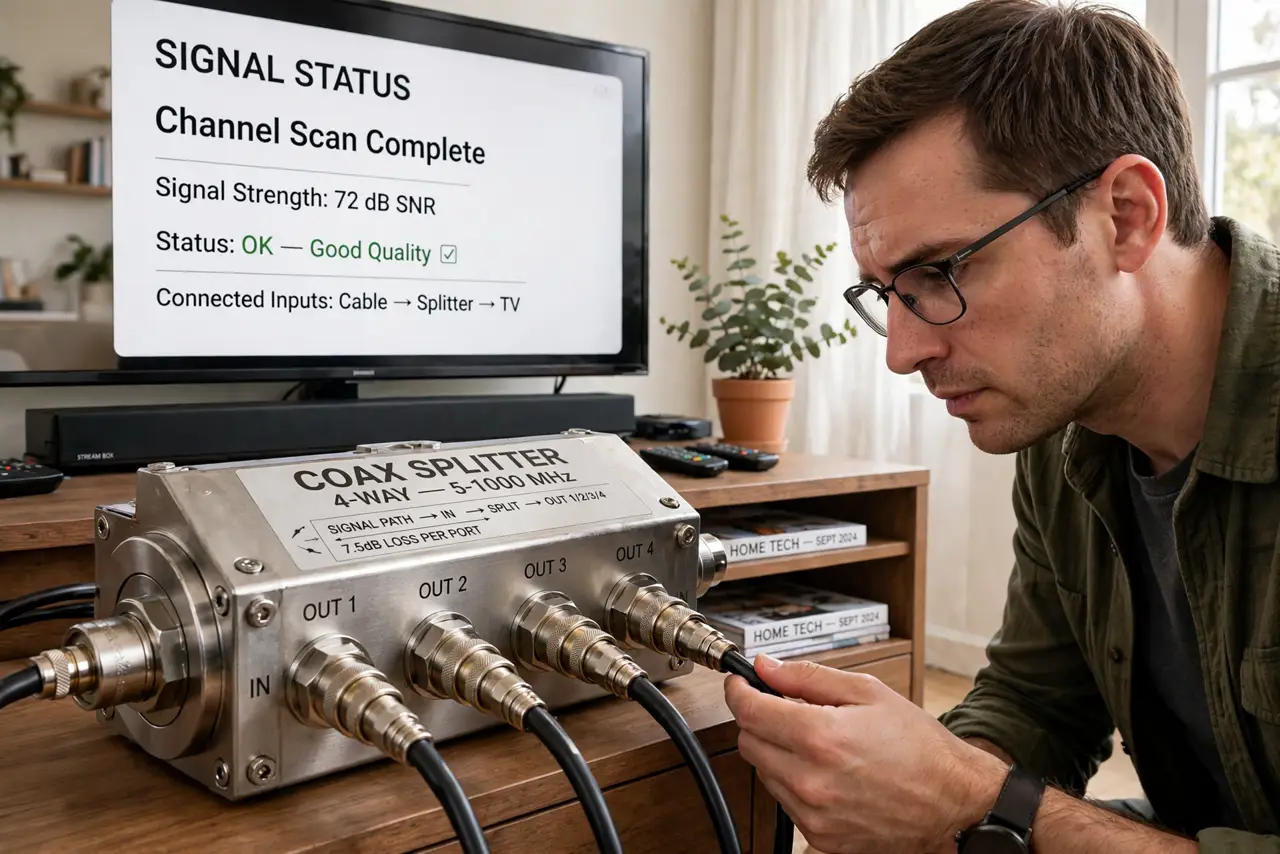
TL;DR / Quick Fix
Quick fix: a coax splitter divides your cable signal between devices — each split weakens it. Use as few splits as possible between the wall and your modem, and replace old splitters with quality 5-1002 MHz rated ones. If speeds sag, check your modem's signal levels before blaming Wi-Fi.
Follow these steps
- Understand what a split costs. Every two-way split drops the signal about 3.5 dB — half the power. Stack two or three splitters and your modem gets a whisper of the original signal. Fewer splits always win.
- Put the modem first in line. The ideal path: wall > one splitter > modem on one leg, everything else on the other. The modem deserves the strongest signal — TVs tolerate weak signals far better.
- Check the splitter's rating. Old 900 MHz splitters choke modern signals — replace with 5-1002 MHz (or higher) rated splitters. The rating is stamped on the metal; if you cannot read it, replace it.
- Look for the hidden splitters. Previous owners and installers hide splitters in attics, basements, and behind wall plates. A mystery splitter is a classic cause of 'the internet was fine until we moved in'.
- Replace cheap barrel connectors too. Corroded or dollar-store connectors add noise and loss. Snug, clean, quality connectors are cheap insurance for the whole line.
- Test with a direct connection. Temporarily connect the modem straight to the wall feed, bypassing all splitters. If speeds jump, the splitting is your problem — rewire with fewer, better splits. Check cable modem basics for the rest of the chain.

What NOT to do
- Do not stack three splitters in a row. Each split halves the signal — daisy-chained splits starve the modem.
- Do not use ancient unrated splitters. If the MHz rating is unreadable or under 1000, replace it.
- Do not leave unused splitter ports open. Terminate unused ports with 75-ohm caps to prevent signal reflections.
- Do not overtighten coax connectors. Finger-tight plus a quarter turn — crushing them damages the center pin.
Frequently asked questions
How many splits are too many?
More than one two-way split before the modem is suspicious; more than two usually causes problems. The modem's signal page tells the real story.
Can a bad splitter cause intermittent internet?
Absolutely — marginal signals drop out under load or temperature changes. Intermittent issues that survive reboots often trace to the coax path.
Should I just call my provider?
If the signal levels at the modem are bad even with a direct wall connection, yes — the problem is upstream and only they can fix it.