Computer Wakes by Itself at Night? Fix It
A computer that wakes at night on its own is usually woken by a scheduled task, an update, or a device, not by a ghost in the machine. Finding the wake source tells you which one to stop, without turning off useful features.

TL;DR / Quick Fix
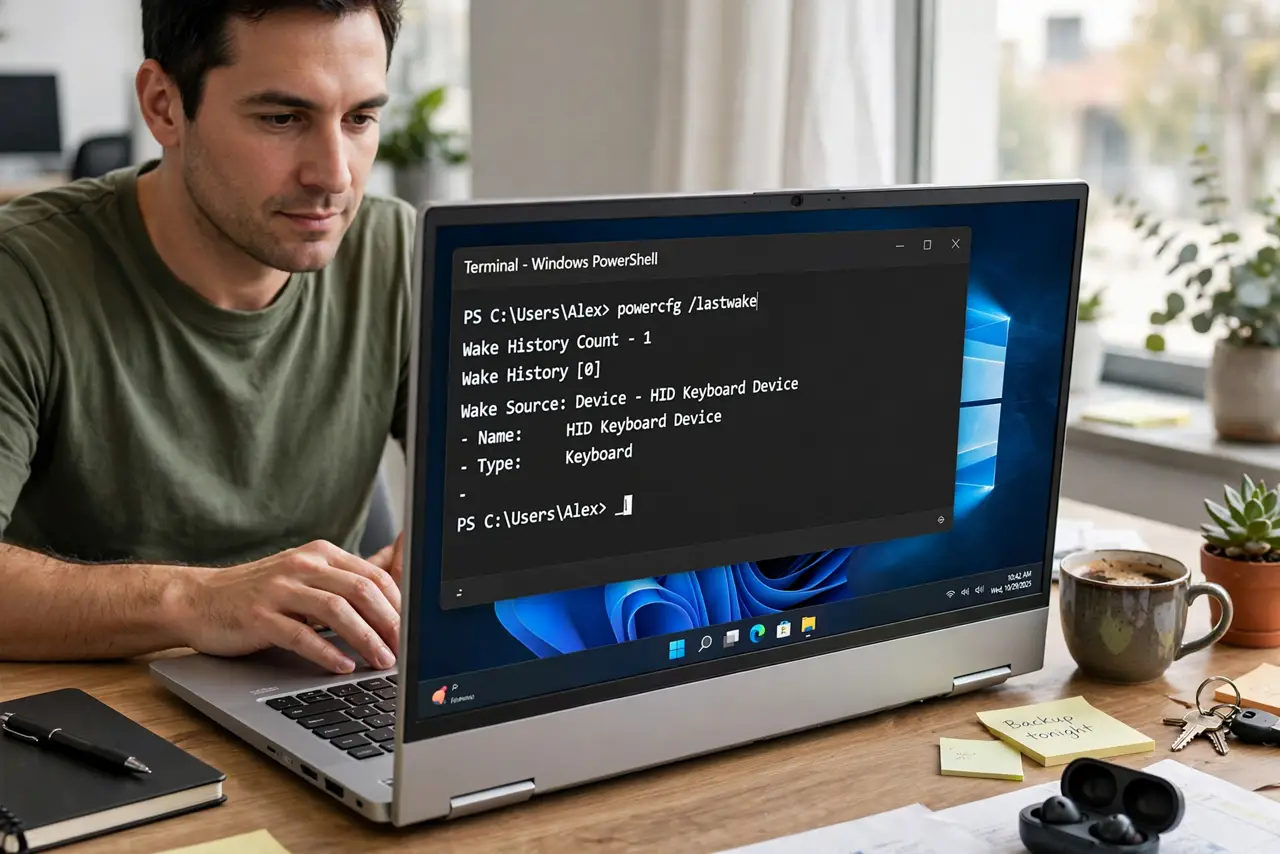
Quick fix: check the last wake source in a terminal in the morning after a night wake. If a scheduled task is named, open Task Scheduler, find that task, and turn off its wake setting. Then test one night and check again in the morning.
Follow these steps
- Check the wake source in the morning. After a night wake, open Terminal as administrator and check the last wake source. Write down what it names before you change anything.
- Find the task in Task Scheduler. If a task is named, open Task Scheduler, find that task, and open its Conditions. Uncheck the option that allows it to wake the computer.
- Check Windows Update wake settings. Updates can wake a computer to install. In Update settings, check active hours and restart timing, so updates wait for a time you choose.
- Stop devices from waking it at night. In Device Manager, check the mouse, keyboard, and network adapter Power Management settings, and turn off wake for devices you do not need overnight.
- Test one night at a time. Change one wake source, then leave the computer asleep overnight. If it wakes again, check the new wake source before changing anything else.
- Use hibernate if sleep keeps failing. If sleep still wakes nightly, use Hibernate instead for overnight. Hibernate saves your work to disk and powers off fully, so nothing wakes it.
What NOT to do
- Do not turn off all scheduled tasks to stop night wakes. Some tasks keep the system healthy, so change only the wake setting of the task that woke it.
- Do not shut the laptop in a bag while it wakes at night. A waking laptop in a closed bag can overheat, so fix the wake cause first.
- Do not disable updates completely to stop night wakes. Use active hours and restart timing instead, so security updates still install.
- Do not unplug the computer every night as a fix. That hides the wake cause and risks unsaved work if the battery runs out.
Frequently asked questions
Why does it wake at the same time every night?
A scheduled task or update is set for that time. The wake source will name it, and its Conditions setting controls the wake.
Is it safe to let it wake and update overnight?
Yes, if the computer is on a desk with air flow. It is only a problem in a bag or closed space, or when the noise disturbs sleep.
What is the difference between sleep and hibernate?
Sleep keeps work in memory with low power. Hibernate saves work to disk and powers off, so no timer or device can wake it.