Cores vs Clock Speed?
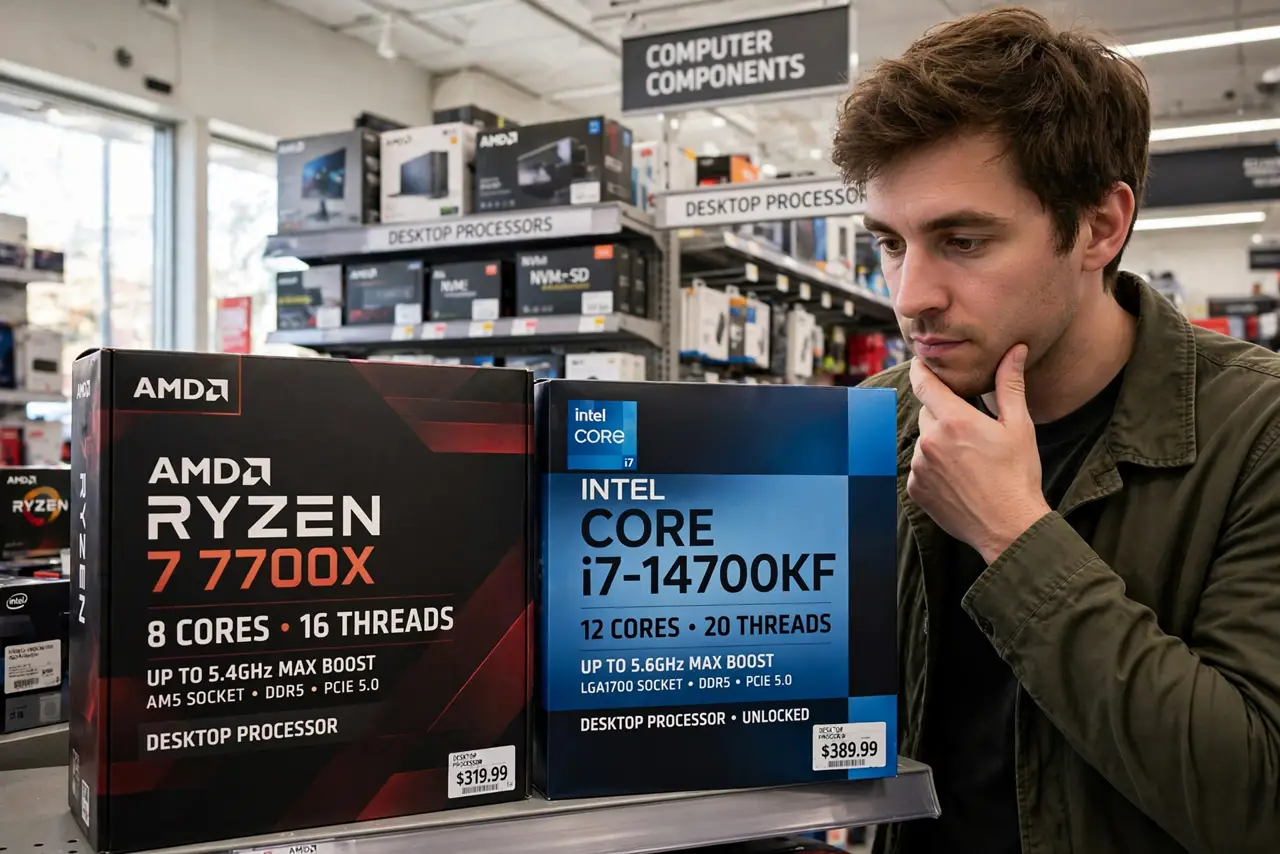
Eight slow cores or four fast ones? CPU shopping drowns you in two numbers that pull opposite ways — core count for parallel work, clock speed for snappy single tasks. The right balance depends on what you actually run, not the bigger number on the box.
TL;DR / Quick Fix
Quick fix: more cores help multitasking, rendering, and heavy parallel work; higher clock speed helps gaming and snappy everyday response. Most users should prioritize a modern architecture with strong clocks and at least six cores — that covers both worlds.
Follow these steps
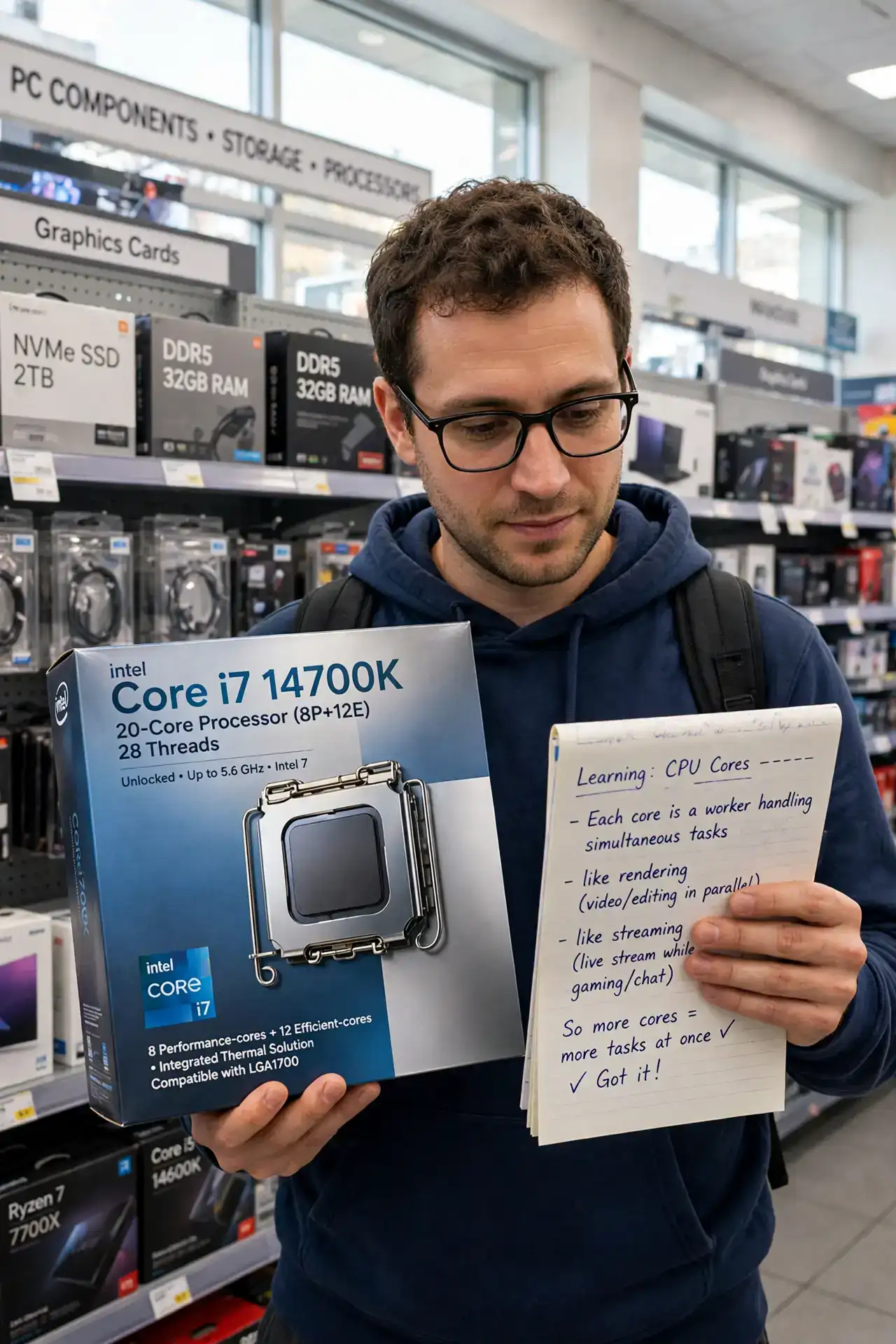
- Learn what cores do. Each core is a worker. More cores handle more simultaneous tasks — rendering, compiling, streaming while gaming — without choking.
- Learn what clock speed does. Clock speed is how fast each worker works. Single-threaded tasks — most games, everyday snappiness — scale with clocks, not cores.
- Match to your workload. Gaming and office: favor clocks. Video editing, 3D rendering, heavy multitasking: favor cores. Be honest about which you do.
- Do not compare clocks across generations. A newer architecture does more per clock — 4 GHz on a new chip beats 5 GHz on an ancient one. Generation matters more than gigahertz.
- Check real benchmarks. Benchmarks of your actual applications beat spec sheets. A benchmark in your game or editor is worth a thousand spec comparisons.
- Remember the [[bottleneck|cpu-bottleneck-explained]] balance. A monster CPU with a weak GPU idles; pair sensibly — see the bottleneck guide before overspending on either side.
What NOT to do
- Do not buy cores you will never feed. Sixteen cores idling through web browsing is wasted silicon.
- Do not compare GHz across brands and eras. Architecture differences dwarf clock differences.
- Do not ignore the cooler. Fast chips need real cooling — see the AIO vs air choice — or they throttle away their advantage.
- Do not forget the motherboard cost. A cheap CPU on an expensive board, or vice versa, unbalances the budget.
Frequently asked questions
Are more cores always better?
Only for parallel workloads. For gaming and general use, fewer faster cores usually win — most everyday software cannot use dozens of cores.
What is a good core count in 2026?
Six to eight cores covers gaming and general use well; creators benefit from more. Below six feels thin for new builds.
Does clock speed affect battery life?
On laptops, higher boost clocks draw more power under load — but efficient architectures idle well regardless.