Fix CPU Spikes When Your PC Is Idle
A computer that suddenly works hard a minute after you stop touching it is often doing scheduled background work, not failing. Updates, indexing, and scans all wait for idle moments. The trick is telling normal background work from a stuck process.
TL;DR / Quick Fix
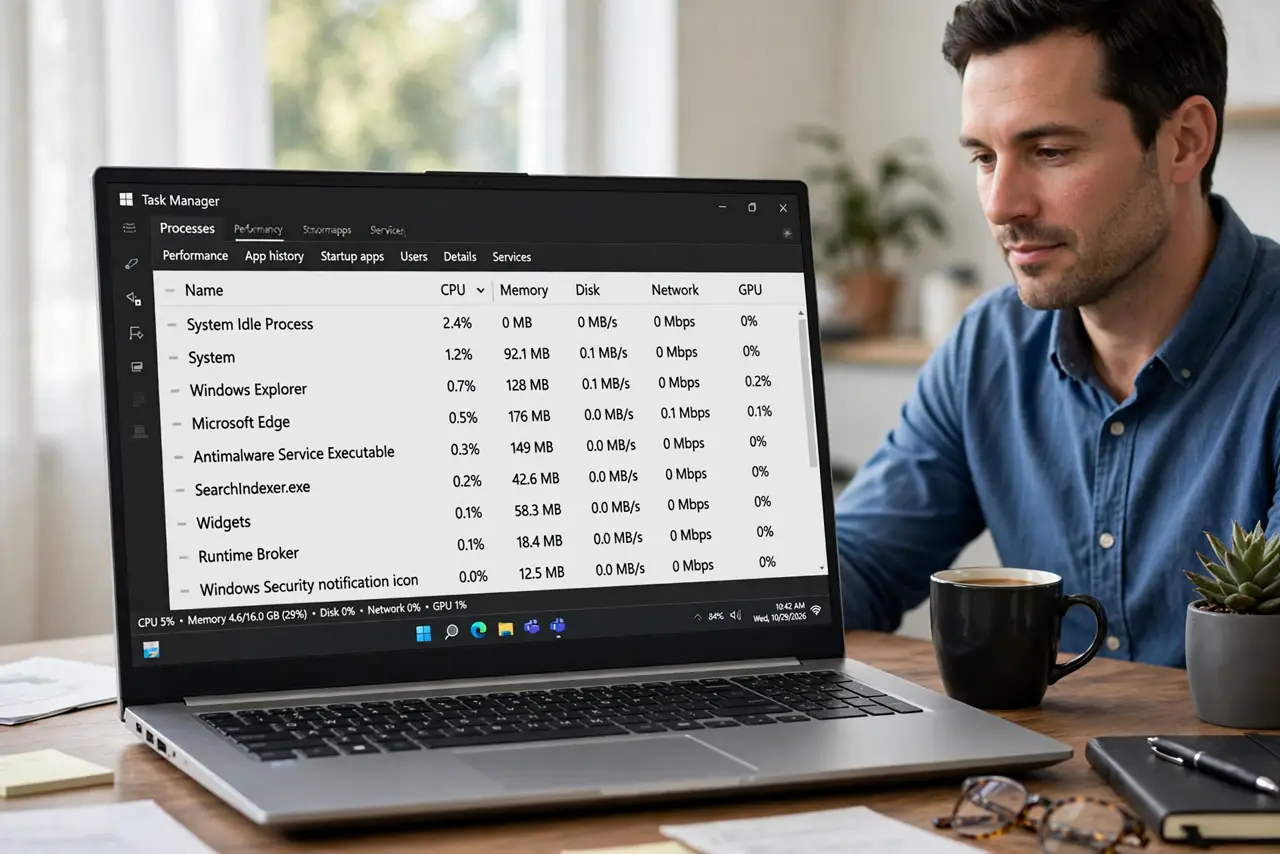
Quick fix: open Task Manager when the spike happens and note which process jumps to the top. Then wait five minutes to see whether it settles, close any stuck app you recognize, and check Windows Update and scheduled scans before changing deeper settings.
Follow these steps
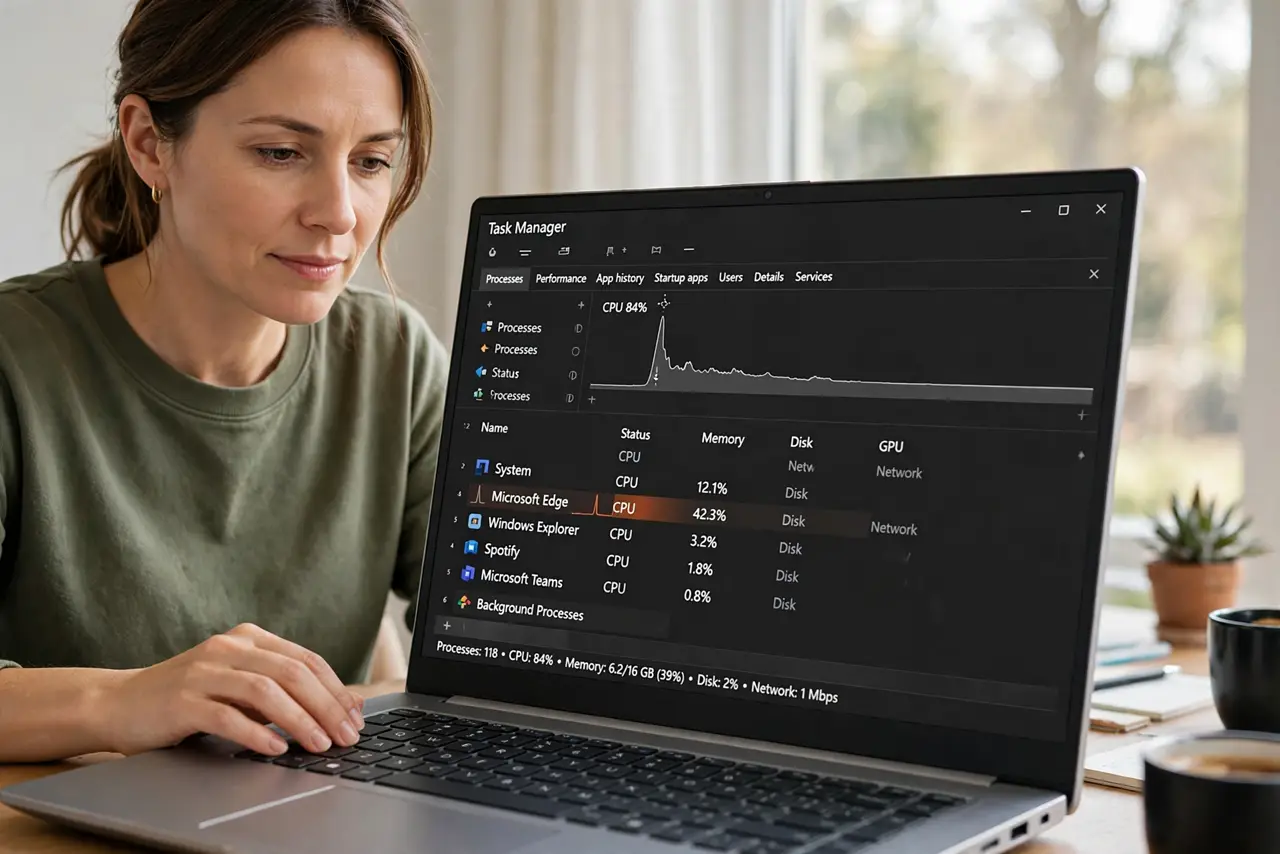
- Catch the spike in Task Manager. Leave Task Manager open, sorted by CPU, and stop touching the computer. When the fan rises or the computer slows, look at which process jumps to the top.
- Wait five minutes before acting. Many idle tasks, like search indexing or an update, finish in a few minutes. If CPU use settles on its own, the spike was normal background work.
- Close a stuck app you recognize. If one app you know stays at high CPU use while idle, save your work in it, close it fully, and reopen it only if you need it. A stuck app often calms down after a restart.
- Check Windows Update. Open Settings, then Windows Update, and see whether an update is downloading or waiting for a restart. Update work commonly runs when the computer is idle.
- Check scheduled scans and backups. If an antivirus scan or a backup is scheduled for idle times, a spike during that window is expected. Let it finish once, then check whether spikes happen outside that window.
- Restart if the same process always spikes. If the same process spikes every idle period and never settles, restart the computer and watch Task Manager again. A persistent spike after restart needs a closer look at that process.
What NOT to do
- Do not end system processes at random. Ending a Windows process can crash the computer, so end only apps you recognize.
- Do not turn off Windows Update or your antivirus to stop idle spikes. Those idle jobs protect the computer, and stopping them creates bigger problems.
- Do not install a CPU optimizer tool. Task Manager already shows which process is busy, and extra tools rarely fix a stuck app.
- Do not assume the computer is infected from one spike. Check the process name and whether it settles before drawing conclusions.
Frequently asked questions
Is CPU use while idle normal?
Yes, in short bursts. Windows runs indexing, updates, and maintenance when you are not using the computer, then settles down.
What if the spike never settles?
Note the process name, restart, and check whether it returns. A process that stays high after restart may be stuck or need an update.
Can a browser tab cause idle spikes?
Yes. A tab with video, ads, or a stuck script can keep using CPU after you stop looking at it, so close heavy tabs and test again.