Dark Mode Changes by Itself? Fix It
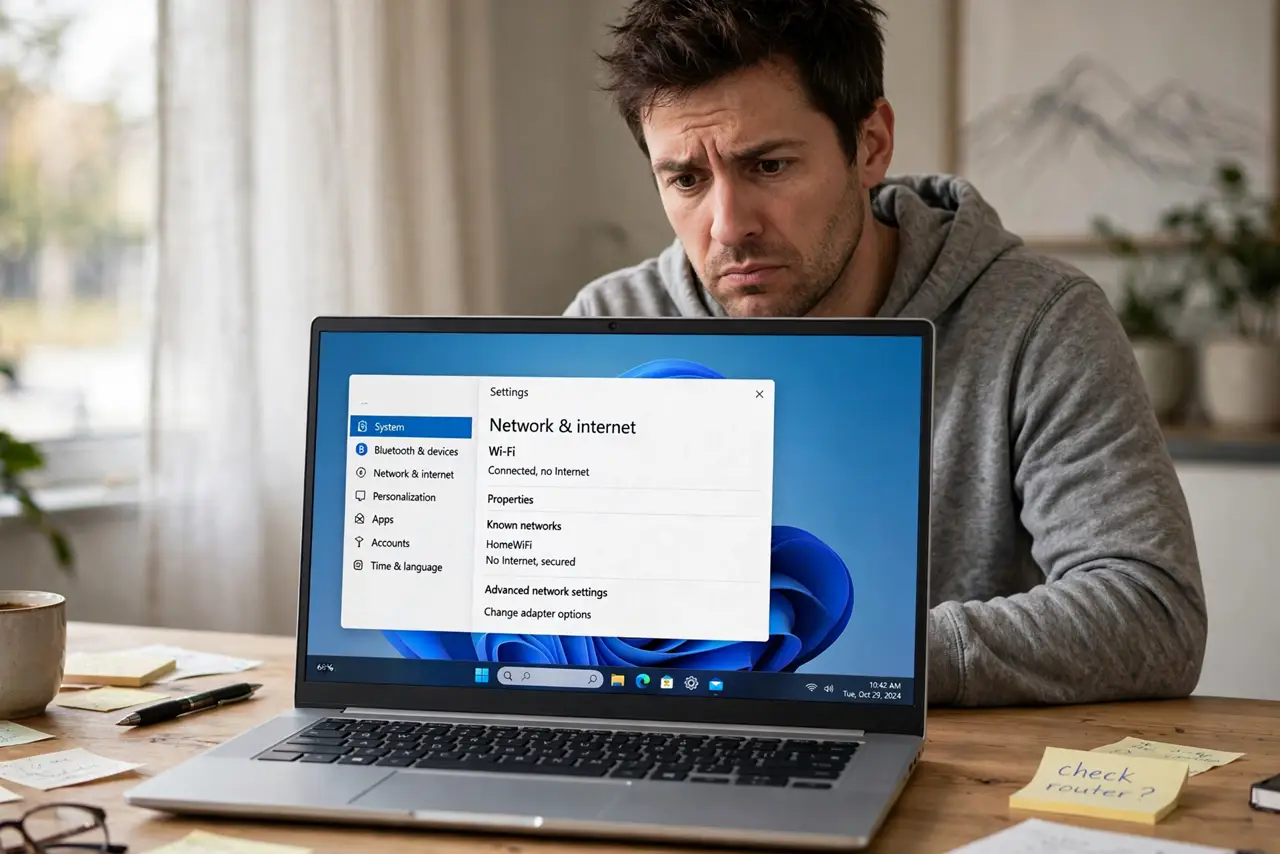
When Windows flips between dark and light on its own, the cause is usually an auto theme schedule, a synced setting, or an app following the system. Picking one mode and turning off auto switching stops the flips.
TL;DR / Quick Fix
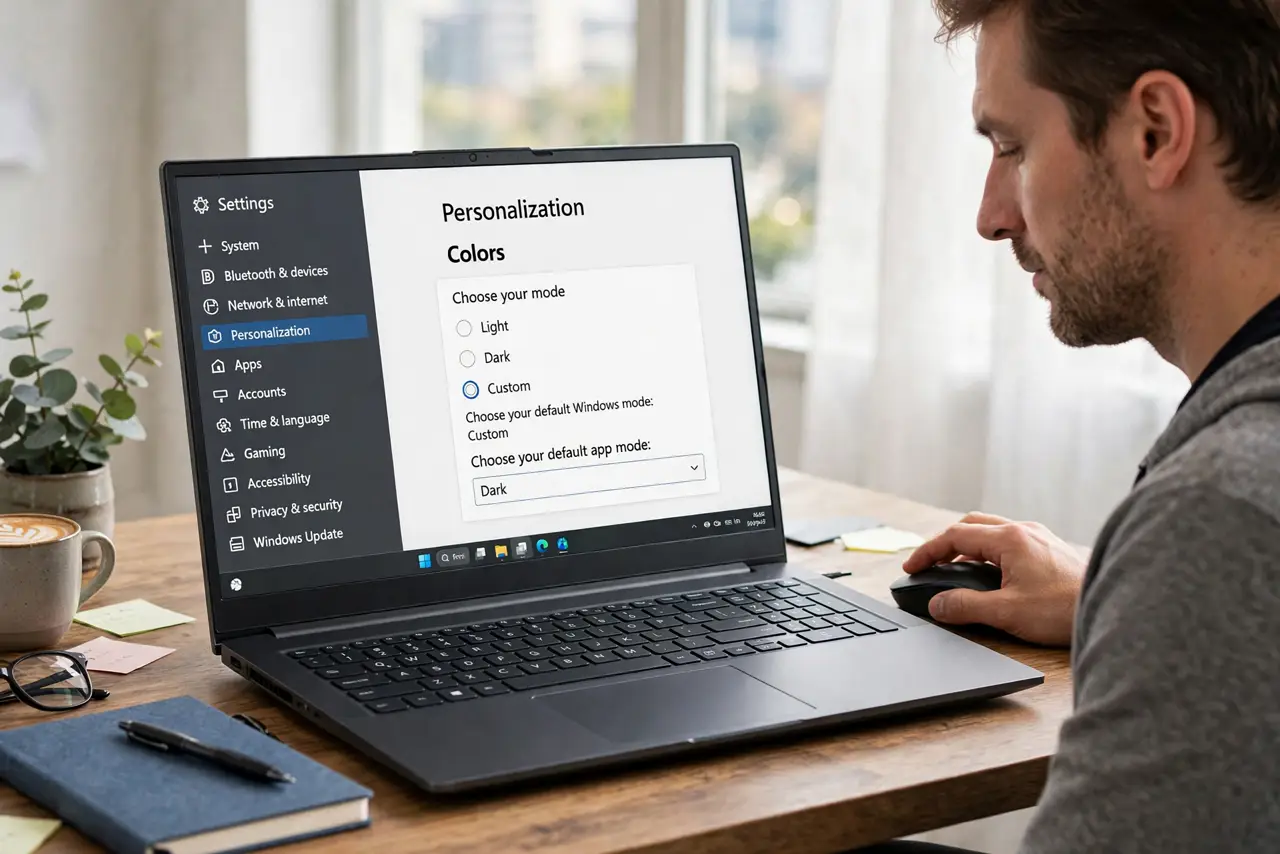
Quick fix: open Settings, then Personalization, then Colors, and choose Dark or Light for Choose your mode, not a custom auto option. Turn off any theme schedule, then check whether the change still happens after a restart. Test it once more after a restart to confirm the fix holds.
Follow these steps
- Choose one mode in Colors. Open Settings, then Personalization, then Colors, and set Choose your mode to Dark or Light. Avoid an auto or custom option that switches by time of day.
- Check the theme schedule. In Personalization, then Themes, check whether the theme changes on a schedule. Pick a single theme with no schedule, and save it as your current theme.
- Turn off theme sync if it flips back. If you sign in on another device, theme sync can pull a different mode back. In Accounts, then Windows backup, check the sync settings for personalization.
- Check the app own theme setting. If only one app flips, open that app settings and set its theme to match Windows or to a fixed mode. Some apps follow the system by default and flip with it.
- Restart and watch one full day. Restart the computer, then use it normally for a day. If the mode stays put, the schedule was the cause. If it flips at a set time, a schedule is still active.
- Check for a third-party theme tool. If you installed a theme or auto dark mode tool, check its schedule. Uninstall it or turn off its auto switching if Windows settings alone do not stop the flips.
What NOT to do
- Do not change the registry to lock dark mode. Registry edits can break themes and are unnecessary when the schedule setting fixes the flips.
- Do not install another auto theme tool to fix the first one. Two tools fighting over the theme will flip it more, not less.
- Do not ignore flips that happen at sunset. A sunset flip is the signature of a schedule, so check the schedule before changing anything else.
- Do not set every app to a different theme to mask the flips. Fix the system mode once, and let apps follow it.
Frequently asked questions
Why does it flip at sunset?
An auto theme schedule switches at sunset and sunrise. Choosing a fixed Dark or Light mode, with no schedule, stops it.
Only one app flips. Is that Windows?
Probably not. That app has its own theme or follows the system in its own way, so set its theme inside the app.
Will turning off sync lose my theme?
No. It only stops other devices from pulling the theme back. Your current theme stays on this computer.