Install a Dash Cam
A dash cam dangling from a drooping cable across the windshield is a job half done. A clean install — tucked wires, hidden cable, camera behind the mirror — takes thirty minutes and looks factory. No electrician needed, just patience and trim tools. Picked the camera already? See picking a dash cam; taking it on the road? Check RV internet.
TL;DR / Quick Fix
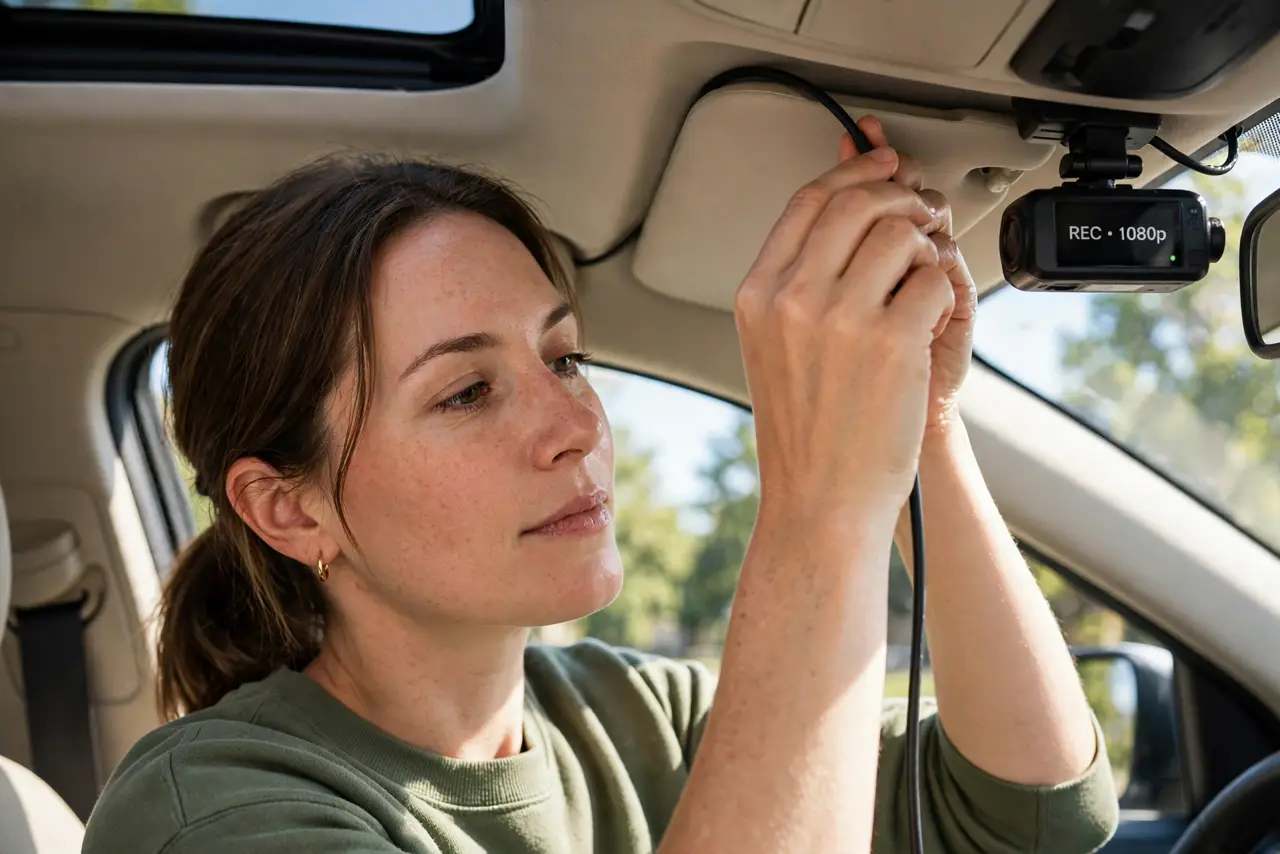
Quick fix: mount the dash cam behind the rearview mirror, route the cable along the headliner and door seals to the power socket, and hide every inch. A clean install takes thirty minutes and looks factory. Tuck, do not dangle — visible wires are the mark of a rushed job.
Follow these steps
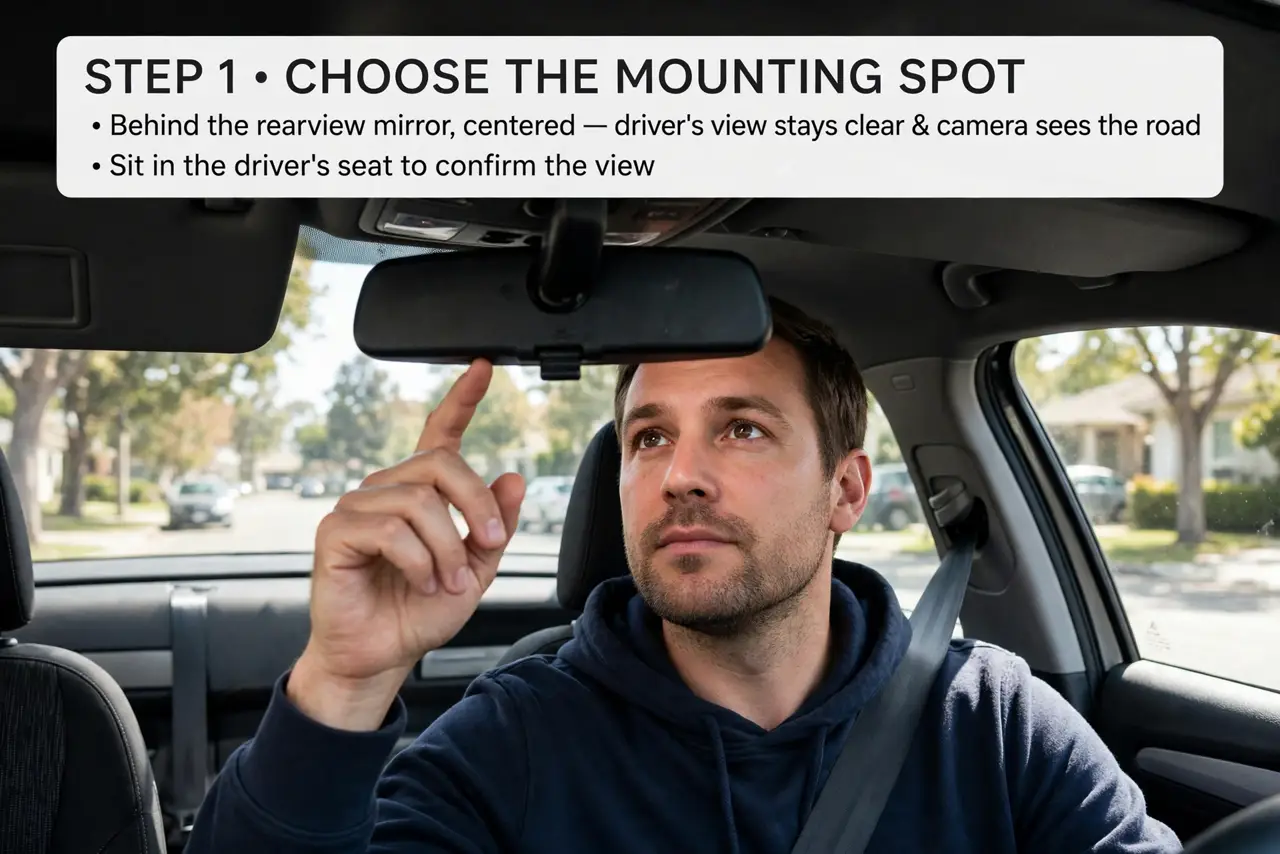
- Choose the mounting spot. Behind the rearview mirror, centered: the driver's view stays clear and the camera sees the road. Sit in the driver's seat to confirm the view.
- Clean the glass. Wipe the mounting area with alcohol. Adhesive mounts bond to clean glass for years and to dusty glass for days.
- Attach the mount. Press the adhesive mount firmly and let it set. A solid mount is the foundation — wobble ruins footage.
- Route the cable. Tuck the power cable into the headliner edge, down the A-pillar trim, and along the door seals to the 12V socket. Trim tools help; fingers work.
- Connect power. Plug into the 12V socket or USB port. Route the last stretch so the cable never crosses the pedals or the shifter.
- Test and aim. Start the car, check the live view, and aim the lens at the road horizon. Format the memory card in the camera before the first drive.
What NOT to do
- Do not let cable cross the airbag zone. The A-pillar houses airbags — tuck behind the trim, never across the deployment path.
- Do not mount where it blocks your view. Low or centered-high is fine; middle of the windshield is not.
- Do not skip formatting the card. Format in the camera itself so the file system matches what it expects.
- Do not hardwire without knowledge. Fuse-tap installs are great but demand care — the 12V socket is the safe default.
Frequently asked questions
How long does installation take?
About thirty minutes for a clean cable-tucked install. Rushing it shows in dangling wires.
Can I install it myself?
Yes — the 12V socket route needs no tools beyond fingers and patience. Hardwiring is the only part to leave to pros if unsure.
What if my car has no 12V socket?
Use a USB port with the right cable, or a hardwire kit. The camera just needs steady power when driving.