Pick a Dash Cam
After a fender bender, it is your word against theirs — unless a dash cam recorded it. Picking one is simpler than the spec sheets suggest: night video quality, loop recording, and heat resistance matter; 4K bragging mostly does not. Reliability beats resolution — it must simply work when it counts. See the installation guide and the action cam comparison.
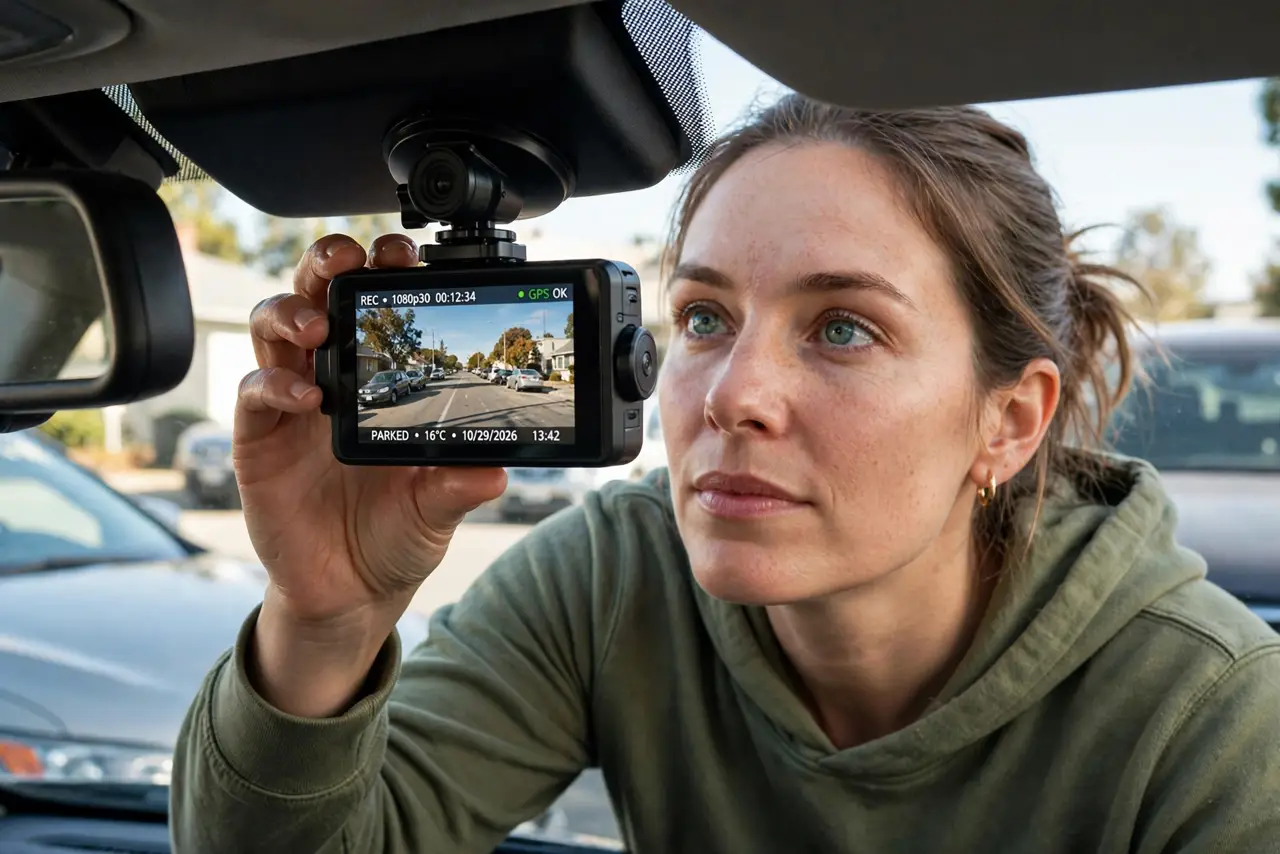
TL;DR / Quick Fix
Quick fix: pick a dash cam with night video quality, loop recording, and a capacitor instead of a battery for heat resistance. A single front camera covers most disputes; add a rear one if you want full coverage. Reliability matters more than resolution — it must work when it counts.
Follow these steps
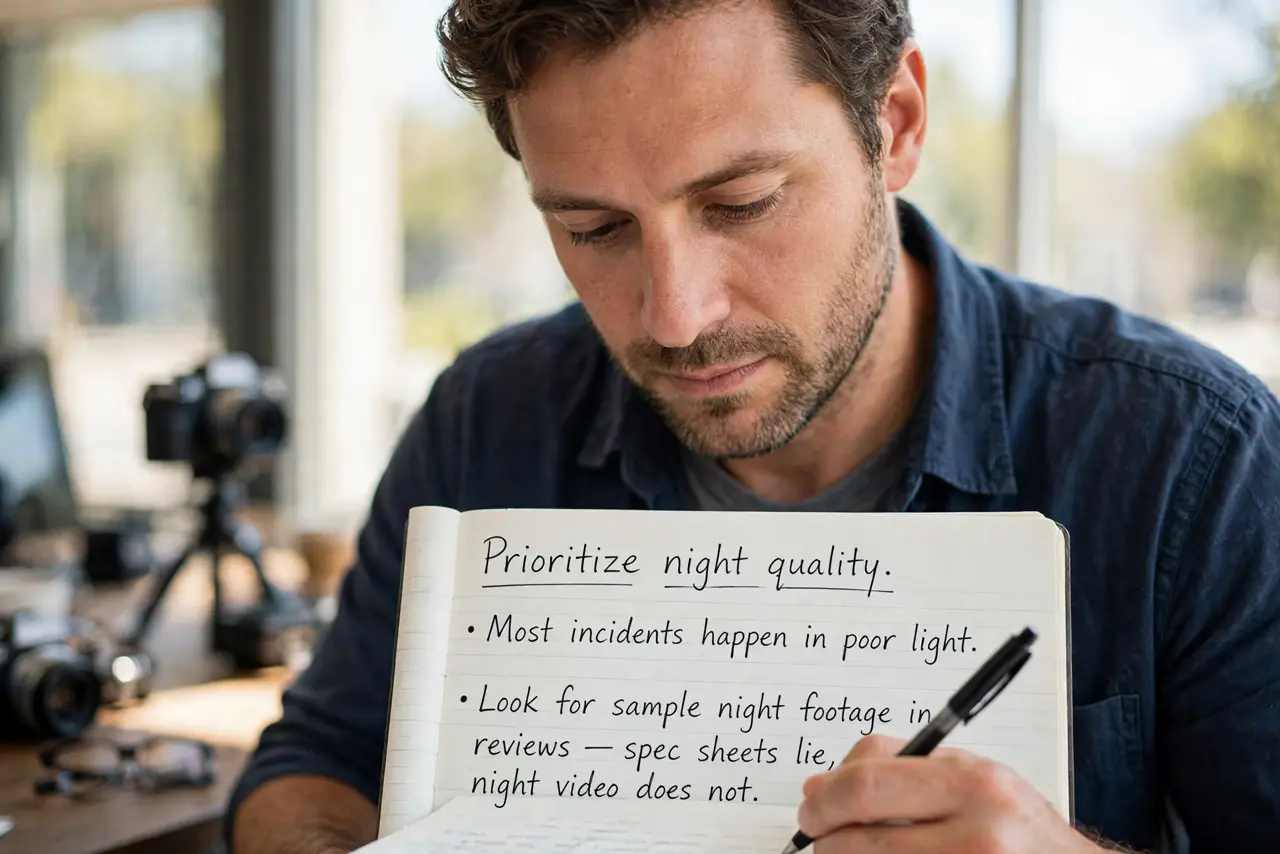
- Prioritize night quality. Most incidents happen in poor light. Look for sample night footage in reviews — spec sheets lie, night video does not.
- Demand loop recording. The camera must overwrite the oldest footage automatically. A cam that stops when full is a cam that misses the accident.
- Choose capacitor over battery. Capacitors survive dashboard heat that kills batteries. In hot climates this is the difference between working and dead.
- Get a good memory card. High-endurance cards are made for constant rewriting; regular cards die young in dash cams. Size for at least a few hours of loop.
- Decide front-only or front-plus-rear. Front covers most disputes. Add a rear camera if you want tailgaters and rear impacts on record too.
- Check the mount. Suction mounts wobble and fall; adhesive mounts hold. A camera pointed at the sky records very interesting clouds.
What NOT to do
- Do not buy for 4K alone. Resolution helps license plates, but night quality and reliability matter far more.
- Do not use a regular memory card. Dash cams murder standard cards with constant writes — high-endurance or nothing.
- Do not forget it needs power. Hardwiring or a proper cable route beats a dangling cord across the dashboard.
- Do not assume it records when parked. Parking mode needs specific wiring and settings — check before counting on it.
Frequently asked questions
Are dash cams legal?
Generally yes for personal use, with local variations on audio recording and windshield placement. Check your area's rules.
Will it drain my car battery?
Normal driving use, no. Parking mode can — it needs proper low-voltage cutoff wiring.
Do I need GPS in a dash cam?
Nice to have: it stamps speed and location on footage, which settles disputes faster. Not essential.