What Are Data Caps?
Your internet bill suddenly grew a surcharge, or your speeds collapsed mid-month — welcome to the data cap, the monthly usage limit buried in your plan's fine print. Caps turn 'unlimited internet' into 'unlimited until a number'. Here is how they work, how to check yours, and how to stop paying overage fees.
TL;DR / Quick Fix
Quick fix: a data cap is your plan's monthly usage limit — cross it and you pay overage fees or get throttled. Check your cap and your monthly usage in your ISP account portal. If you regularly exceed it, upgrading to an uncapped tier is usually cheaper than paying overages.
Follow these steps
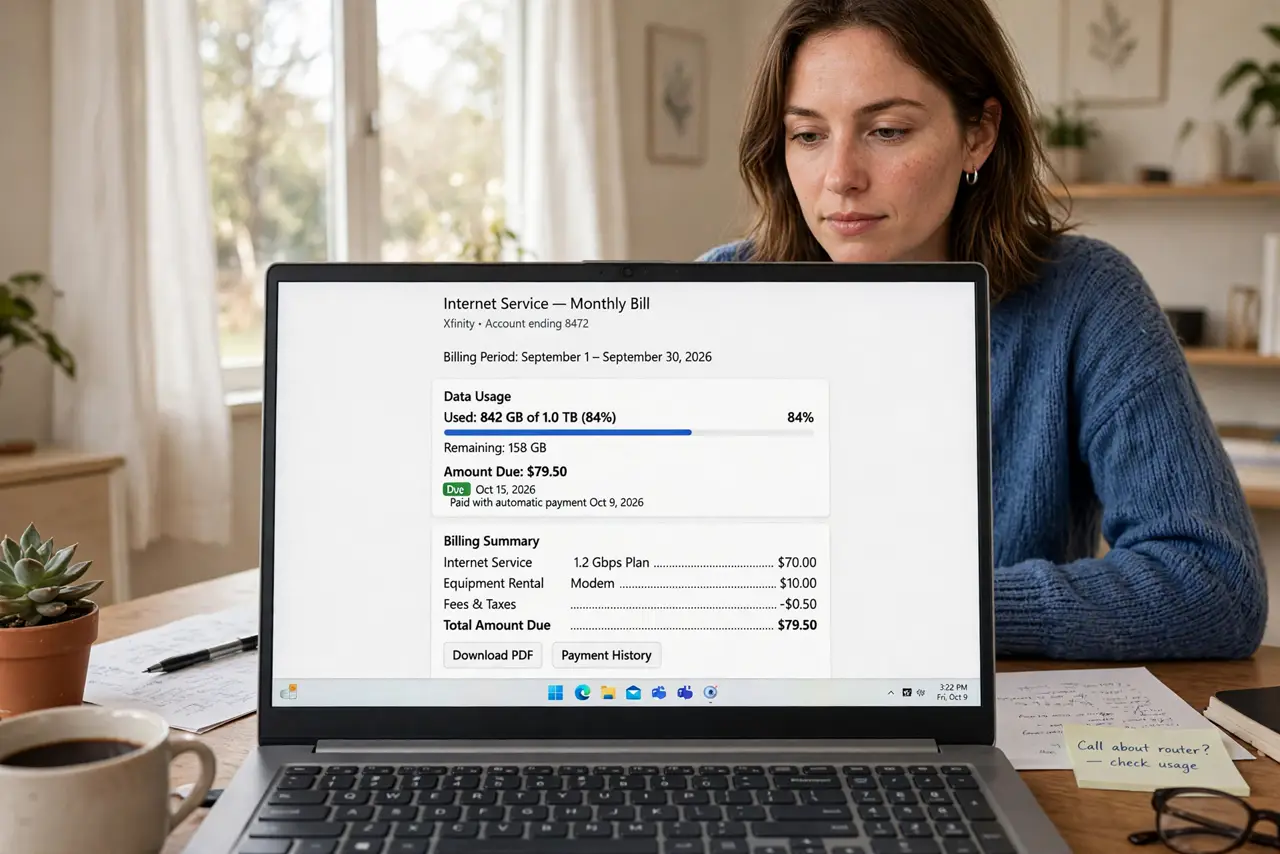
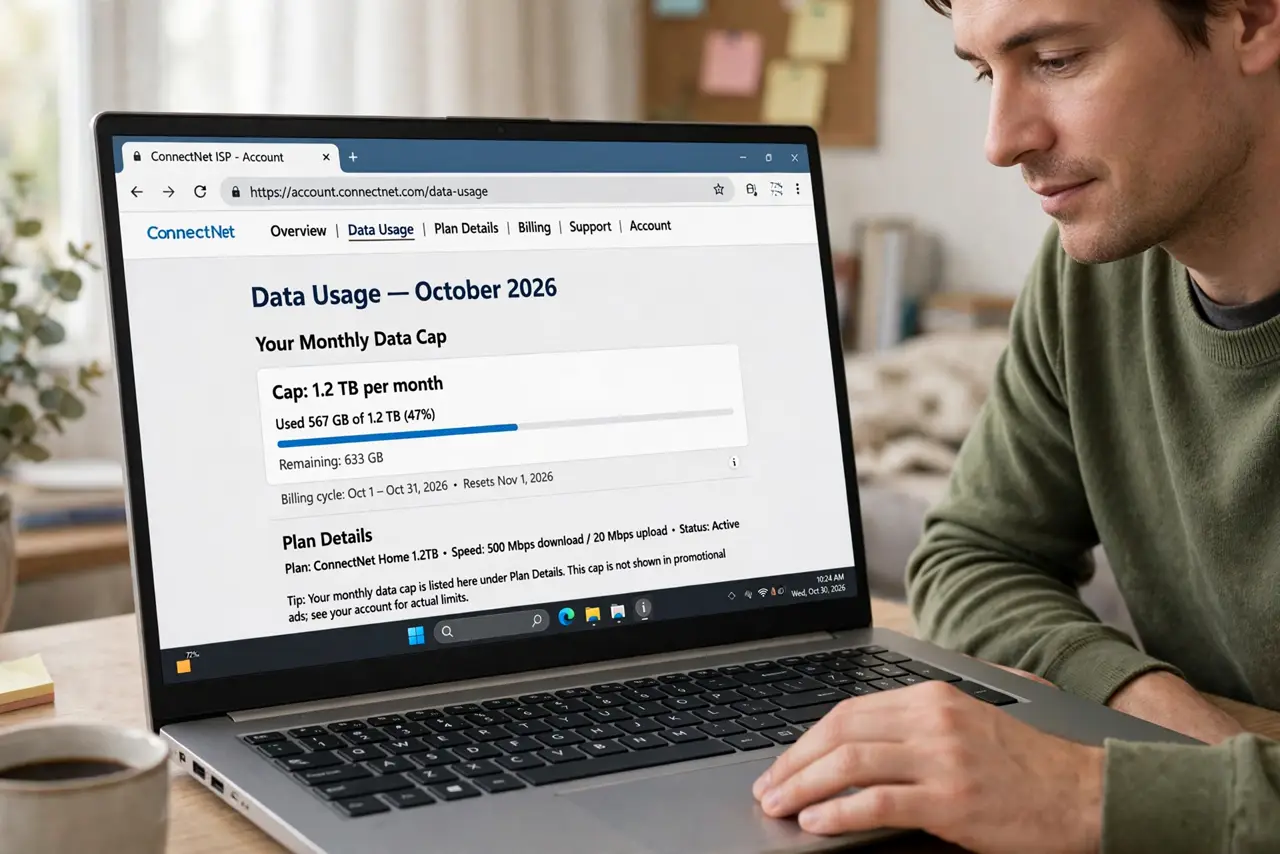
- Find your actual cap. Log into your ISP account and look for data usage or plan details — the cap is listed there, not in the ads. Common caps run 1TB to 1.2TB monthly; some plans have none.
- Check your real monthly usage. The same portal shows usage history by month. Compare several months against the cap — one spike is an anomaly, a pattern is a plan problem. The cap details guide explains typical numbers.
- Learn what eats the gigabytes. 4K streaming is the champion — several GB per hour. Cloud backups, game downloads, and video calls follow. Knowing the culprits lets you trim without guessing.
- Understand overage vs throttling. Some ISPs charge per extra block of data; others slow you down instead. Overage fees sting the wallet, throttling stings the experience — see throttling vs caps for which is which.
- Do the upgrade math. Compare the uncapped tier's price against your average overage fees. For chronic over-users the bigger plan is almost always cheaper than feeding overages monthly.
- Set up usage alerts. Most ISPs offer email or text alerts at 75% and 90% of the cap. Turn them on — a warning beats a surprise bill every time.
What to avoid
- Do not assume 'unlimited' means unlimited. Marketing unlimited often hides deprioritization or a soft cap — read the plan details, not the headline.
- Do not blame the Wi-Fi for cap throttling. If speeds crater mid-month on schedule, check usage before rebooting the router for the tenth time.
- Do not pay overages for months without doing the math. Chronic overage fees are the most expensive way to buy data — upgrade instead.
- Do not ignore the small print on 'no overage fees' plans. Some throttle instead of charging, which can be worse if you work from home.
Frequently asked questions
How much data does 4K streaming use?
Roughly 7GB per hour — a nightly 4K habit alone can approach a 1TB cap. Dropping to HD cuts it to about a third.
Do data caps apply to uploads too?
Usually the cap counts total usage, but downloads dominate for most households. Big cloud backups are the main upload-side exception.
Can I get the overage fee waived?
Often yes, once — call and ask politely, especially as a long-term customer. Providers waive first offenses routinely; repeat waivers are rarer.