Throttling vs Data Caps?
Your internet crawls every month around the same time — is the provider slowing you down on purpose, or did you hit some invisible limit? Throttling and data caps are the two usual suspects, and they feel similar but work differently. Knowing which one is hitting you decides the fix.
TL;DR / Quick Fix
Quick fix: a data cap is a usage allowance — cross it and you pay or slow; get a bigger plan. Throttling is the provider slowing traffic — complain or switch providers. Check usage: heavy usage means the cap, light usage with slow speeds means throttling.
Follow these steps
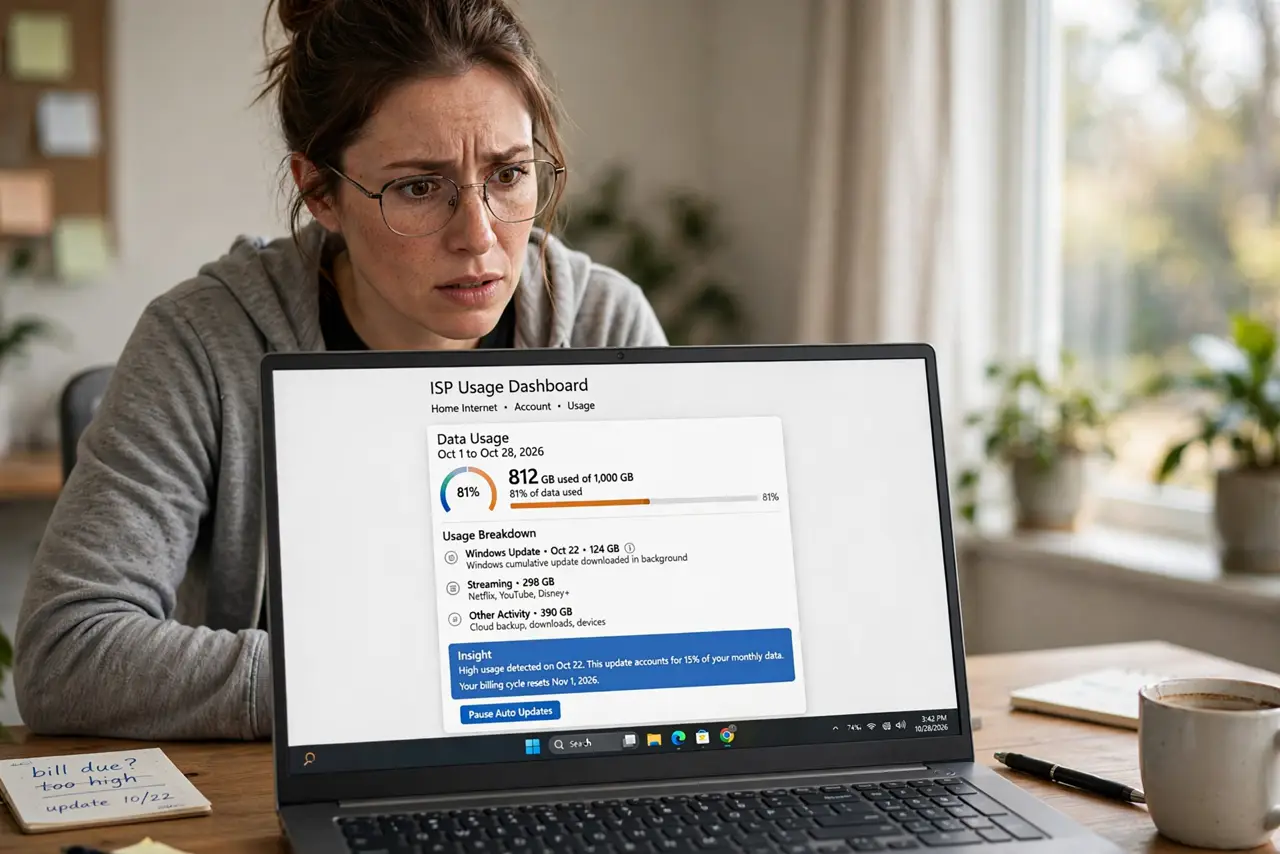
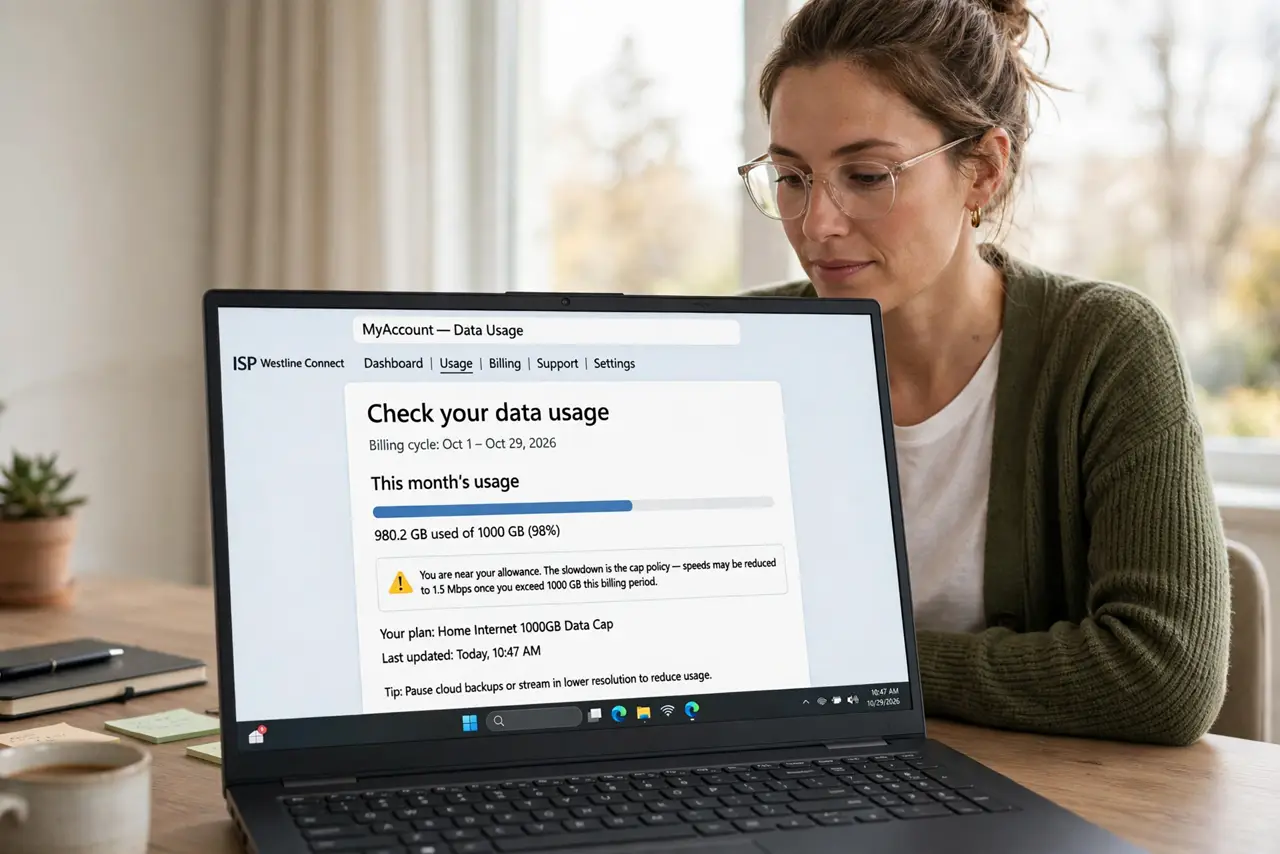
- Check your data usage first. Log into your ISP portal and look at this month's usage. If you are near or over the allowance, the slowdown is the cap policy — see the data caps guide for the numbers.
- Learn the throttling signs. Throttling often hits specific activities — video streams buffering while speed tests look fine is the classic tell. The throttling signs guide lists the patterns to watch for.
- Test at different times. Congestion-based deprioritization is worst in the evening. If speeds are fine at 6am but crawl at 8pm with low usage, you are being deprioritized, not capped.
- Understand throttling vs prioritization. Providers juggle network load constantly; not every slowdown is punishment. The throttling vs prioritization breakdown explains the honest technical difference.
- Complain with evidence. A log of speed tests at different times plus your usage figures turns 'my internet is slow' into a case support must answer. Vague complaints get vague responses.
- Know when to switch. Chronic throttling with no plan upgrade path is a provider problem, not a you problem. Competing providers' policies differ — the threat of leaving is also leverage.
What to avoid
- Do not reboot the router ten times for a cap problem. No amount of rebooting refills a monthly allowance — check usage first.
- Do not assume every slowdown is throttling. Congestion, Wi-Fi issues, and caps are all more common than deliberate throttling.
- Do not pay for a VPN to 'beat throttling' blindly. VPNs can bypass some traffic-specific throttling but add overhead and cost — diagnose first.
- Do not ignore the contract. Your plan's fine print defines the cap and the throttling policy — the answer to 'can they do this' is usually in there.
Frequently asked questions
Is throttling legal?
Generally yes, within disclosed policies — providers must describe their network management, but they are allowed to manage congestion. Undisclosed throttling is the part regulators punish.
Why is my speed test fast but streaming slow?
The textbook throttling signature: the provider may prioritize speed-test traffic or throttle video specifically. Test with real activities, not just speed tests.
Can I avoid the cap by using the internet less at night?
Usage counts around the clock on most plans — timing does not dodge a cap, though off-peak use can dodge congestion slowdowns.