Visualize Data Simply
You have the numbers, but your chart confuses everyone — 3D exploding pies, dual axes, rainbow colors, and a message nobody can find. Most bad charts fail for the same few reasons, and the fixes are simple rules, not design talent. Here is how to make any chart instantly clearer.
TL;DR / Quick Fix
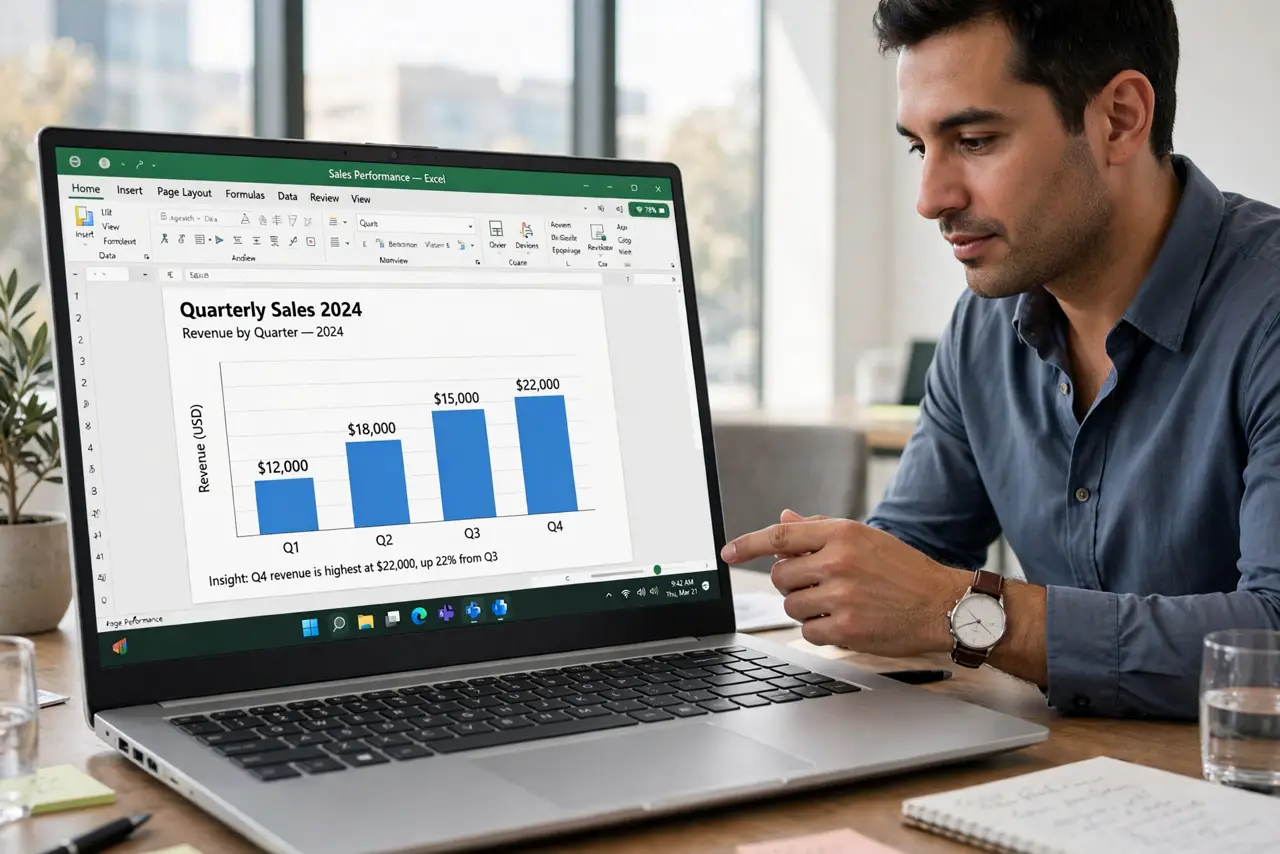
Quick fix: pick the chart that matches your question — bars for comparisons, lines for trends over time, pie only for a few parts of a whole. Label everything, start bar axes at zero, and cut decoration. One clear message per chart beats a clever one every time.
Follow these steps
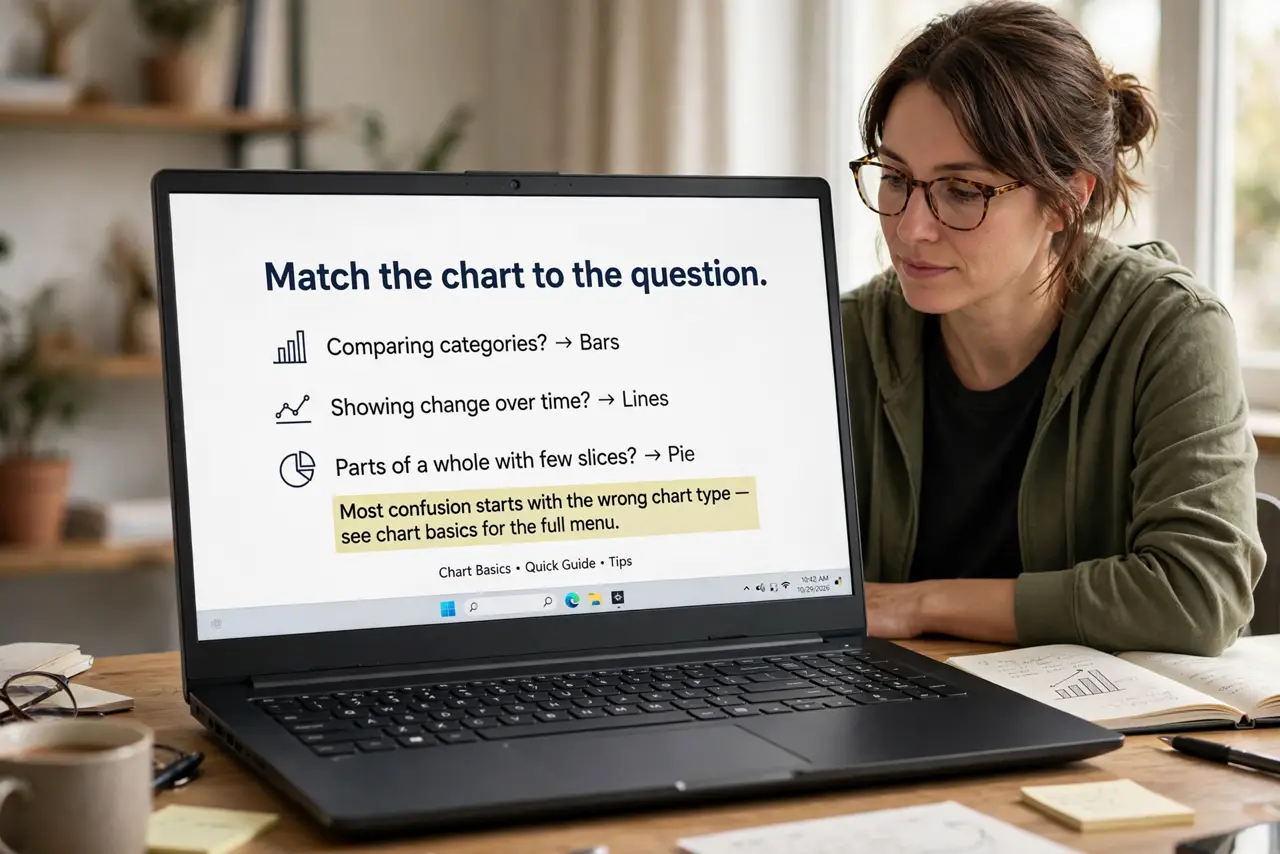
- Match the chart to the question. Comparing categories? Bars. Showing change over time? Lines. Parts of a whole with few slices? Pie. Most confusion starts with the wrong chart type — see chart basics for the full menu.
- Start bar axes at zero. Truncating the axis exaggerates tiny differences into dramatic ones — the classic misleading-chart trick. Honest bars start at zero; note it when a tool doesn't.
- Label everything directly. Axis titles, units, and data labels on the chart beat a legend people must decode. If the viewer has to hunt for what a number means, the chart failed.
- Cut the decoration. 3D effects, gradients, shadows, and background images add nothing and obscure plenty. Flat, simple, high-contrast — see fixing a broken chart when the output looks wrong.
- Use color with restraint. One highlight color for the key data, neutrals for the rest. Rainbow palettes look busy and fail colorblind viewers — restraint is accessibility.
- Give each chart one message. Write the takeaway as the chart title: 'Sales doubled after March' beats 'Sales by month'. If you can't state the message, the chart isn't ready.
What NOT to do
- Do not use pie charts for many slices. Beyond five or six slices, pies become unreadable soup — bars handle many categories far better.
- Do not truncate axes to exaggerate. It's the oldest chart lie; even accidental truncation destroys trust when someone notices.
- Do not cram three messages into one chart. One chart, one point — split ambitious charts rather than overloading them.
- Do not decorate data into obscurity. Every 3D effect and gradient is ink spent hiding the numbers instead of showing them.
Frequently asked questions
Which chart type should I use?
Bars for comparisons, lines for time trends, pie for a few parts of a whole, tables for exact values. When in doubt, bars — they're the most versatile.
How do I make charts less boring without clutter?
Better typography, one strong accent color, and generous whitespace. Boring usually means cramped — space is the cheapest upgrade.
Do I need special software?
No — spreadsheet chart tools cover 90% of needs. Fancy visualization software earns its place only for interactive or huge datasets.