Default Browser Keeps Changing? Fix It
When the default browser keeps changing, an installer or another browser usually claimed it, or a Windows setting reset it. Setting it in Windows and declining future claims stops the flip.
TL;DR / Quick Fix
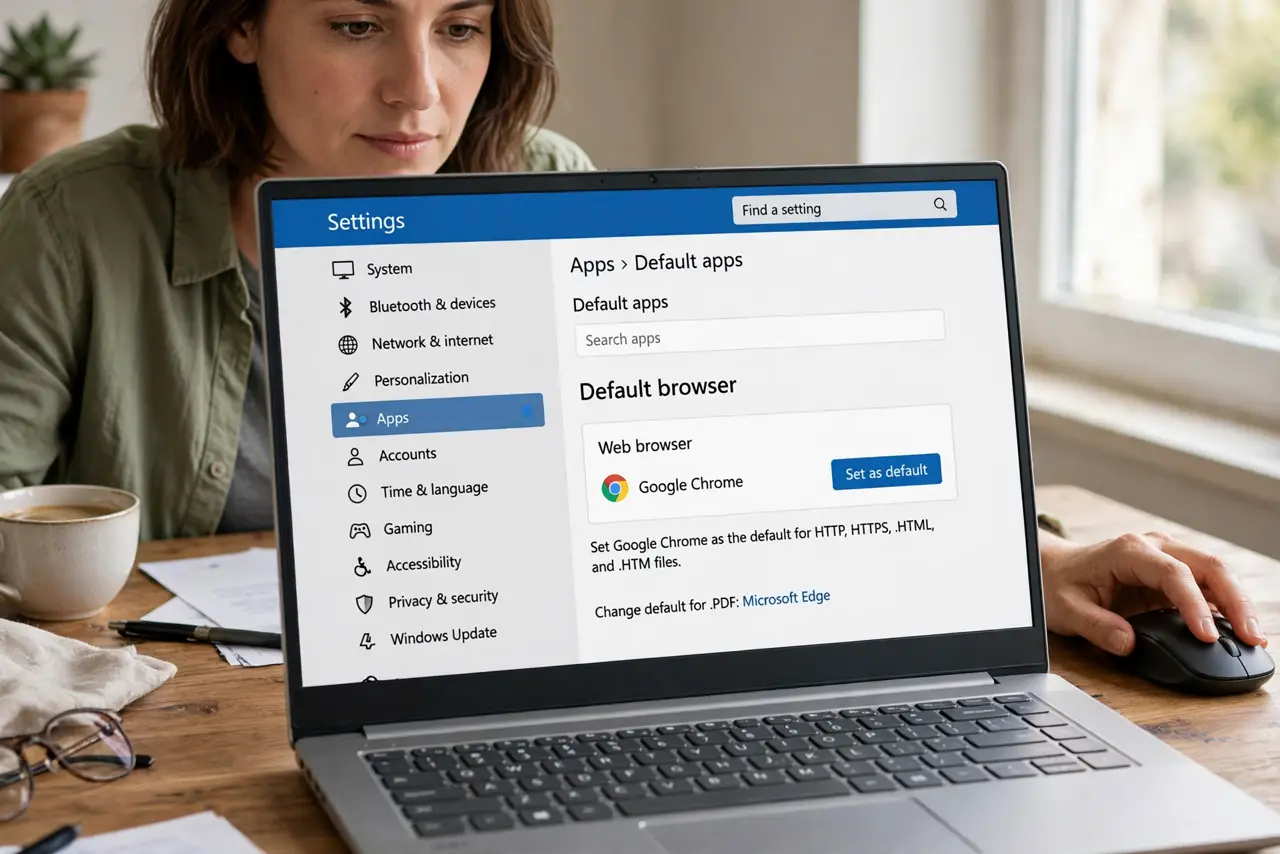
Quick fix: open Settings, then Apps, then Default apps, search for your browser, and set it as default for web links. Then open the other browser and decline any prompt asking to make it the default. Test by clicking a link from an email.
Follow these steps
- Set the default in Windows settings. Open Settings, then Apps, then Default apps, and set your chosen browser as default. Windows settings outrank a browser own claim, so set it here first.
- Decline the prompt in the other browser. Open the other browser and look for a prompt asking to make it default. Choose No or Not now, so it does not claim the default again.
- Check browser settings for a default claim. In each browser you use, check its settings for a default browser option. Turn off any setting that checks or claims the default on start-up.
- Test by clicking a real link. Click a link from an email or a document. It should open in your chosen browser. If it opens elsewhere, the default did not stick, and a claim is still active.
- Check after installing new software. When you install a new browser or a bundle, watch for a default browser tick box during setup. Untick it before finishing the install.
- Reset defaults if it keeps flipping. In Default apps, reset the web defaults and set your browser again. A reset clears a conflicting choice that kept winning over your setting.
What NOT to do
- Do not set the default inside the browser only. The browser claim can be overridden, so set it in Windows Default apps as well.
- Do not accept a default change prompt without reading it. Installers often bundle a default change with an otherwise normal setup.
- Do not delete the other browser to fix the default. You may need it for a site that works better there, and deleting it does not set your chosen default.
- Do not change every file type to fix web links. Web links use the browser default, so focus on that setting instead of unrelated file types.
Frequently asked questions
Why does it change after I install something?
The installer claimed the default during setup. Untick default browser boxes during installs, and reset the default after.
I set it in the browser but it still flips. Why?
The Windows Default apps setting is the authority. Set it there, and decline claims in the other browser.
Can I use two browsers and keep one default?
Yes. The default only decides which browser opens links you click elsewhere. You can still open the other browser by hand any time.