New Tab Page Shows Ads? Fix It
When every new tab shows ads, an extension has usually taken over the new tab page. Removing that extension and resetting the new tab page restores the clean page you had before.
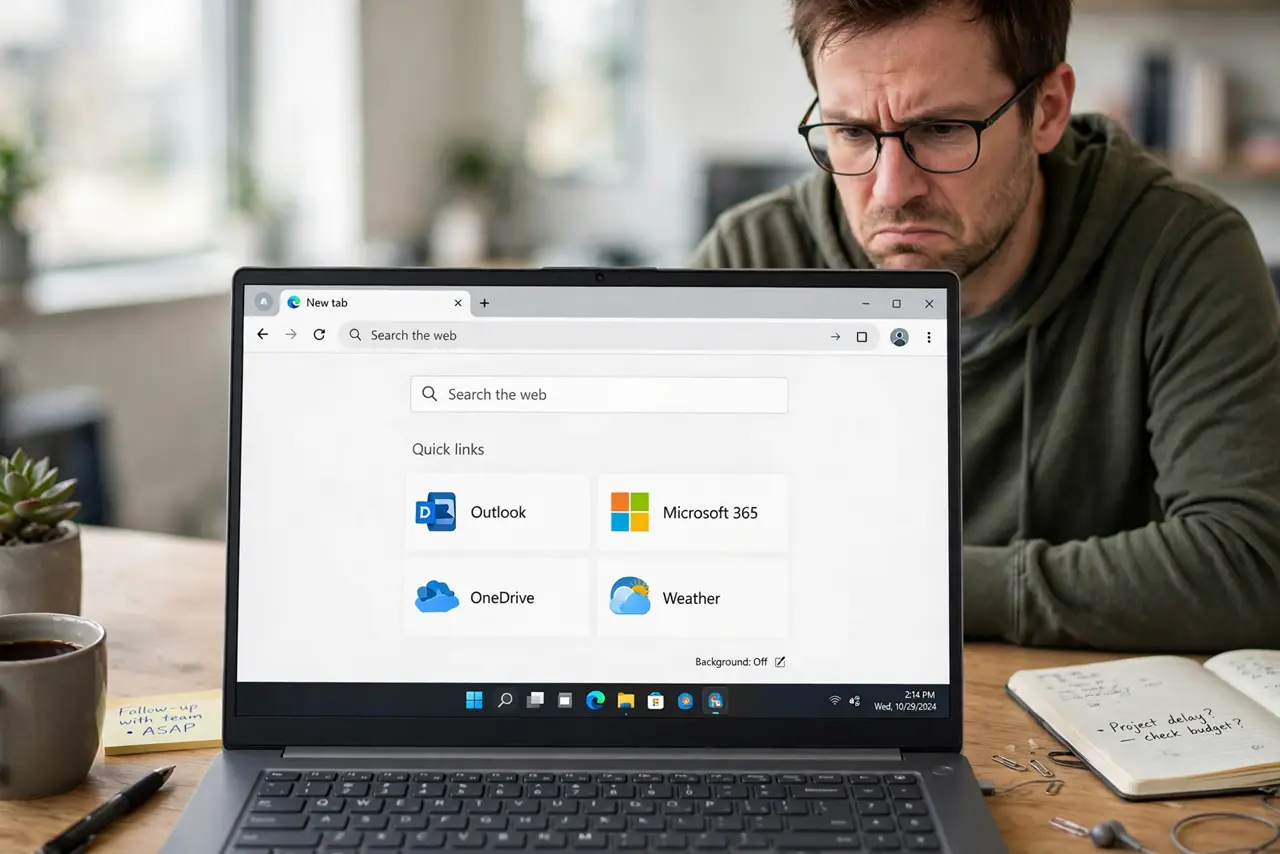
TL;DR / Quick Fix
Quick fix: open Extensions in your browser and remove any extension you do not recognize, especially one promising a new tab background or quick search. Then open a new tab and check it is clean. If ads remain, reset the browser new tab settings.
Follow these steps
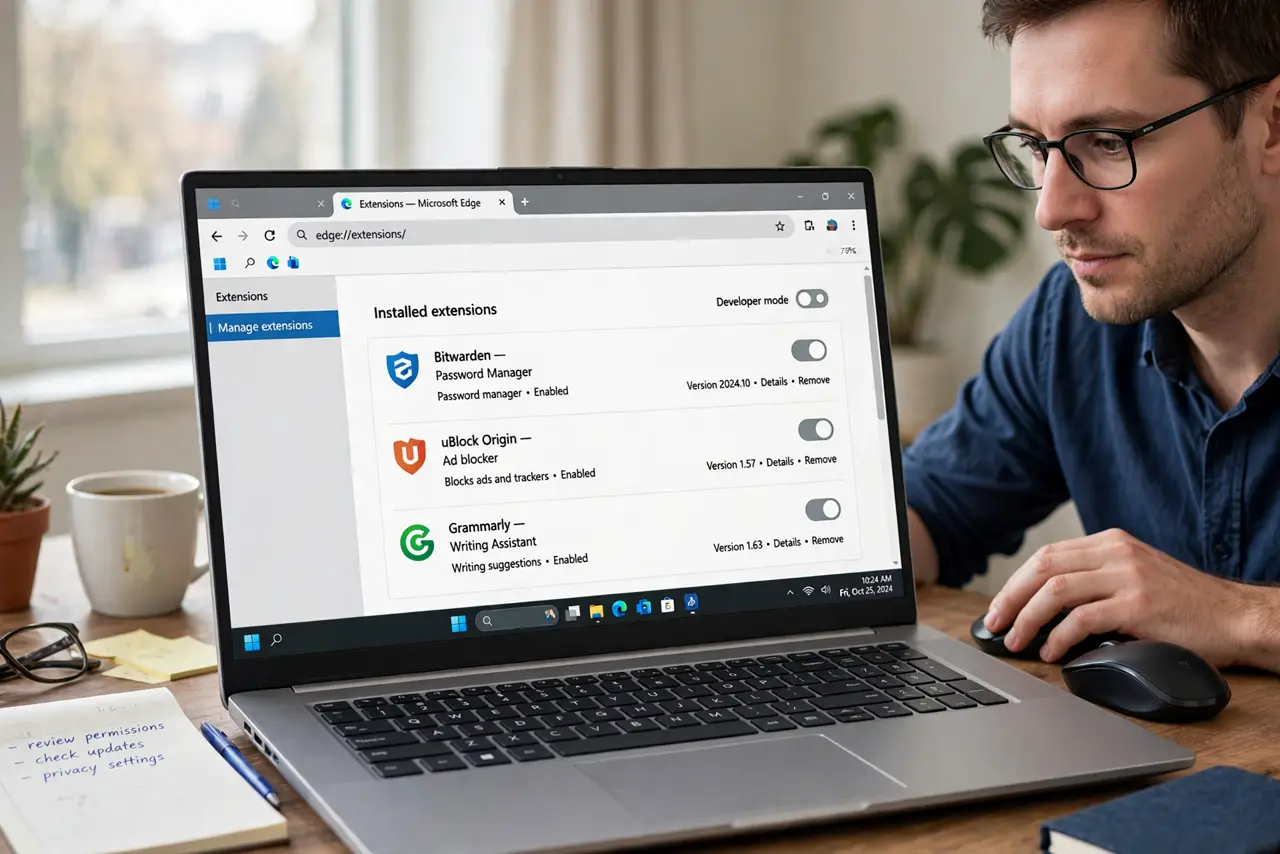
- Open Extensions and scan the list. Open browser settings, then Extensions, and read every entry. Note any extension you did not install, or that promises a new tab design, wallpaper, or fast search.
- Remove the suspicious extension. Remove the extension you suspect, not just disable it. Removal stops it from changing the new tab page again after a restart.
- Open a new tab and check. Open a new tab and see whether the ads are gone. If the page is clean, the removed extension was the cause.
- Reset the new tab page if ads remain. If ads remain, check the new tab or start-up settings in the browser and reset them to the default. Then test a new tab again.
- Disable the rest one at a time if needed. If you cannot tell which extension is responsible, disable extensions one at a time, testing a new tab after each. The tab that turns clean names the culprit.
- Run a security scan if it keeps coming back. If ads return after removal, run a full scan with your security software. Persistent new tab ads can come from unwanted software outside the browser.
What NOT to do
- Do not click the ads on the new tab page to test them. Clicking can lead to misleading pages, so judge the page by its look, not by clicking through.
- Do not install a new tab cleaner from a pop-up. It may be another extension of the same kind, and browser settings already include the fix.
- Do not keep an extension just because it looks pretty. A new tab extension that shows ads is not worth the wallpaper, so remove it and use the default page.
- Do not ignore new tab ads because you can close them. Ads on every new tab slow browsing and can track searches, so removing the cause is worth the minute.
Frequently asked questions
Why does only the new tab page show ads?
An extension took over the new tab page specifically. Normal pages stay clean, which is why the extension is easy to miss.
Disabling did not help but removing did. Why?
Some extensions re-enable themselves or keep a background part running. Removal is stronger than disabling for this kind of extension.
Is the default new tab page safe?
Yes. The browser default new tab page shows shortcuts and a search box, without the ad takeover an extension adds.