Auto-Delete Your Google Activity? How To
Google keeps a history of your searches, locations, and YouTube views — unless you tell it to auto-delete. The setting takes a minute and then works forever. This guide shows where it lives.
TL;DR / Quick Fix
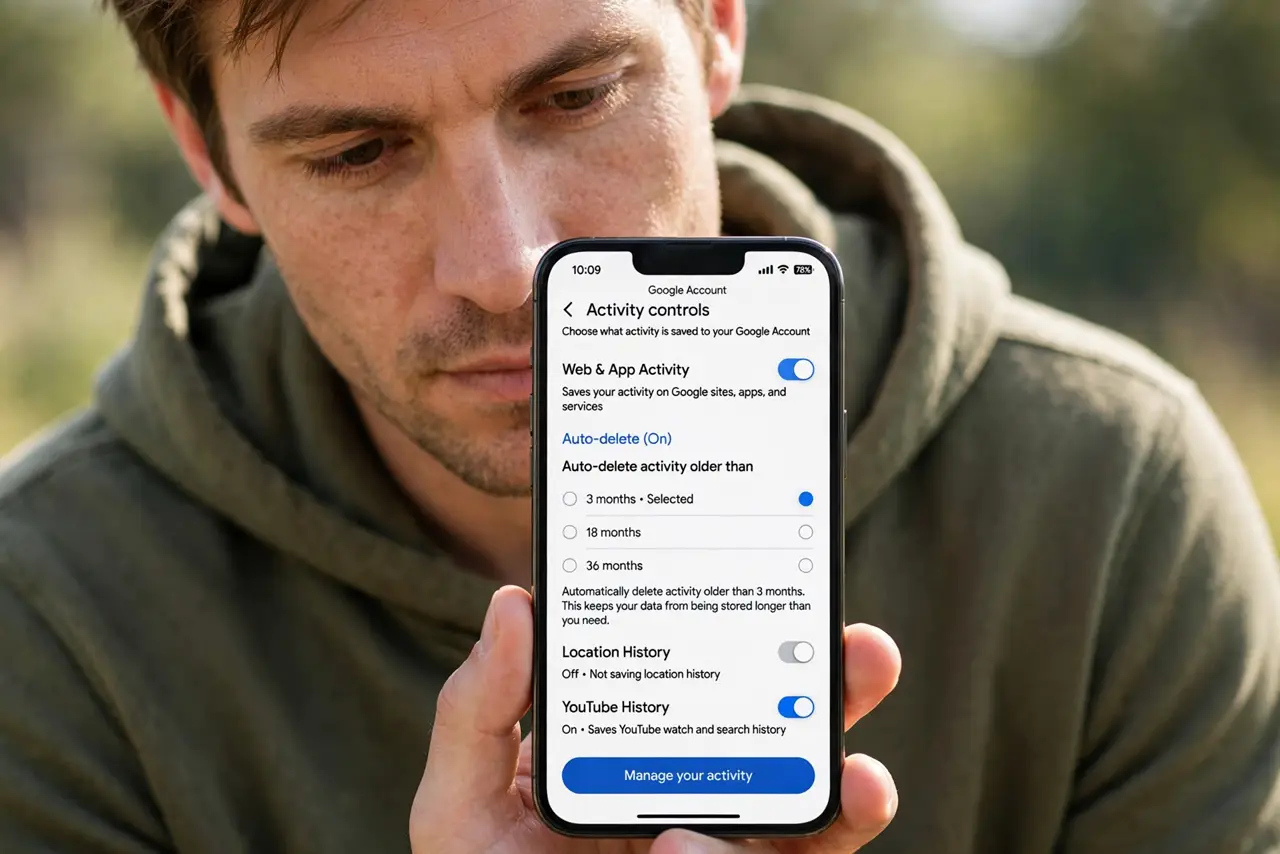
Quick fix: open your Google Account, go to Data and privacy, and turn on auto-delete for Web, Location, and YouTube history — 3 months is the tightest option. It deletes old activity automatically from then on. Review what's already saved before you turn it on.
Follow these steps
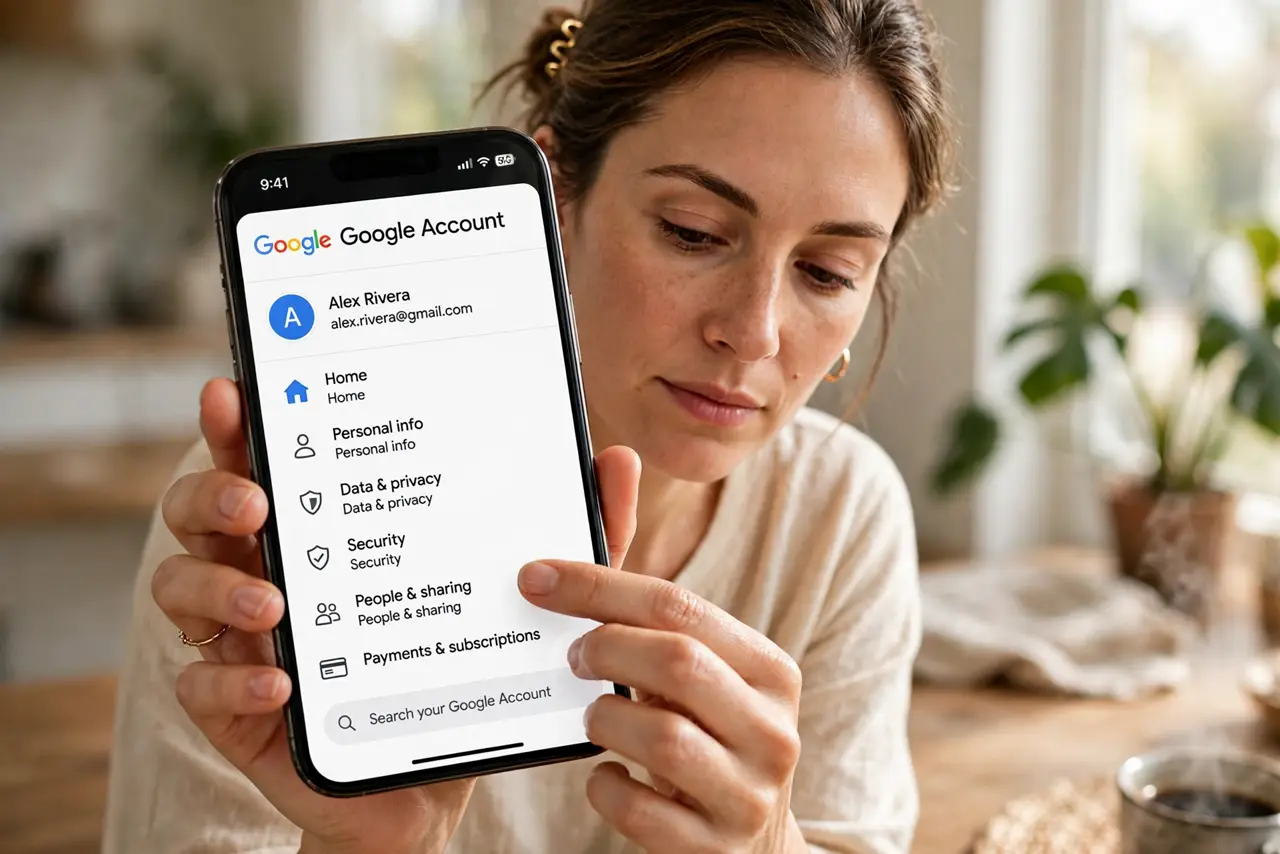
- Open your Google Account. Go to myaccount.google.com and sign in. All the privacy controls live here, not scattered across apps.
- Go to Data and privacy. This section holds Web & App Activity, Location History, and YouTube History — the three big collectors.
- Open each activity type. Tap Web & App Activity first. You will see what Google has saved and the auto-delete option beside it.
- Turn on auto-delete. Choose auto-delete and pick the shortest period you are comfortable with — 3 months keeps the least. Repeat for Location and YouTube history.
- Delete the old backlog once. Auto-delete only handles the future. Use Delete to clear old activity now, with a date range or all time.
- Check back once a year. Google occasionally adds new data types. A yearly two-minute review keeps your settings matching your intentions.
What NOT to do
- Do not assume pausing is the same as deleting. Pausing stops future collection but leaves everything already saved — delete the backlog too.
- Do not turn it all off in a panic without thinking. Maps timeline and search history power genuinely useful features; pick the balance you want.
- Do not forget YouTube history. People clean search history and leave years of watch history sitting there.
- Do not expect instant disappearance everywhere. Deletion propagates through Google's systems over days, not seconds.
Frequently asked questions
Will auto-delete break Google Maps timeline?
It trims it to your chosen window. Your recent places still work; only older history disappears.
Does this stop Google tracking me entirely?
No. It limits stored activity history, but Google still processes data to run its services. For ad tracking specifically, see ad personalization.
Can I delete activity for just one day?
Yes. The Delete option offers last hour, last day, custom range, or all time — pick what fits.