Design a Folder Structure
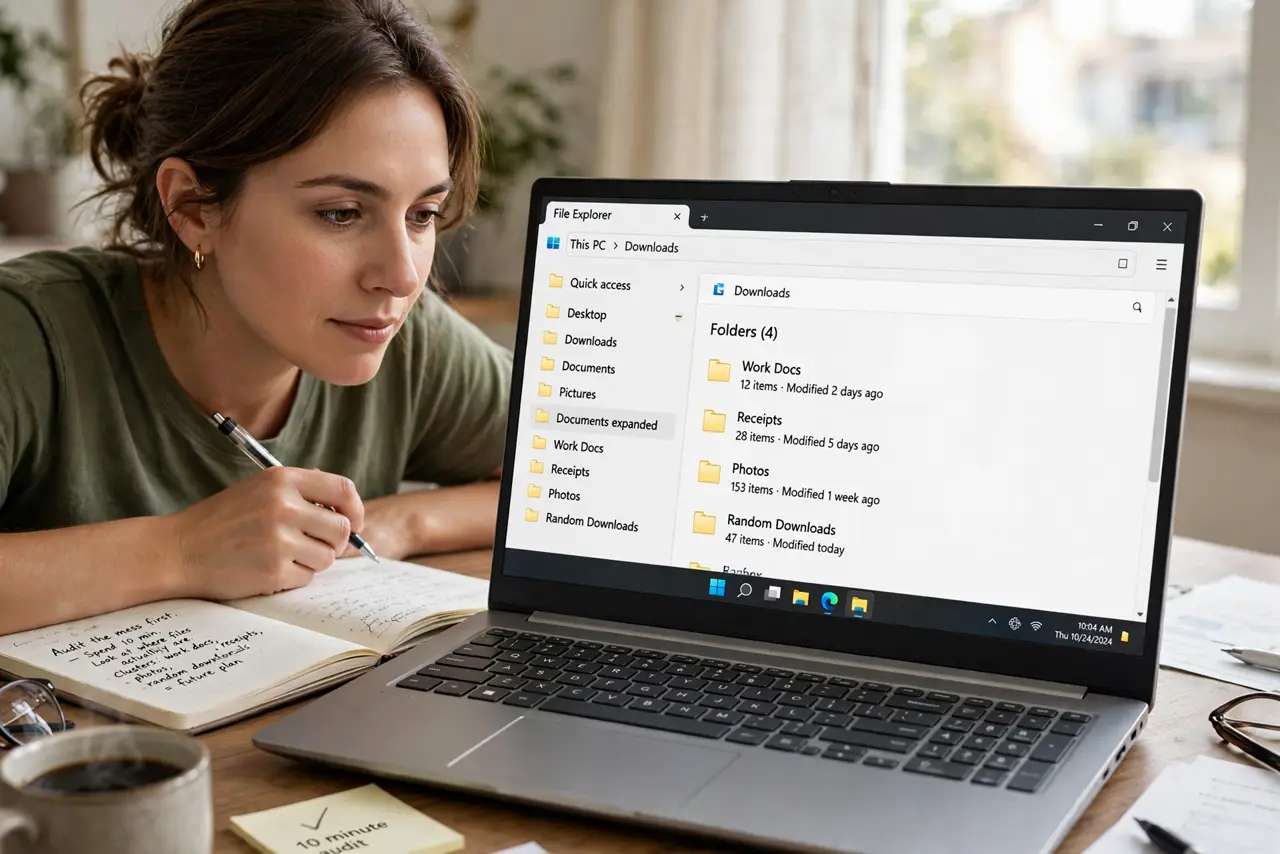
Your downloads folder has hundreds of files, your desktop is a graveyard of screenshots, and organizing it later has been the plan for two years. A folder structure is just a set of buckets you decide once: a handful of top-level folders, clear names, and shallow nesting. Design it in twenty minutes and filing becomes a reflex instead of a project. Start by taming the downloads pile — it is the biggest offender.

TL;DR / Quick Fix
Quick fix: pick five to eight top-level buckets with plain names, keep nesting to three levels, file new things weekly in a five-minute sweep, and archive yearly. Start simple and adjust — a living simple system beats a perfect one you never use.
Follow these steps
- Audit the mess first. Spend ten minutes looking at where your files actually are. The clusters you see — work docs, receipts, photos, random downloads — are your future top-level folders revealing themselves.
- Pick five to eight top-level buckets. Fewer is better: Work, Finance, Personal, Photos, Archive, and maybe one or two more. If you need twelve top-level folders, your buckets are too specific.
- Name folders for future you. Use plain words you will still understand in a year: Taxes-2026, not Stuff. Consistent naming beats clever naming every time.
- Keep nesting shallow. Three levels deep is the practical limit — beyond that, files go to hide. If a path reads like a sentence, flatten it.
- File weekly, not never. A five-minute weekly sweep keeps the system alive: downloads get sorted, desktop gets cleared, strays go home. The system fails without this habit, not without better folders.
- Archive yearly. Once a year, move finished projects and old years into an Archive bucket. The active structure stays lean, and nothing is ever truly deleted.
What NOT to do
- Do not build the perfect structure before filing a single file. Start simple and adjust — a living simple system beats a perfect unused one.
- Do not create a folder per project per month per client. Over-nesting is how files get lost with great precision.
- Do not mix personal and work in one bucket for now. Separation is the point; temporary mixing becomes permanent.
- Do not skip the weekly sweep. Structures do not organize files — the habit of filing does.
Frequently asked questions
Should this match my cloud drive structure?
Ideally yes — one structure everywhere means you always know where things are. Mirror the same buckets in Drive, Dropbox, or wherever you sync.
What about files that fit two buckets?
Pick the one you will look in first and stick to it. Shortcuts or aliases can point from the second bucket — do not keep two copies.
How do I handle the existing mess?
Do not reorganize everything at once. Create the new structure, file new things correctly, and migrate old files in small batches — or dump the backlog in an Old-Unsorted folder and move on.