Desktop Won't Wake From Sleep? Fix It
You press keys, click the mouse, and the desktop stays dark — the fans may spin, but the screen never comes back. Sleep-wake failures are usually about which devices are allowed to wake the machine, or a display that never got the wake signal. This guide works through both.

TL;DR / Quick Fix
Quick fix: press the power button briefly — a short press wakes most desktops without forcing a shutdown. If the screen stays dark, check the monitor's input and cable. Then review which devices are allowed to wake the PC, since a disabled wake setting is the most common cause.
Follow these steps
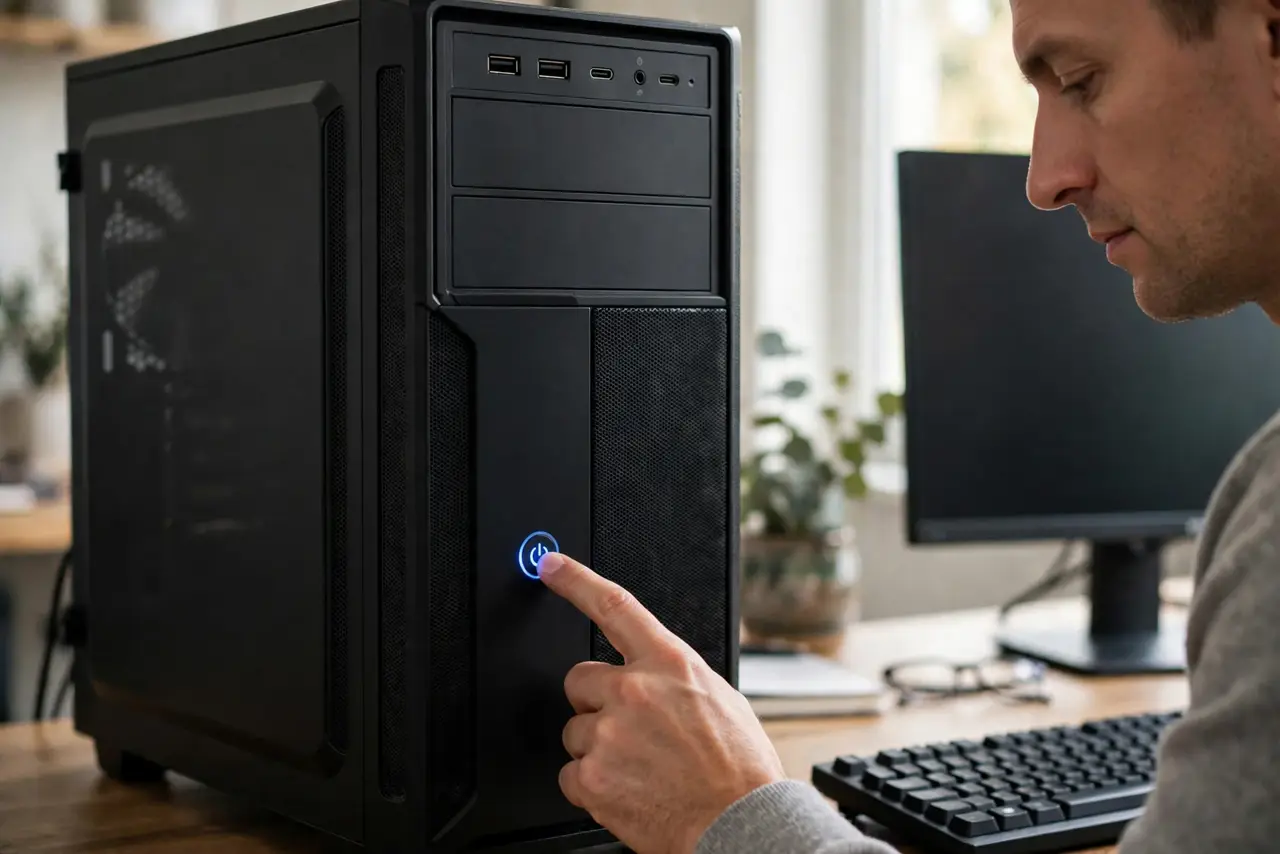
- Try a short power-button press. Tap the power button once, briefly. On most desktops this sends a wake signal; holding it forces a shutdown, which is not what you want yet.
- Check the monitor, not just the PC. The computer may be awake with the display asleep. Check the monitor's power light and input source, and wiggle the cable — a DisplayPort quirk can leave the screen dark after wake.
- Wake with the keyboard, not the mouse. Some systems only accept wake from specific devices. Press a keyboard key firmly; if the mouse never wakes it but the keyboard does, the mouse lacks wake permission.
- Review wake permissions. In the device manager, check that the keyboard and network adapter are allowed to wake the computer. A driver update sometimes silently revokes these permissions.
- Disable fast startup temporarily. Fast startup can conflict with sleep states on some hardware. Turn it off, test sleep and wake, and re-enable it only if the problem disappears.
- Update the graphics driver. An outdated or buggy graphics driver is a classic cause of wake-to-black-screen. Update it from the manufacturer's site, then test sleep again.
What NOT to do
- Do not hold the power button as the first step. A forced shutdown risks open files — try the gentle wake methods first.
- Do not disable sleep entirely as the 'fix.' That hides the problem while wasting power; fix the wake issue instead.
- Do not unplug the machine while it sleeps. Cutting power during sleep can corrupt the hibernation file and open documents.
- Do not assume the PC is dead. Fans spinning with a dark screen usually means a wake or display issue, not a dead computer.
Frequently asked questions
Why won't my desktop wake from sleep?
Usually a device not allowed to wake it, a display that missed the wake signal, or a driver conflict — rarely a hardware failure.
Is it better to use sleep or shut down?
Sleep is fine for daily use and wakes in seconds; shut down for travel, long absences, or when troubleshooting.
Can the mouse wake the computer?
Only if it has wake permission in the device settings. Keyboards are the more reliable wake device.