Digital Declutter Inbox Zero Relapse? Fix It
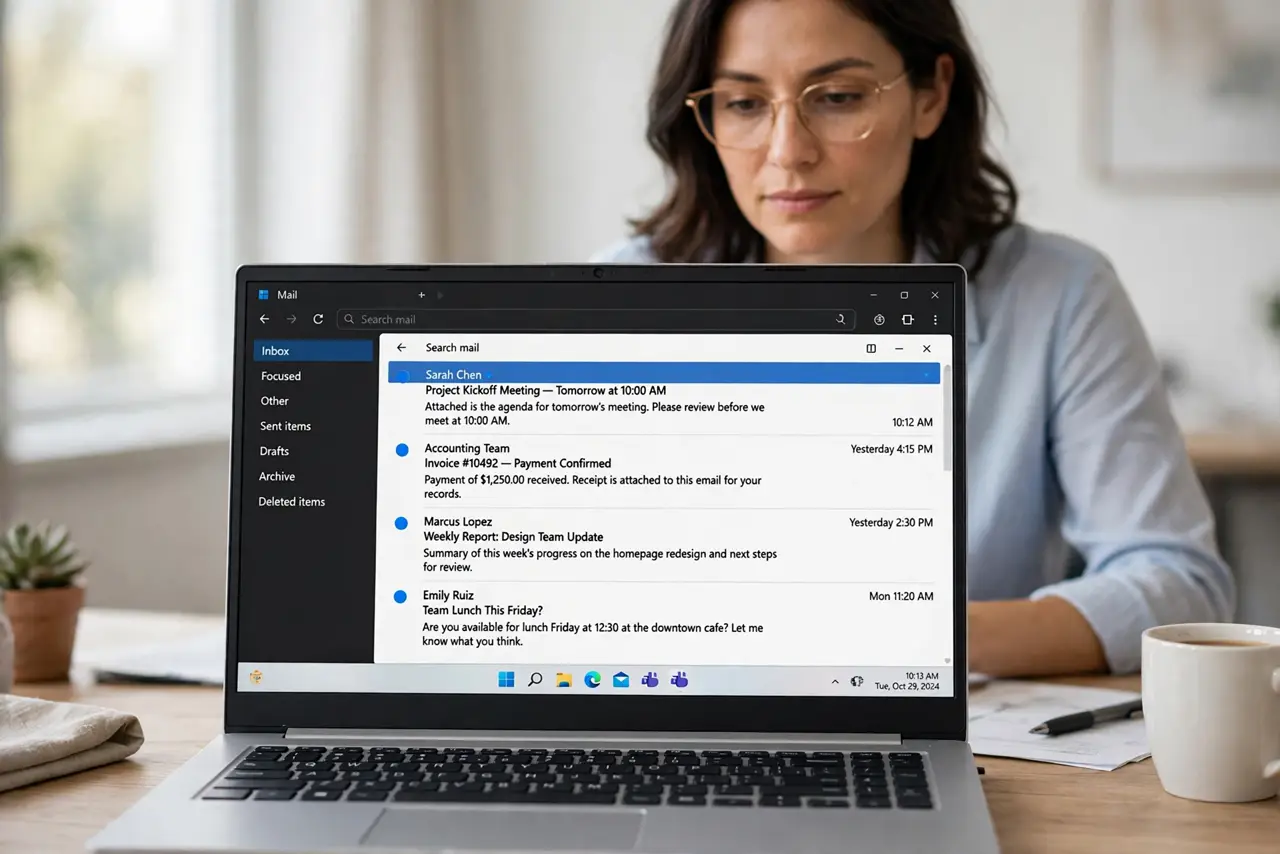
Inbox zero that collapses a week later is not a personal failure; it is a system without maintenance. The pile returns because new mail keeps arriving and nothing processes it daily, so the fix is a small daily habit, not another heroic clear-out.
TL;DR / Quick Fix
Quick fix: Clear the pile in timed batches. Unsubscribe from what you never read. Set up filters for routine mail. Process new mail once or twice daily. Use the same tidy habit as your folders. Review subscriptions monthly. Work in order, and verify each step before moving on.
Follow these steps
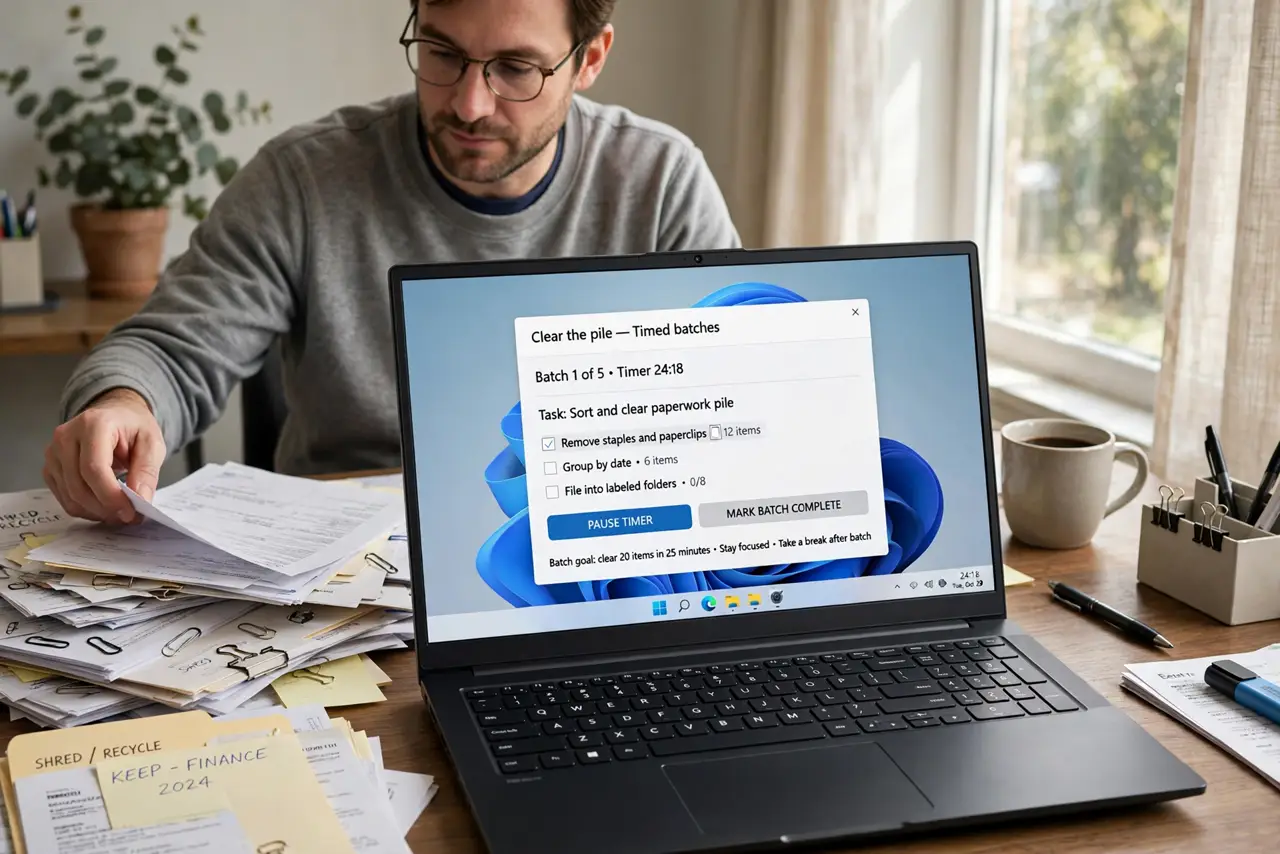
- Clear the pile in timed batches. Work through the inbox in thirty-minute batches, archiving, replying, or deleting. Timed batches prevent the clear-out from consuming your whole day.
- Unsubscribe from what you never read. Unsubscribe from newsletters and alerts you routinely ignore. Every subscription removed is mail that never needs processing again.
- Set up filters for routine mail. Route receipts, alerts, and newsletters to labeled folders automatically. Filters keep the inbox for mail that actually needs your attention.
- Process new mail once or twice daily. Check mail at set times, and leave each message archived, replied to, or deleted. Mail processed daily never becomes a pile.
- Use the same tidy habit as your folders. A five-minute daily tidy works for inboxes exactly as it works for download folders. Small and regular beats rare and heroic.
- Review subscriptions monthly. Once a month, scan what still arrives and unsubscribe again. Subscriptions creep back, and a monthly review keeps the creep in check.
What NOT to do
- Do not declare inbox bankruptcy by deleting everything unread. Important mail hides in every pile.
- Do not check mail constantly all day. Constant checking fragments focus without reducing the pile.
- Do not keep subscriptions out of guilt. An unread newsletter is not a commitment; it is clutter.
- Do not aim for permanent zero. Aim for processed daily; zero is a moment, not a state.
Frequently asked questions
Why does inbox zero never last?
Because mail keeps arriving and no daily habit processes it. Without maintenance, any clear-out refills.
How often should I check mail?
Once or twice daily at set times is enough for most people, plus urgent alerts you genuinely need.
What about mail I might need someday?
Archive it with a searchable subject. Archived mail is findable; inbox mail is just pending.