Set Up a Digital Photo Frame
A digital photo frame should be the simplest gadget in the house — yet setup involves apps, Wi-Fi, cloud albums, and invite codes that confuse plenty of buyers. Most of the pain comes from skipping the companion app step. Here is the setup order that actually works.

TL;DR / Quick Fix
Quick fix: connect the frame to Wi-Fi, install its companion app, and send photos from your phone — most frames pull from an app album or email address. Keep the frame plugged in, since battery models die fast. Check privacy settings before sharing the frame's upload address with family.
Follow these steps
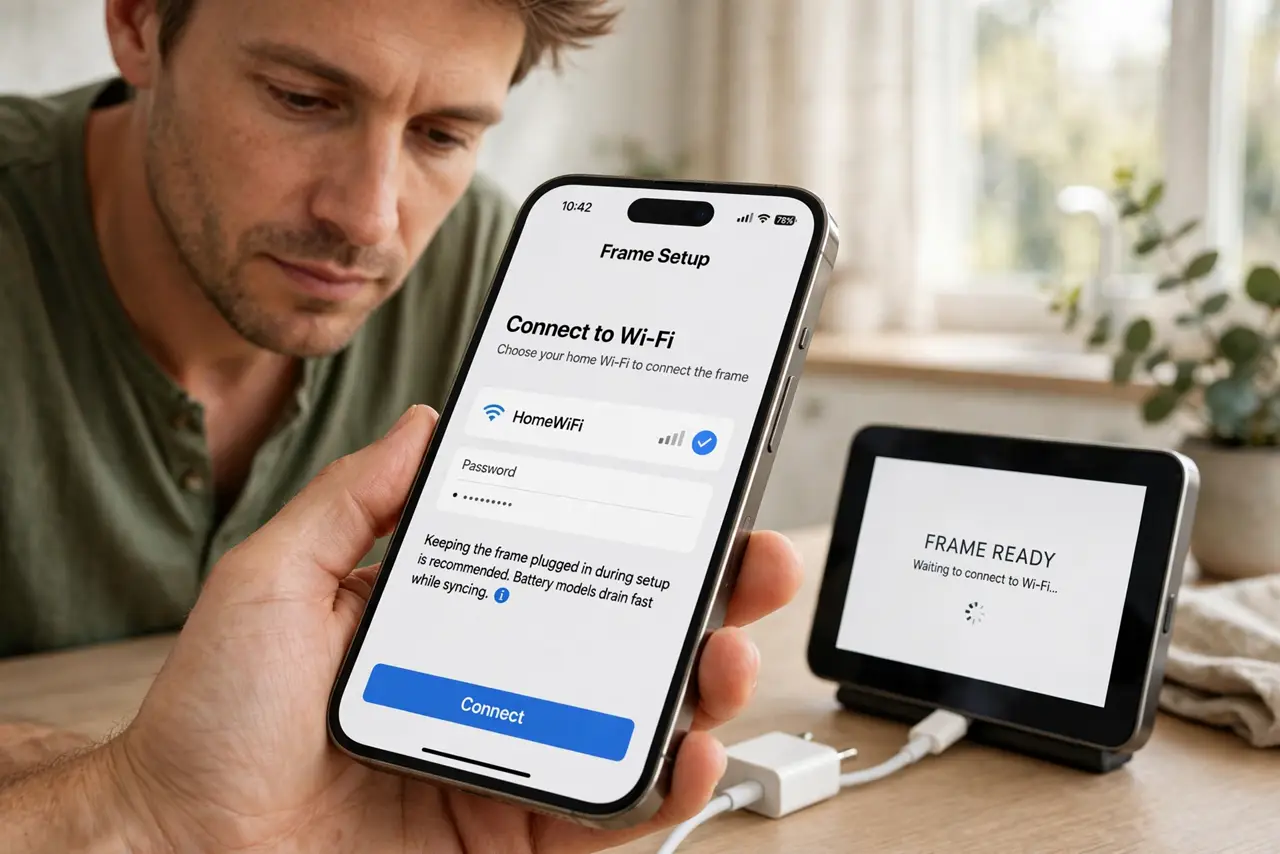
- Plug it in and connect to Wi-Fi. Power the frame and join your home Wi-Fi through its on-screen setup. Keep it plugged in during setup — battery models drain fast while syncing.
- Install the companion app. Every modern frame has one — this is how photos get from your phone to the frame. Install it before doing anything else; the frame is nearly useless without it.
- Create your photo album. In the app, make an album and add the photos you want displayed. Curate a little — 50 great photos beat 500 random ones on loop.
- Send photos to the frame. Use the app's send/share function, or the frame's unique email address if it has one. Photos usually appear within minutes on Wi-Fi.
- Invite family to contribute. Most apps let family members add photos remotely — lovely for grandparents. Share the invite carefully: anyone with access can add (or delete) photos.
- Adjust display settings. Set brightness for the room, choose the slideshow timing, and enable any auto on/off schedule. A frame blazing at midnight in a bedroom is a common regret.
What NOT to do
- Do not share the frame's upload email publicly. Anyone with that address can push photos to your frame — treat it like a password.
- Do not run it on battery expecting all-day slideshows. Plug it in; batteries in these frames are for brief portability, not daily use.
- Do not skip the app. Trying to load photos via USB or SD alone misses the remote-sharing features that make modern frames worth owning.
- Do not place it in direct sunlight. The screen washes out and the heat shortens its life — a shaded shelf shows photos far better.
Frequently asked questions
Can family add photos from far away?
Yes — that is the killer feature. They install the companion app, accept your invite, and their photos appear on your frame over the internet.
Do digital frames need a subscription?
Most work fully without one. Some brands charge for extra cloud storage or premium features — check before buying, not after.
How do I keep private photos private?
Use the app's album controls and invite-only sharing, and review who has access periodically. For broader backup habits, see private photo backup.