DisplayPort vs HDMI?
Your monitor has both ports, your PC has both ports, and the cable drawer has both cables — so which do you actually plug in? DisplayPort and HDMI do the same job with different strengths: one favors high-refresh PC gaming and multi-monitor setups, the other rules TVs and consoles. This guide compares them on what matters and ends the cable confusion. For the newest HDMI version specifically, see what HDMI 2.1 is.
TL;DR / Quick Fix
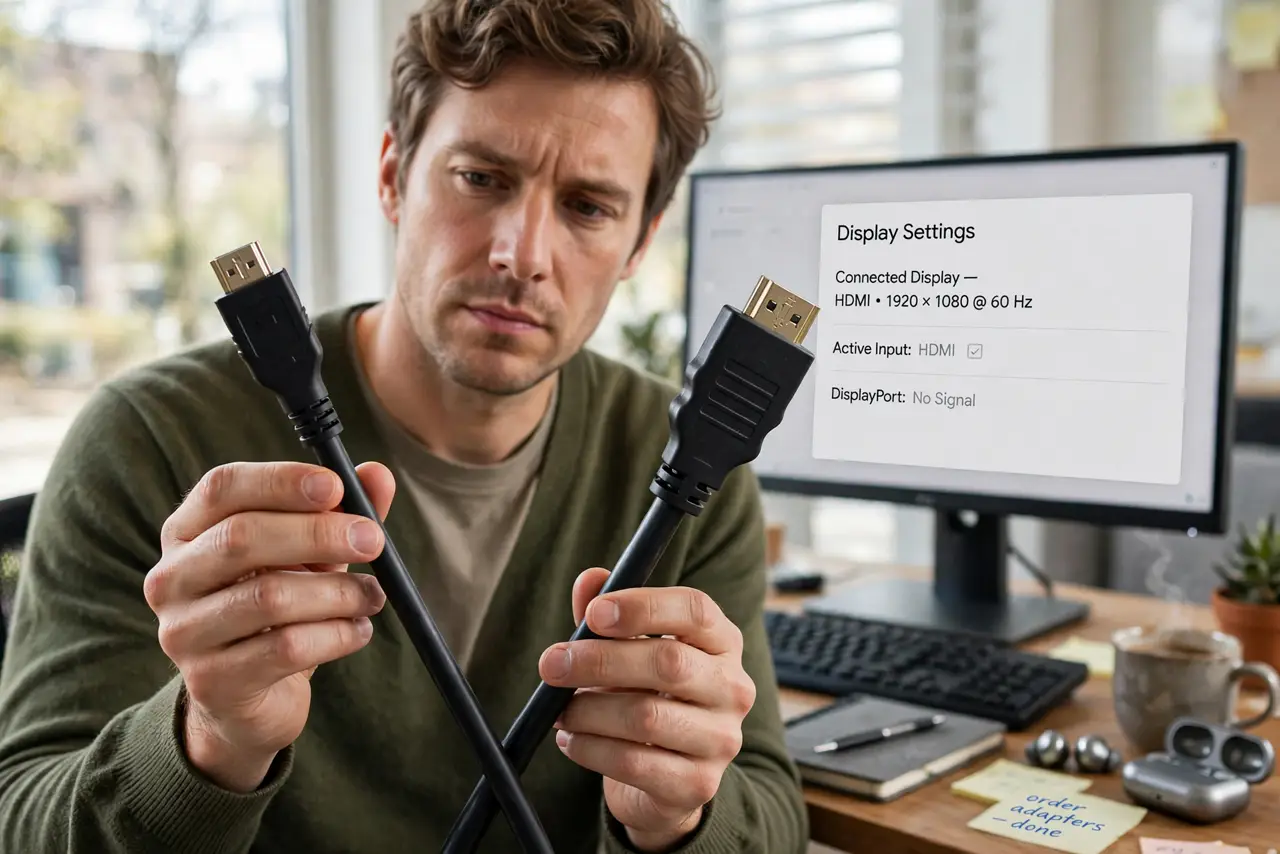
Quick fix: use DisplayPort for PC gaming monitors — it handles higher refresh rates and supports daisy-chaining. Use HDMI for TVs, consoles, and general use — it is universal and carries audio simply. For most single-monitor desk setups, either works; the monitor's best port decides.
Follow these steps
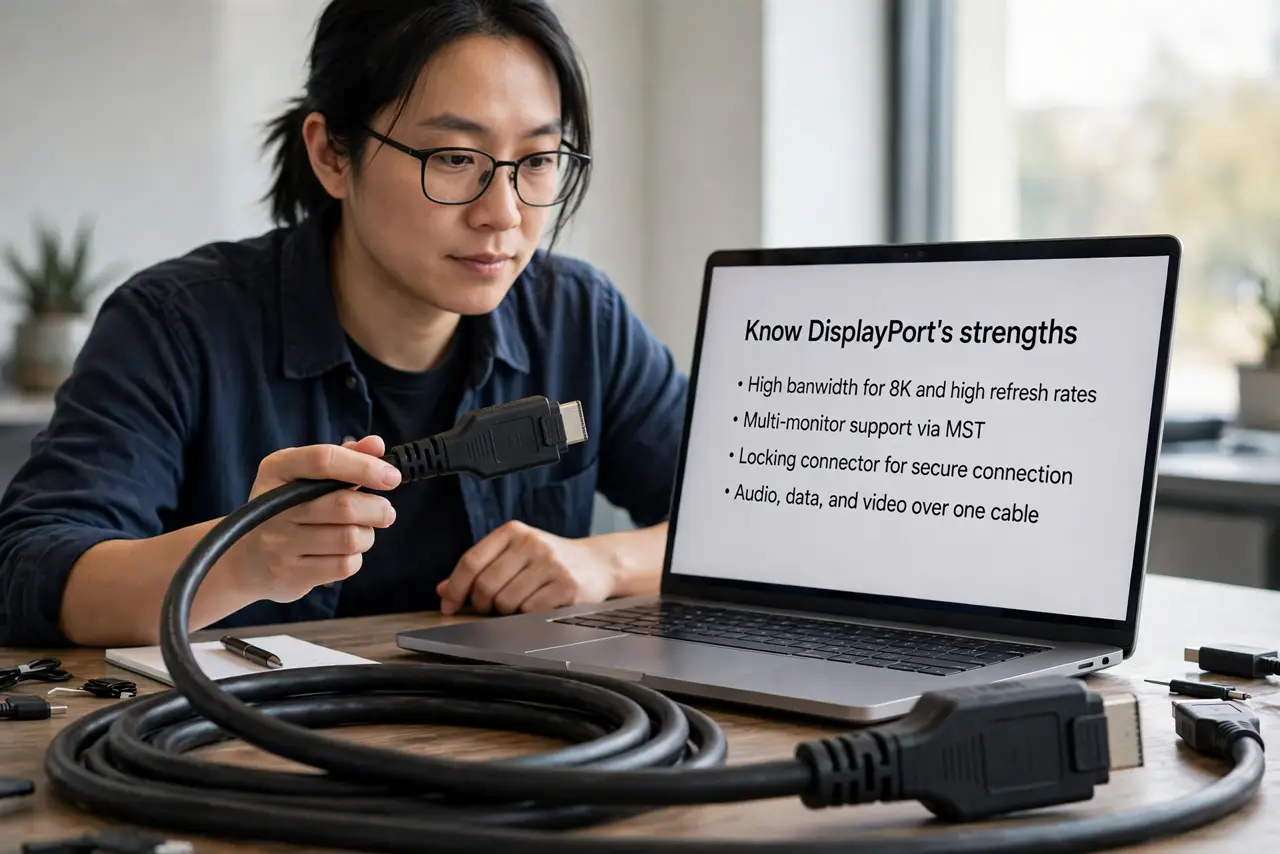
- Know DisplayPort's strengths. DisplayPort leads on PC: higher refresh rates at high resolutions, adaptive sync support, and daisy-chaining multiple monitors from one port. The gamer and multi-monitor choice.
- Know HDMI's strengths. HDMI is everywhere — TVs, consoles, streaming boxes, projectors. It carries audio and video in one cable with near-universal compatibility. The living-room standard.
- Match the cable to the job. PC monitor for gaming or work: DisplayPort if available. TV or console: HDMI. Laptop to random projector: whichever port exists — adapters cover the rest.
- Check the version, not just the shape. An old HDMI cable can bottleneck a new 4K 120Hz display; a new cable on an old port adds nothing. Match cable version to the ports' capabilities — see the HDMI 2.1 guide.
- Do not fear adapters. DisplayPort to HDMI adapters are cheap and reliable for one direction. Going the other way — HDMI source to DisplayPort monitor — needs an active adapter; check before buying.
- Use the monitor's best port. When both exist, the monitor's manual usually names the port with full features. Some monitors limit refresh rate or color on HDMI but not DisplayPort — or vice versa.
What NOT to do
- Do not buy premium-priced cables for digital signals. A certified basic cable performs identically to a luxury one — digital either works or does not.
- Do not assume all HDMI ports are equal. HDMI 2.0 and 2.1 look identical but differ hugely in bandwidth — check the version.
- Do not daisy-chain over HDMI. Chaining monitors is a DisplayPort feature; HDMI needs one port per display.
- Do not run 4K 120Hz over an old cable and blame the monitor. Bandwidth bottlenecks masquerade as broken hardware constantly.
Frequently asked questions
Which is better for gaming?
DisplayPort, generally — higher refresh rates and adaptive sync are its home turf. Modern HDMI 2.1 closed much of the gap, though.
Can I use both at once?
Yes — many people run DisplayPort to the main monitor and HDMI to a second display or TV. The PC handles mixed connections fine.
Does DisplayPort carry audio?
Yes, like HDMI. The 'HDMI is for audio' idea is outdated — both carry sound to monitors with speakers.