Can Changing DNS Speed Up Browsing?
Somewhere you read that changing DNS makes browsing way faster — and somewhere else that it does nothing. Both are half right. DNS only affects the lookup step before a page loads, so it helps some situations a lot and others not at all. Here is the honest breakdown.
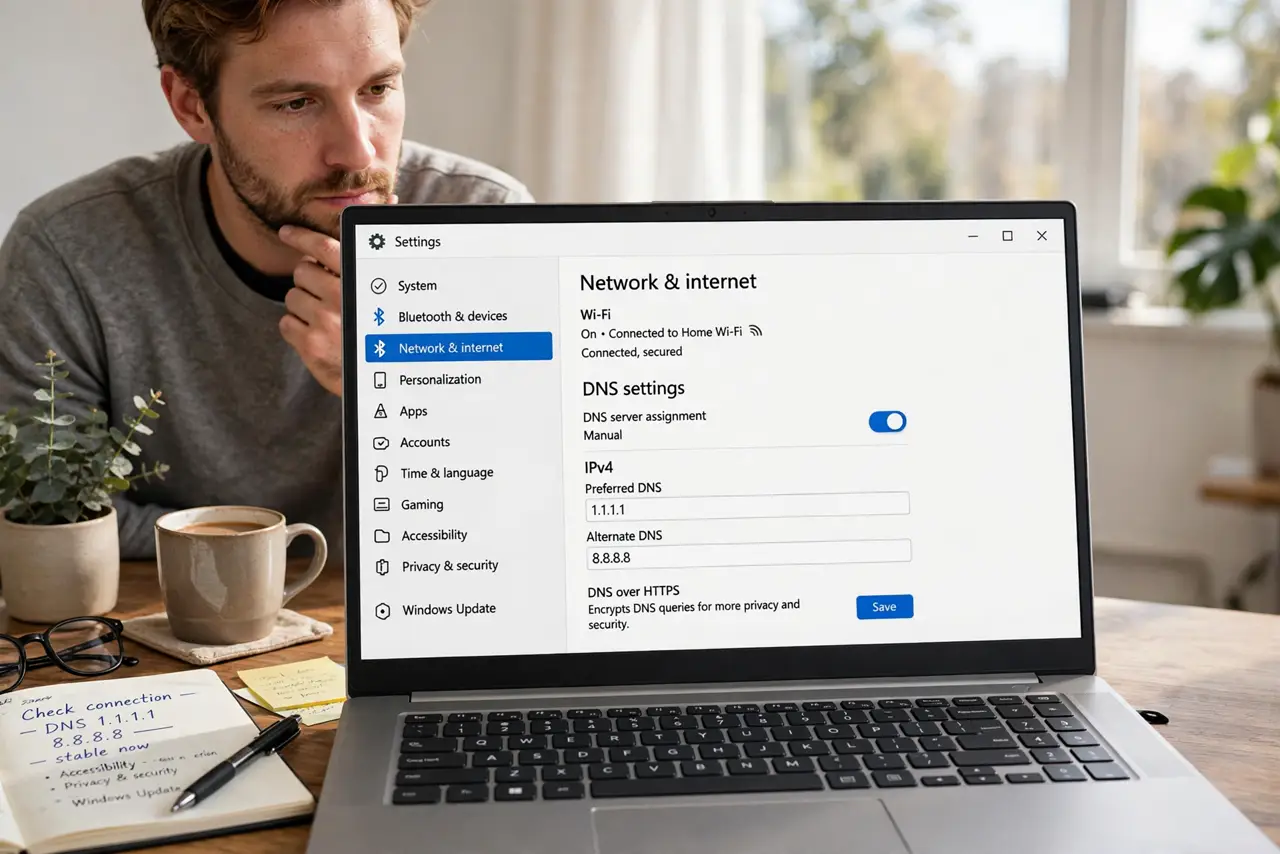
TL;DR / Quick Fix
Quick fix: changing DNS only speeds the address lookup before a page loads — never the download itself. It helps most when your provider's DNS is slow or hijacks bad addresses. Try a reputable public DNS for a day and compare. If nothing changes, DNS was never your bottleneck.
Follow these steps
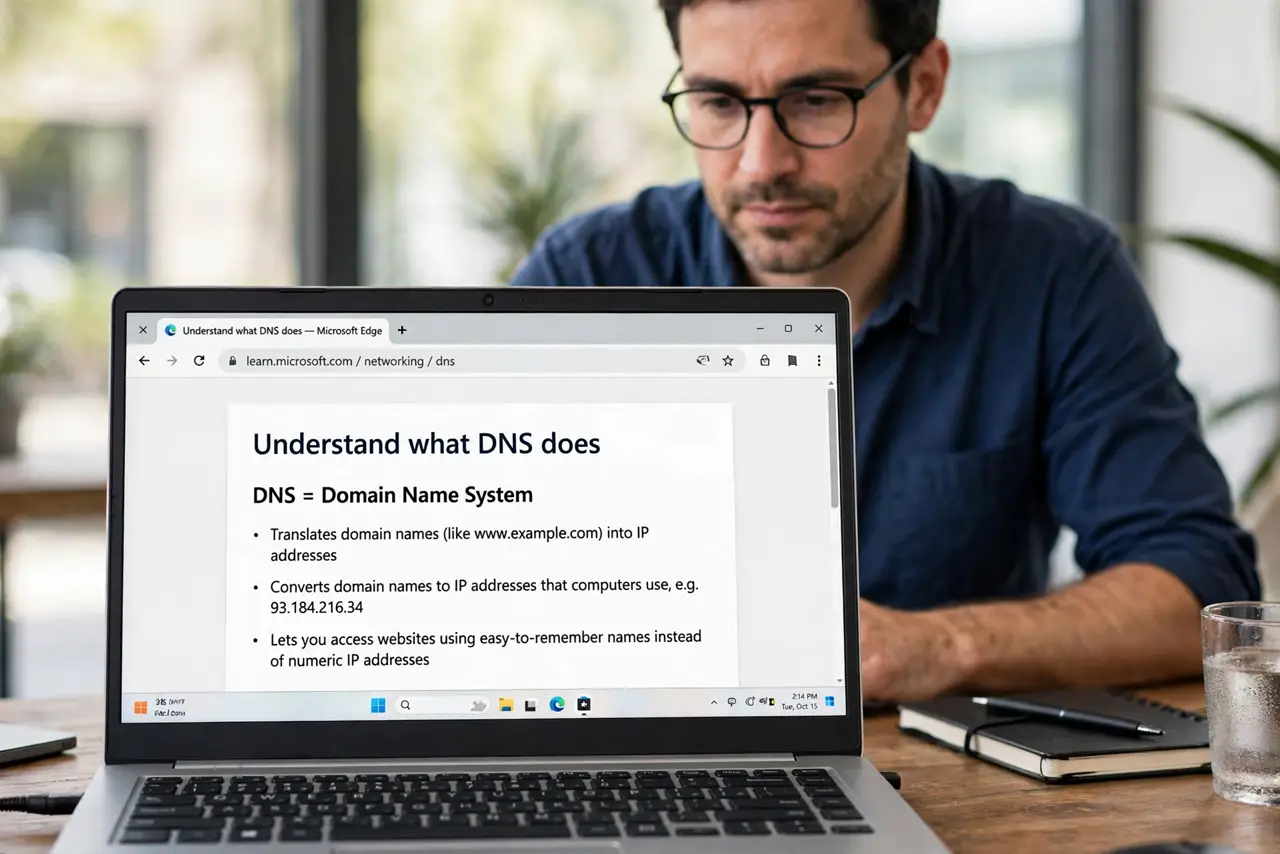
- Understand what DNS does. DNS translates names to numbers — one quick lookup per new site. After that, speed is all bandwidth.
- Notice when DNS is the bottleneck. Pages hang on resolving host but then load fast: classic slow-DNS symptom. Fast lookups with slow loads mean bandwidth, not DNS.
- Test your current DNS speed. Free tools like namebench or your router's diagnostics compare lookup times. Measure before changing anything.
- Try a reputable public DNS for a day. Pick a well-known provider — see which DNS to use — and set it on one device first, not the whole network.
- Compare real page loads. Visit the same ten sites before and after. Feel, not hype, is the test.
- Keep it or revert. If lookups feel snappier, keep it. If nothing changed, revert — a needless change is just another thing to debug later.
What NOT to do
- Do not expect faster downloads. DNS never touches download speed — anyone promising that misunderstands the technology.
- Do not use a random DNS from a forum. Shady resolvers log and sell your browsing — stick to reputable options.
- Do not change DNS on every device at once. Test on one device so you can compare and roll back cleanly.
- Do not confuse DNS with VPN. A VPN changes your visible location and encrypts traffic; DNS just looks up addresses faster.
Frequently asked questions
Can changing DNS really speed up browsing?
Only the lookup step. If your provider's DNS is slow, pages start loading noticeably sooner. Downloads and streams see zero difference.
Is changing DNS safe?
With a reputable provider, yes — and it can add hijack protection. With a random one, you hand your browsing history to strangers.
Should I change DNS on the router or the device?
Router covers the whole home at once; device-level lets you test safely. See router vs device for the trade-offs.