Do Cooling Pads Work?
Your laptop burns your lap and the fans scream during video calls. Cooling pads — those fan-blowing platforms laptops sit on — promise relief, but reviews are mixed. The truth: they help some laptops a lot and others barely at all. Here is how to tell before you buy.

TL;DR / Quick Fix
Quick fix: cooling pads help laptops with bottom air intakes — expect a few degrees cooler and quieter internal fans. They do little for laptops that vent from the sides or rear. A simple raised stand often gives most of the benefit for free.
Follow these steps
- Check where your laptop breathes. Flip it over: big intake grilles on the bottom mean a pad can help. Side or rear-only vents mean a pad mostly blows at plastic — see is it worth it.
- Try elevation first. Just raising the laptop an inch improves airflow for free. If that alone quiets the fans, a stand may be all you need.
- Match fan placement to intakes. If you buy a pad, align its fans with your laptop's intake grilles. Blowing at a solid panel does nothing but make noise.
- Expect modest gains. Realistic result: a few degrees cooler, internal fans spinning slower. Anyone promising dramatic drops is selling, not informing.
- Weigh the noise tradeoff. Pad fans add their own hum. A quiet pad plus quieter laptop fans is a win; a loud pad is not — see the noise tradeoff.
- Clean the laptop's own cooling first. Dust-clogged vents defeat any pad. Blow out the vents and check that internal fans spin freely before spending money.
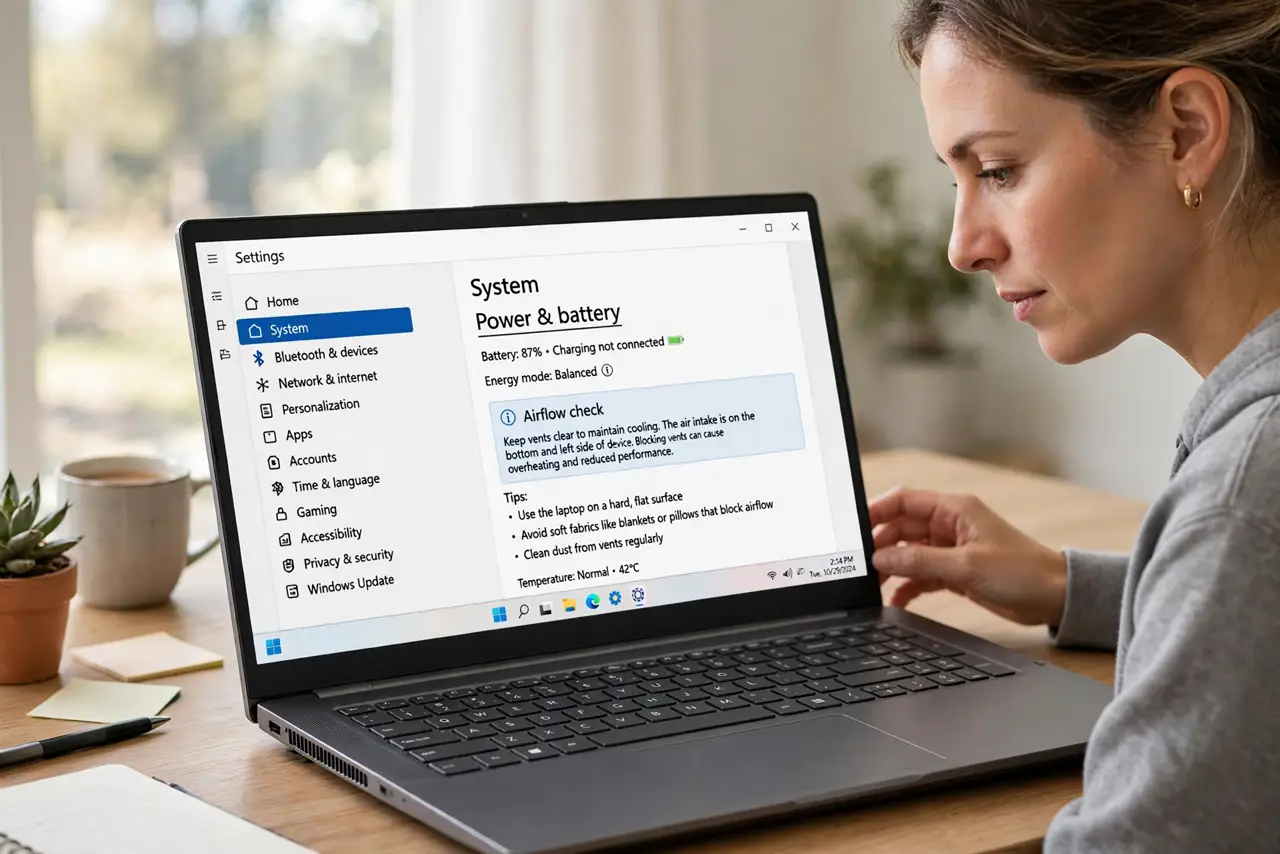
What NOT to do
- Do not buy a pad for a side-venting laptop. The fans cannot reach the airflow path — it is decoration.
- Do not expect a pad to fix overheating shutdowns. That signals internal problems — see repasting or a service visit.
- Do not block the pad's own airflow. Using it on a bed or couch smothers the fans it came with.
- Do not run the pad at full blast always. Match the speed to the workload; max fans for web browsing is just noise.
Frequently asked questions
Do cooling pads actually work?
Modestly, for bottom-intake laptops. Expect quieter internal fans and a few degrees — not a transformation.
Can a cooling pad damage my laptop?
No — it only blows air. The worst case is wasted money, not harm.
Pad or stand?
Try a stand first — elevation alone often solves it. Add a pad only if the laptop still runs hot.