Resolve vs Delete Comments in Docs?
A Google Docs comment thread can be resolved or deleted, and they are not the same: resolving archives the thread where you can still find it, while deleting erases it forever. Comments usually arrive alongside suggestions, and once those are accepted the leftover thread needs a decision. This guide shows when to resolve and when to delete.

TL;DR / Quick Fix
Resolve a comment when its feedback is handled, so the thread stays searchable in history. Delete only spam, duplicates, or mistakes, since deletion is permanent. Never delete a thread you might need to prove a decision later, and reopen resolved threads instead of starting new ones.
Follow these steps
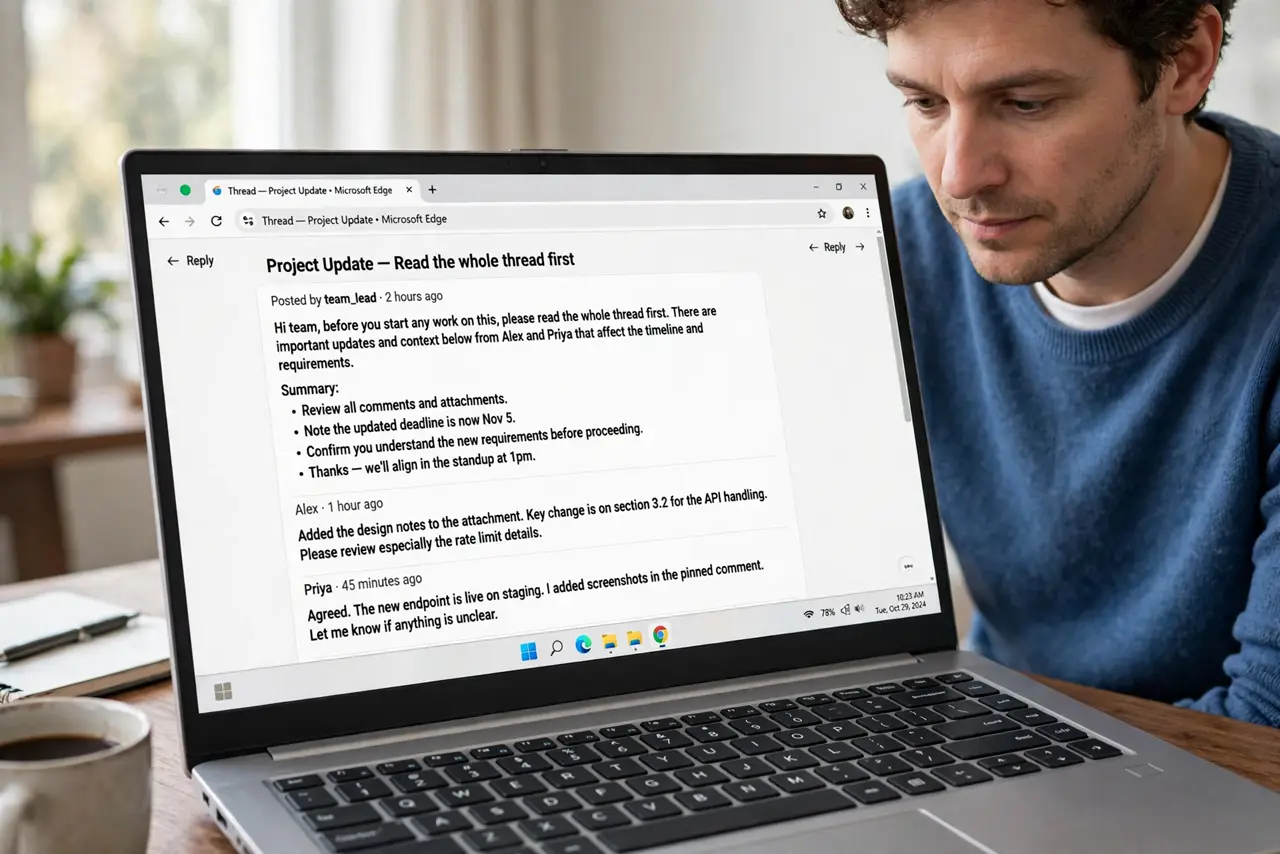
- Read the whole thread first. Open the comment and read every reply before touching it. Resolving a thread with an unanswered question buries the question.
- Resolve when the feedback is done. If the comment's request is handled in the text, click Resolve. The thread closes but stays in the comment history, which is the safe choice for real feedback.
- Delete only the junk. Delete spam, accidental empty comments, and exact duplicates. Deletion is permanent, so real feedback should be resolved, never deleted.
- Reopen instead of duplicating. If a resolved issue comes back, reopen the old thread rather than starting a new one. The history shows what was tried before.
- Check history before assuming it is gone. Resolved threads live in the comment history panel. If someone asks what happened to their feedback, you can still show them.
- Assign comments to force action. Use the assign feature on comments that need someone's action. An assigned comment with a name and a resolve button gets handled; an unassigned one gets ignored.
What NOT to do
- Do not delete a comment thread to hide feedback. Resolved threads stay visible in history, and deleting looks like a cover-up.
- Do not resolve a thread with open questions. Answer first, then resolve.
- Do not leave dozens of resolved threads open on screen. Resolve them as you go so the document stays readable.
- Do not use comments as a to-do list without assigning. Unassigned comments are wishes, not tasks.
Frequently asked questions
What happens when I resolve a comment?
The thread closes and leaves the document margin, but it stays in the comment history where you can reopen or review it.
Can I get back a deleted comment?
No. Deleted comments are gone permanently, which is why resolving is the safe default.
Who can resolve comments?
Editors and the document owner can resolve. Viewers and commenters cannot resolve threads they did not create, depending on permissions.