Look Up Words in Docs
A word you are not quite sure of, mid-sentence — the dictionary is built into Docs, one right-click away. Definitions, synonyms, and pronunciation without leaving the page. Here is how to use it and its limits.
TL;DR / Quick Fix
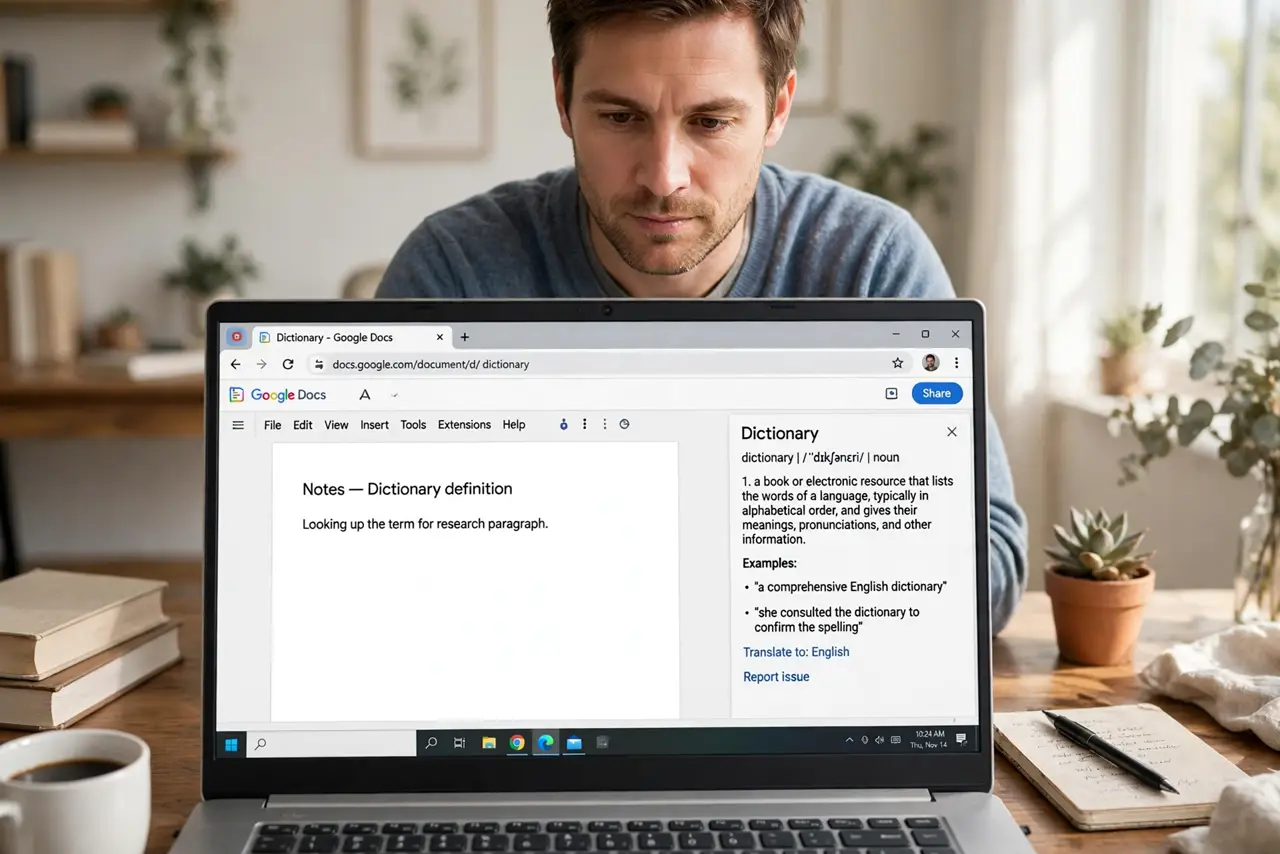
Quick fix: in Google Docs right-click any word and choose Define — a dictionary card shows definitions, synonyms, and pronunciation. It works offline for cached words in the mobile app. For deep word choice, pair it with a thesaurus; the built-in synonyms only scratch the surface.
Follow these steps
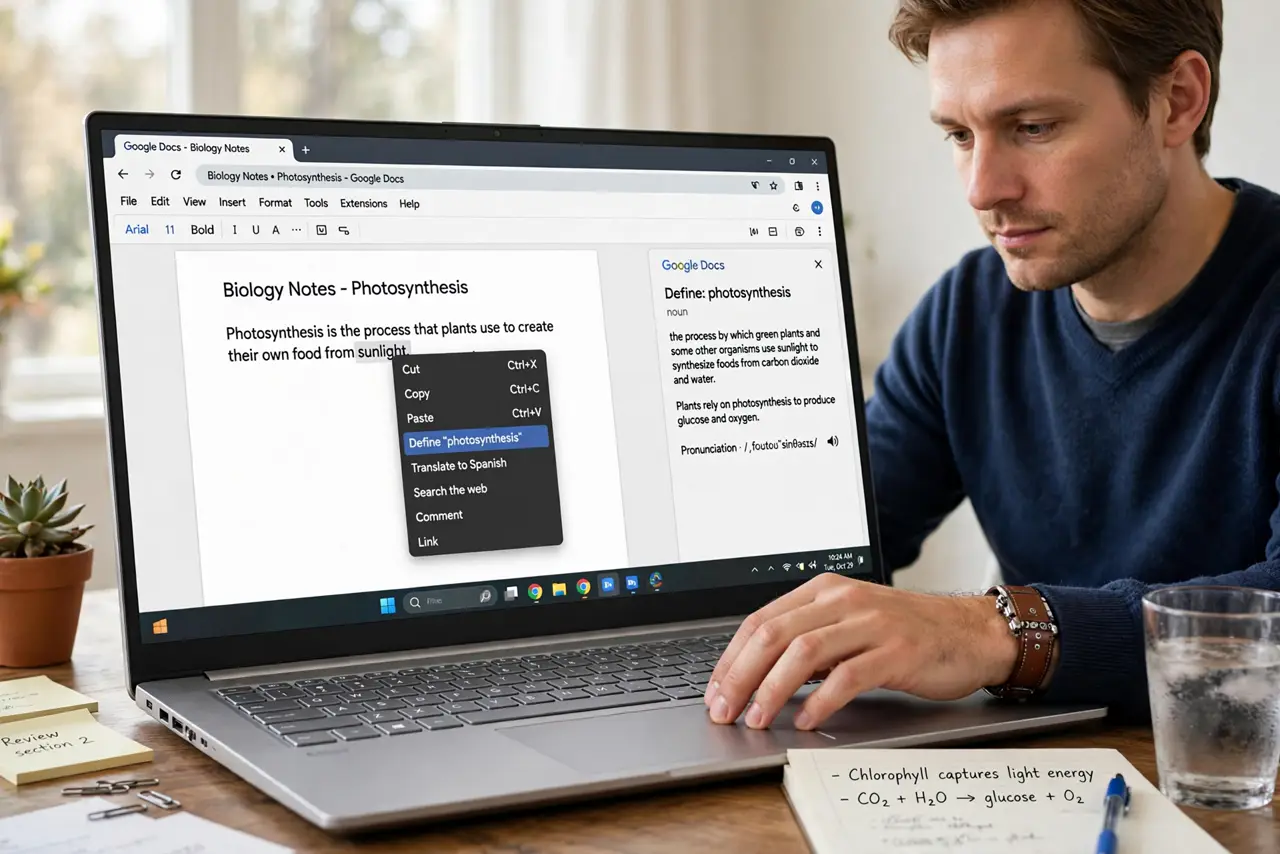
- Define a word. Right-click — or Ctrl+click — any word > Define. The card pops with definitions ranked by commonness.
- Check synonyms. The card lists synonyms — click one to see its own definitions. Two hops usually find the right shade of meaning.
- Hear the pronunciation. Click the speaker icon on tricky words. Useful before the meeting where you will say it aloud.
- Use it while editing others work. Suggesting mode plus Define: check the word before you correct it. The dictionary settles most usage debates instantly.
- Know its limits. One dictionary, general English. Technical terms, slang, and brand-new words may miss — then use the web.
- Translate nearby. Need another language? The Translate tool handles full passages while keeping formatting.
What NOT to do
- Do not trust the first definition blindly. Words have shades — read all the listed senses.
- Do not define every other word while drafting. Draft first, refine after — flow beats precision mid-sentence.
- Do not use it as a plagiarism aid. Synonym-swapping someone paragraph is still their paragraph.
- Do not forget context. The dictionary does not know your sentence — you pick the fitting sense.
Frequently asked questions
Does Define work offline?
On desktop with a connection it is instant; the mobile app caches common words for offline lookup.
Can I get definitions in another language?
The built-in dictionary is English-focused. For other languages, use Translate or a dedicated dictionary.
Why is a word missing?
New coinages, slang, and jargon lag. The web fills the gap — the built-in tool covers standard vocabulary.