Tag People in Comments? How To
You leave a comment asking for input, and it sits unanswered for a week — because nobody knew it was for them. Tagging people in comments notifies exactly the right person and drops the thread in their lap. One @-mention beats a hopeful comment every time. Here is how to tag well.

TL;DR / Quick Fix
Quick fix: tagging someone in a Google Docs comment notifies them directly. Type @ plus their name in a comment, and Docs suggests matches. They get an email with your comment and a link. Tag the right person once — tagging everyone for everything trains people to ignore notifications.
Follow these steps
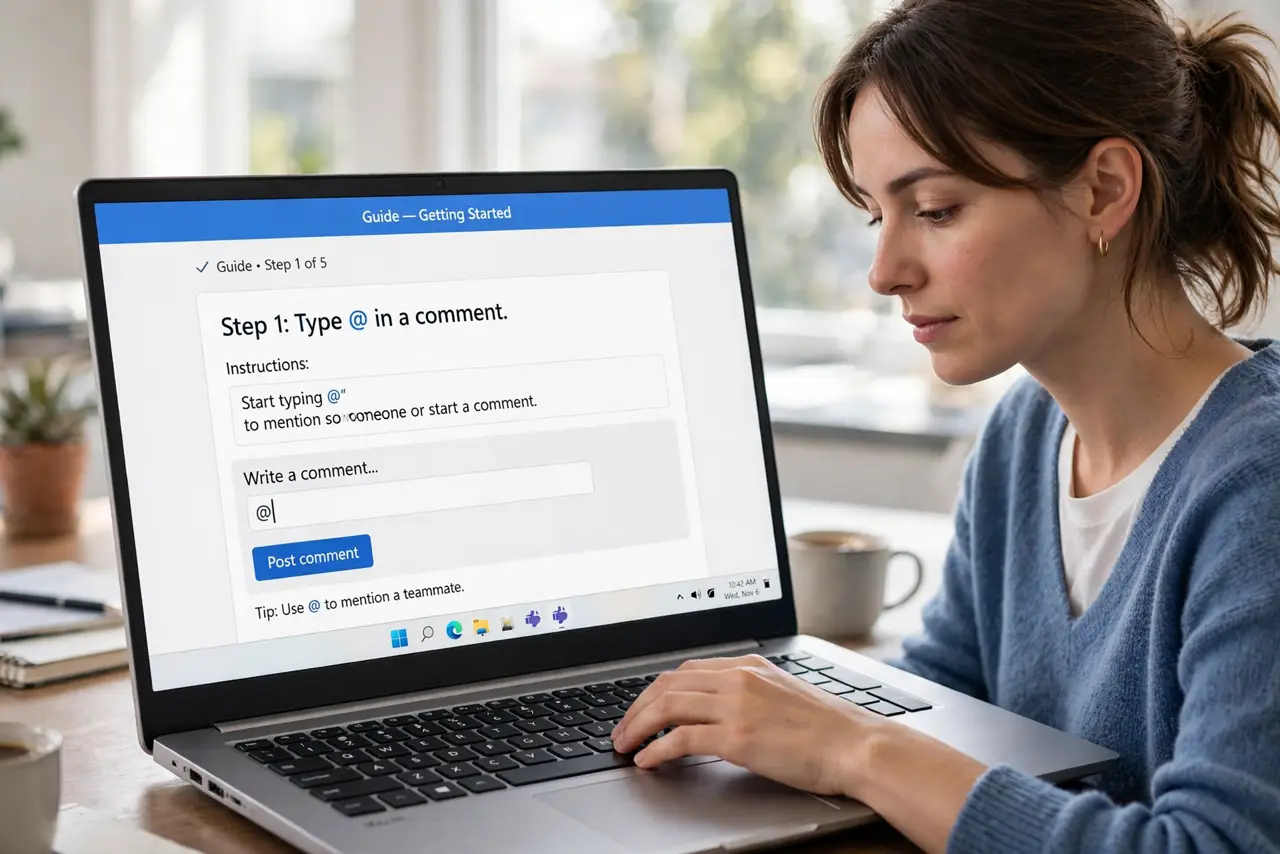
- Type @ in a comment. In any comment box, type @ followed by the person's name. Docs suggests matching collaborators as you type.
- Pick the right person. Select them from the suggestions. They receive an email with your comment text and a direct link to that exact spot.
- Say what you need from them. '@Maria — does this paragraph cover the new policy?' beats '@Maria thoughts?' Every tag should carry a clear ask.
- Tag once per thread. One tag notifies them and subscribes them to replies. Re-tagging every message in the thread spams their inbox.
- Use tags to assign follow-ups. A tag plus a clear request is a lightweight task assignment — for formal tracking, assign it as an action item instead.
- Respect notification fatigue. Tag the decision-maker, not the whole team. Ten tagged people means nobody feels responsible.
What NOT to do
- Do not tag the entire team on every comment. Mass-tagging trains everyone to ignore notifications — the opposite of what you want.
- Do not tag someone without a clear question. A bare @-mention with no ask wastes their attention and yours.
- Do not use tags for urgent matters. Email notifications can lag — for truly urgent needs, message them directly.
- Do not tag people who lack access. They get a notification they cannot open, which is just frustrating — share the document first.
Frequently asked questions
Can I tag someone who is not a collaborator?
You can type the name, but they will not get access automatically. Share the document with them first, then tag.
Will they see the whole document?
They see whatever their sharing permission allows. Tagging notifies; it does not grant access.
How do I stop getting tagged notifications?
Adjust notification settings in Docs, or ask teammates to tag more sparingly. You cannot block tags on a document you can access.