What Is DOCSIS 3.1?
Cable internet providers keep pushing modem upgrades, and DOCSIS 3.1 is the term on every box — without anyone explaining it. It is simply the language your modem uses to talk to the cable company, and the 3.1 version unlocks gigabit speeds and better reliability. Here is when you actually need it.
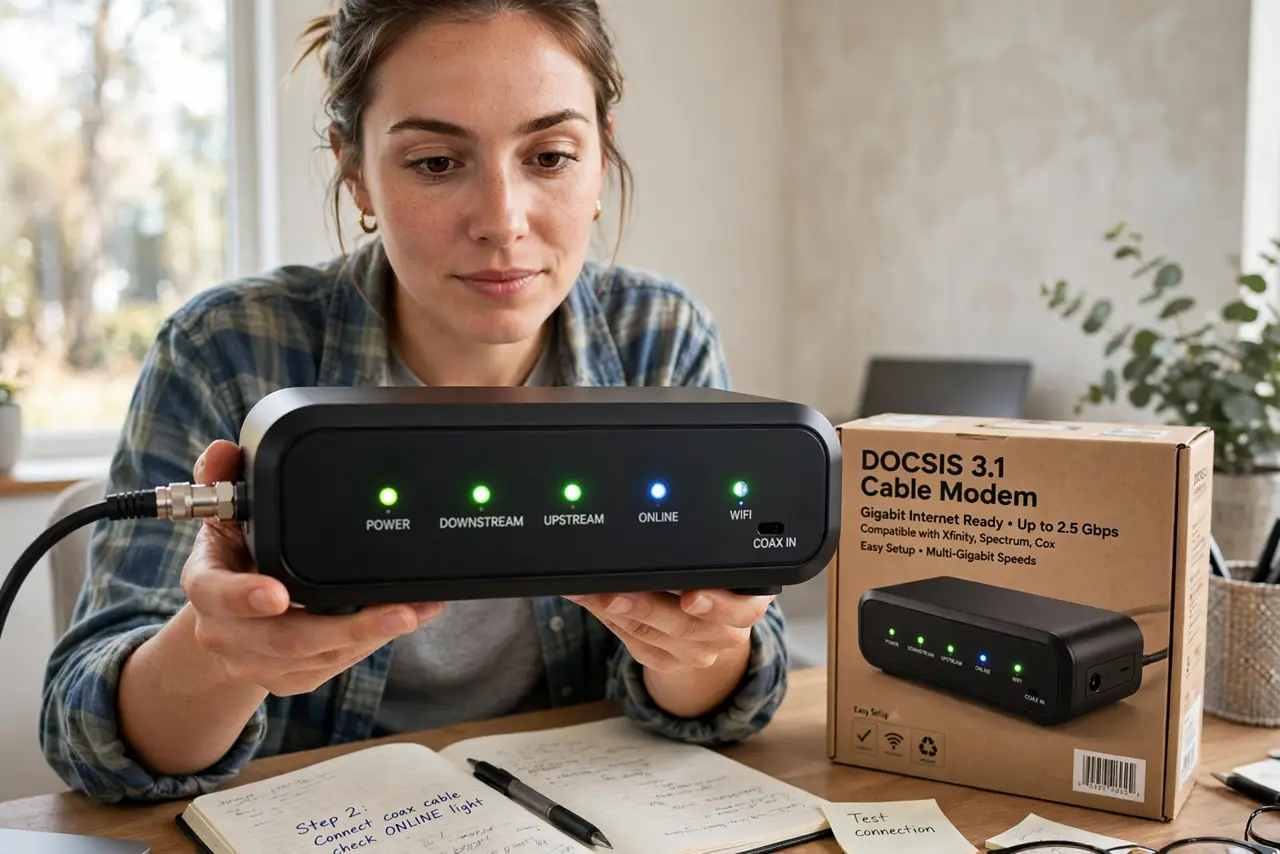
TL;DR / Quick Fix
Quick fix: DOCSIS 3.1 is the modern cable-modem standard that supports gigabit speeds. You need a 3.1 modem if your plan is 300 Mbps or faster, or if your provider requires it. Renting the provider's modem costs more over a year than buying your own approved 3.1 modem.
Follow these steps
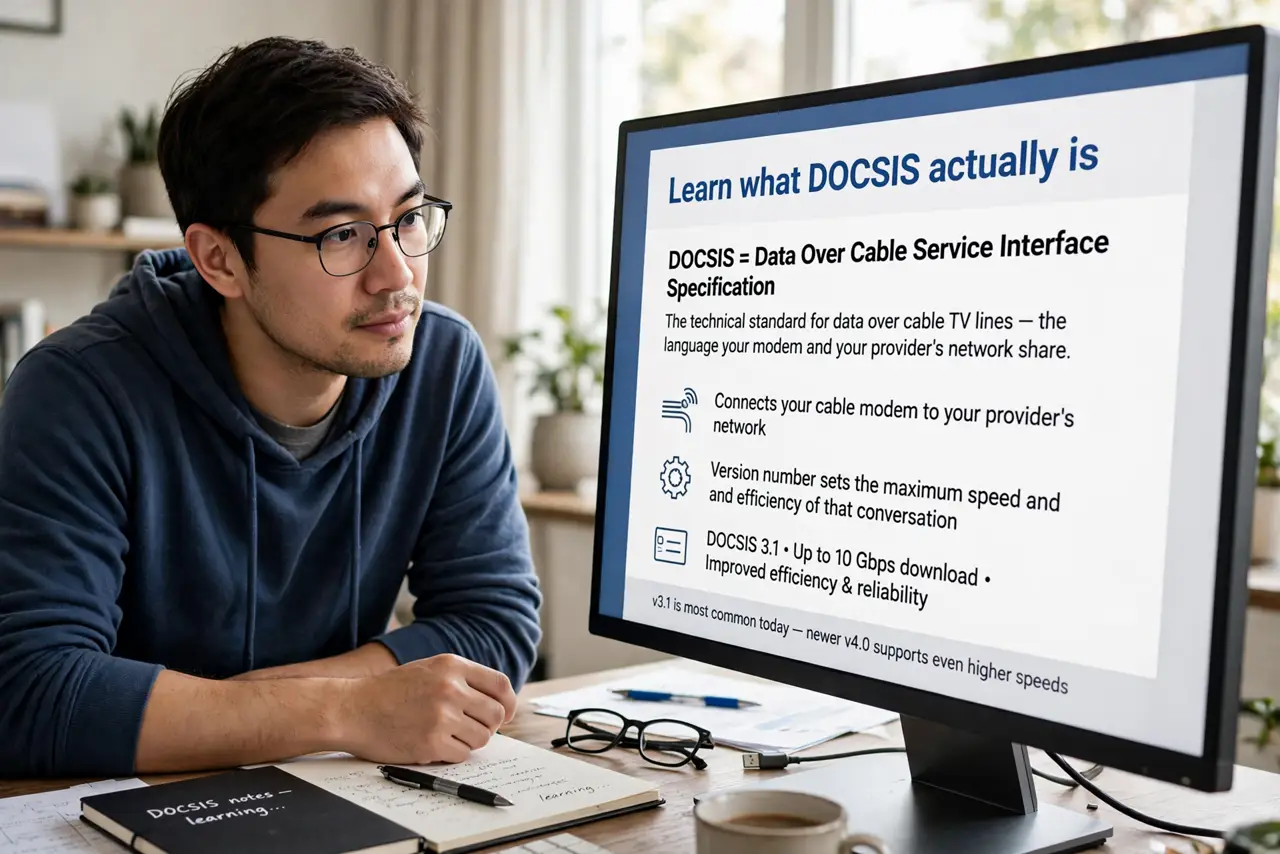
- Learn what DOCSIS actually is. It is the technical standard for data over cable TV lines — the language your modem and your provider's network share. The version number sets the maximum speed and efficiency of that conversation.
- Know why 3.1 matters. DOCSIS 3.1 supports up to 10 Gbps down and handles congestion far better than 3.0. On busy evening hours, a 3.1 modem keeps speeds steadier because it uses the cable line more efficiently.
- Check what your plan needs. Plans up to about 300 Mbps can limp along on DOCSIS 3.0, but anything faster needs 3.1. Check your provider's approved modem list — using an unapproved modem can mean no support when things break.
- Decide: rent or buy. Provider rentals run a monthly fee forever; a good 3.1 modem pays for itself in under a year. Buy from the provider's approved list so activation is painless — the rental vs buy math breaks down the costs.
- Figure out which box is the problem. Slow internet is not always the modem's fault. Before buying, work out whether the modem or the router is failing — replacing the wrong box fixes nothing.
- Activate and verify speeds. After connecting the new modem, activate it through your provider, then run a speed test. You should see your plan's full speed at the modem before the router is even involved.
What NOT to do
- Do not buy a DOCSIS 3.1 modem for a 100 Mbps plan expecting magic. The plan caps your speed, not the modem — match the hardware to the plan.
- Do not buy a modem not on your provider's approved list. Unapproved modems may refuse to activate, leaving you with an expensive brick.
- Do not confuse the modem with the router. The modem talks to the provider; the router makes Wi-Fi — upgrading one does not upgrade the other.
- Do not keep renting out of inertia. A year of rental fees usually exceeds the purchase price — do the math once and stop paying monthly.
Frequently asked questions
Is DOCSIS 3.1 the same as gigabit internet?
No — it is the modem standard that makes gigabit possible over cable. You still need a gigabit plan from your provider to actually get those speeds.
What about DOCSIS 4.0?
It exists and promises even faster uploads, but provider rollout is slow and modems are pricey. DOCSIS 3.1 remains the smart buy for almost everyone right now.
Can I use my own modem with any provider?
With most cable providers, yes, if it is on their approved list. Fiber providers are different — they usually require their own equipment.