Document Comments Duplicated? Fix It
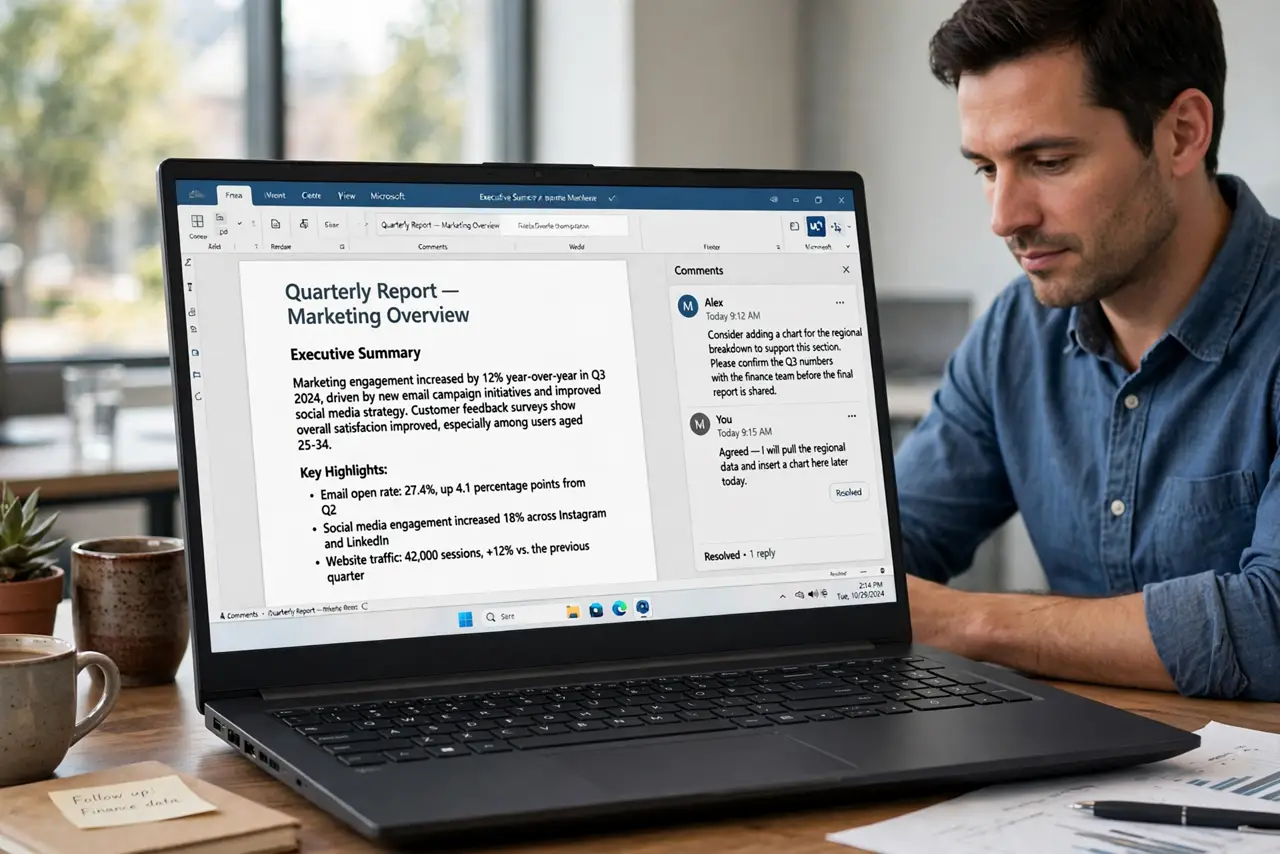
Seeing the same comment twice, or three times, makes a document look messy and confuses reviewers about which comment is current. Duplicates usually arrive when text is copied between documents, or when a shared file is merged badly.
TL;DR / Quick Fix
Quick fix: List the duplicates before you delete anything. Check whether a copy-paste created them. Delete the extra copies, keep the one with replies. Watch track changes while you clean up. Reopen the file and confirm the count. Paste as plain text next time.
Follow these steps
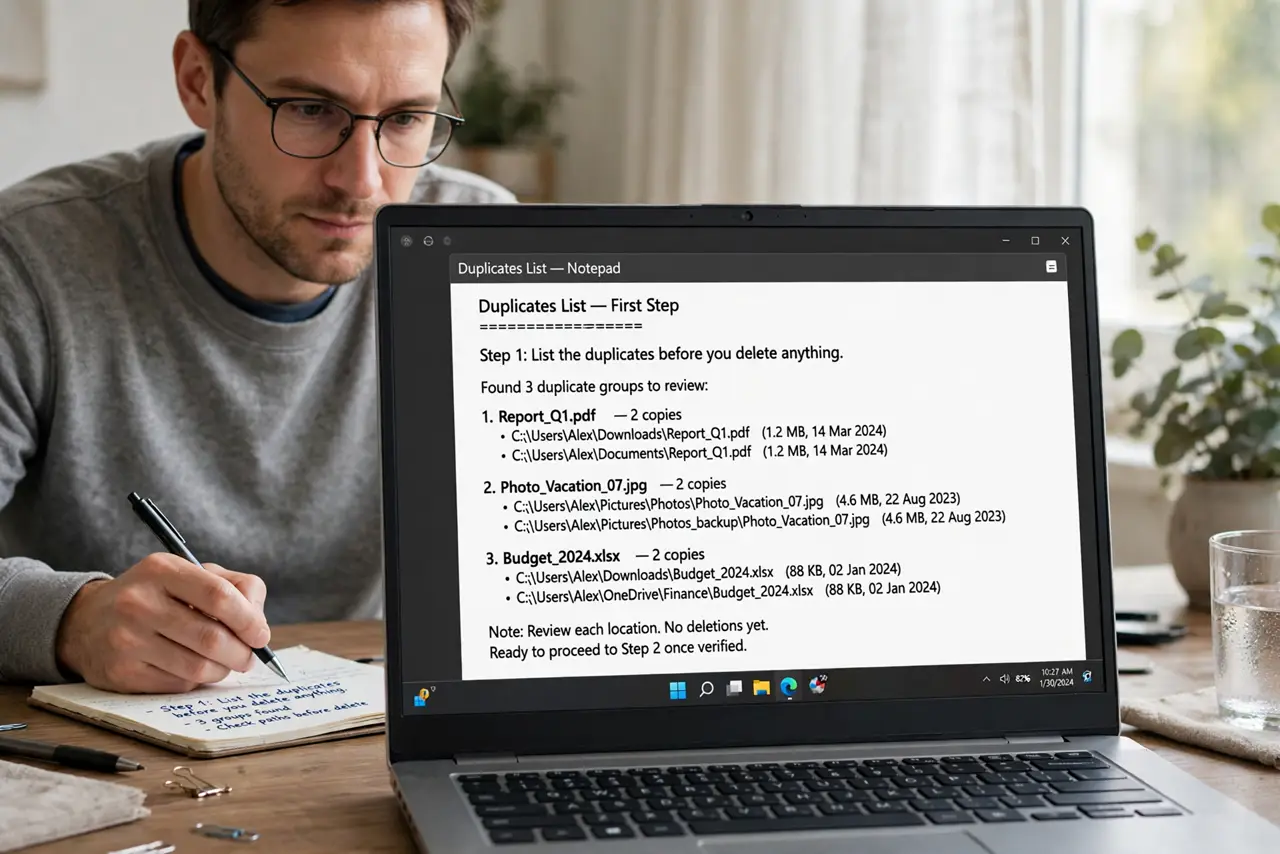
- List the duplicates before you delete anything. Scroll through the comments pane and note which comments repeat. Deleting blindly can remove the one copy that has a reply attached.
- Check whether a copy-paste created them. Text copied from another document can carry its comments along. If duplicates cluster around pasted sections, pasting is the likely source.
- Delete the extra copies, keep the one with replies. Keep the comment that has replies or the latest wording, and delete the rest. If two copies have different replies, merge the replies into one comment first.
- Watch track changes while you clean up. Turn tracking off while deleting duplicates, or your cleanup itself becomes a pile of new markup for reviewers to wade through.
- Reopen the file and confirm the count. Close and reopen the document, then count the comments again. A synced shared document can restore duplicates if another device had an older copy open.
- Paste as plain text next time. When moving text between documents, paste without formatting and comments where possible. It takes a few seconds longer and prevents this whole mess.
What NOT to do
- Do not delete all comments at once to save time. You may lose the only copy with an important reply.
- Do not ignore duplicates and hope reviewers sort it out. They will answer the wrong copy.
- Do not keep editing on two devices at once. Diverging copies are a classic duplicate factory.
- Do not paste large sections between documents without checking what came along with the text.
Frequently asked questions
Why do comments duplicate?
Usually a copy-paste carried them, or two edited copies of the same document were merged.
Will deleting a duplicate delete its replies?
Yes, replies belong to that comment copy, so keep the copy that has the replies.
How do I stop it happening again?
Paste as plain text, edit on one device at a time, and let sync finish before switching devices.