Document File Locked for Editing? Fix It
A file locked for editing usually means someone, or some device, still has it open. The lock protects the file from conflicting edits, so the fix is finding the open copy, not forcing your way past the lock.
TL;DR / Quick Fix
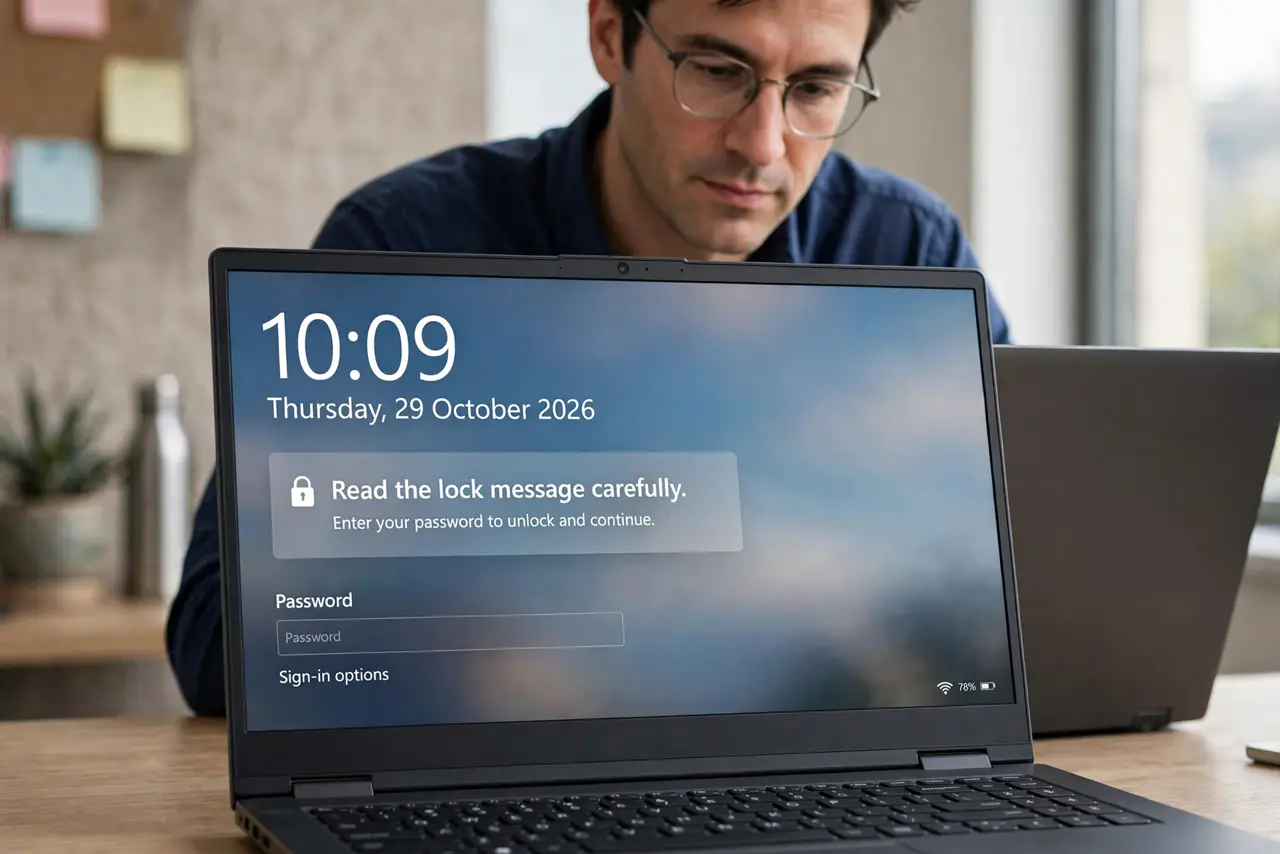
Quick fix: Read the lock message carefully. Check your own other devices and windows. Ask the named person to close it. Check for a crashed app holding the lock. Open a read-only copy to keep working. Check the shared link permissions if locks keep happening.
Follow these steps
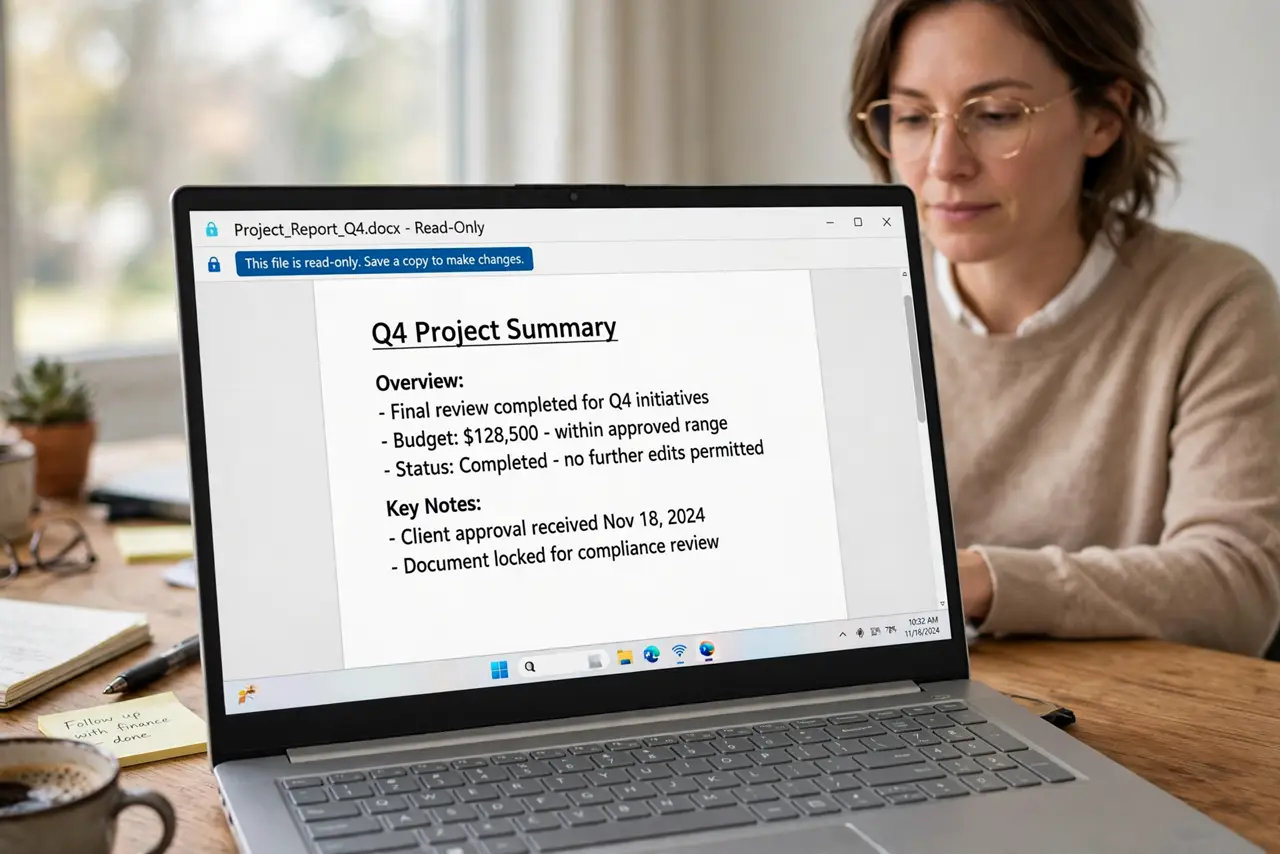
- Read the lock message carefully. The message often names the person or device holding the file. That name tells you whether to ask a colleague, check another device, or look for a stuck copy.
- Check your own other devices and windows. Look for the same file open on your laptop, tablet, or a second window. Your own forgotten copy is the most common locker.
- Ask the named person to close it. If a colleague has it open, ask them to save and close. A quick message beats waiting for the lock to time out on its own.
- Check for a crashed app holding the lock. If an app crashed while the file was open, its lock can linger. Fully close the app, or restart it, and the lock usually clears.
- Open a read-only copy to keep working. If you cannot wait, open the file read-only to read it, and save your edits under a new name. Merge them later rather than overwriting the locked file.
- Check the shared link permissions if locks keep happening. Repeated locks on a shared file often mean too many people edit the same copy. Consider one editor at a time, or a copy per person.
What NOT to do
- Do not force the lock open with a random tool. You risk overwriting someone else's unsaved work.
- Do not save over the locked file under the same name from another app. That creates the conflicting-copy mess the lock exists to prevent.
- Do not ignore the named locker and just wait. A polite message resolves most locks in minutes.
- Do not keep editing a read-only copy without saving under a new name. Unsaved read-only edits vanish when you close it.
Frequently asked questions
Why is my own file locked?
Usually you have it open elsewhere, an app crashed while holding it, or a sync copy is still open on another device.
How long does a lock last?
Until the holder closes the file or the app releases it. It does not reliably expire on a useful timescale.
Can I edit a locked file safely?
Yes, as a read-only copy saved under a new name, then merged with the original once it is free.