Document Table of Contents Outdated? Fix It
A table of contents that lists old titles or wrong page numbers sends readers to pages that no longer exist. Contents lists do not update themselves; they are a snapshot that must be refreshed after every round of edits.
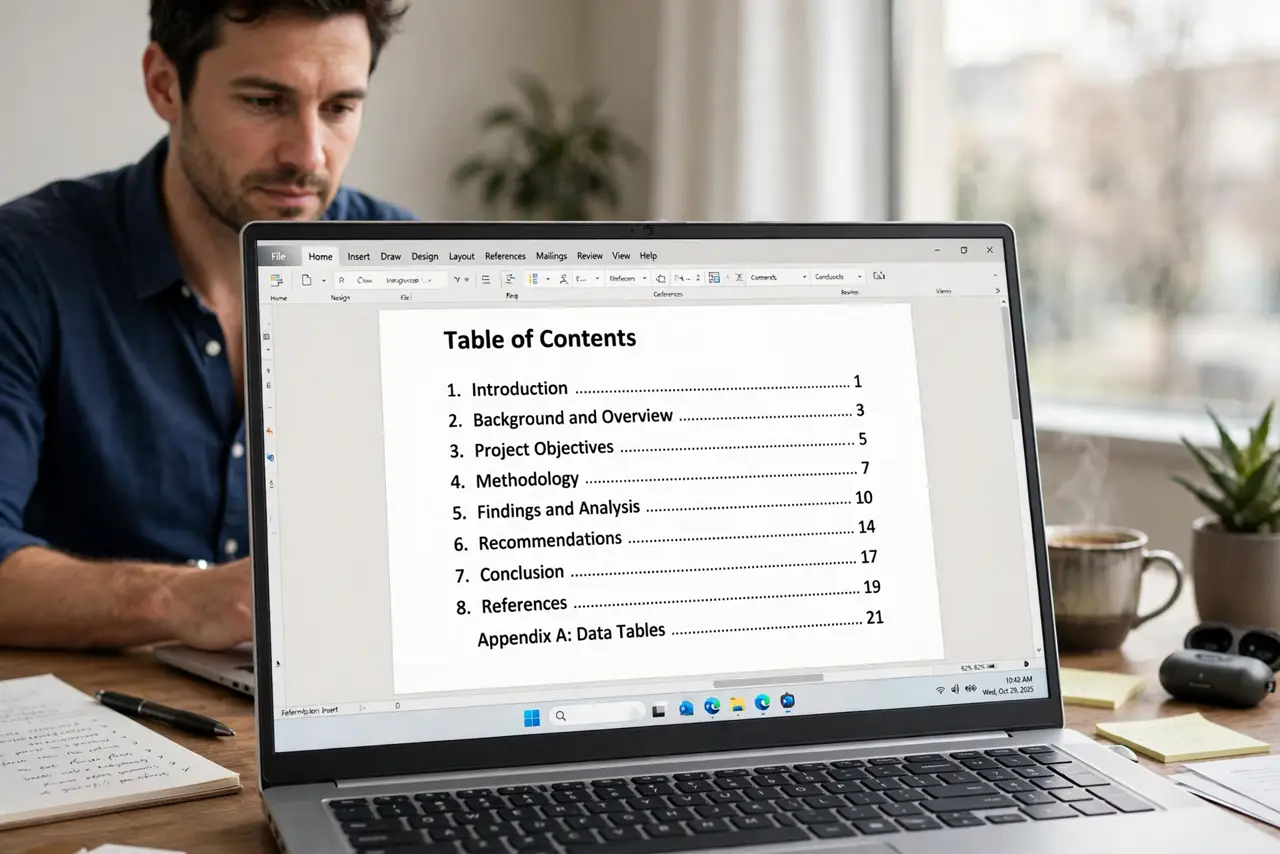
TL;DR / Quick Fix
Quick fix: Refresh the contents list first. Check that headings use real heading styles. Fix any heading that is missing or mistyped. Refresh page numbers after structural edits. Check the header pages the contents points to. Refresh once more right before sharing.
Follow these steps
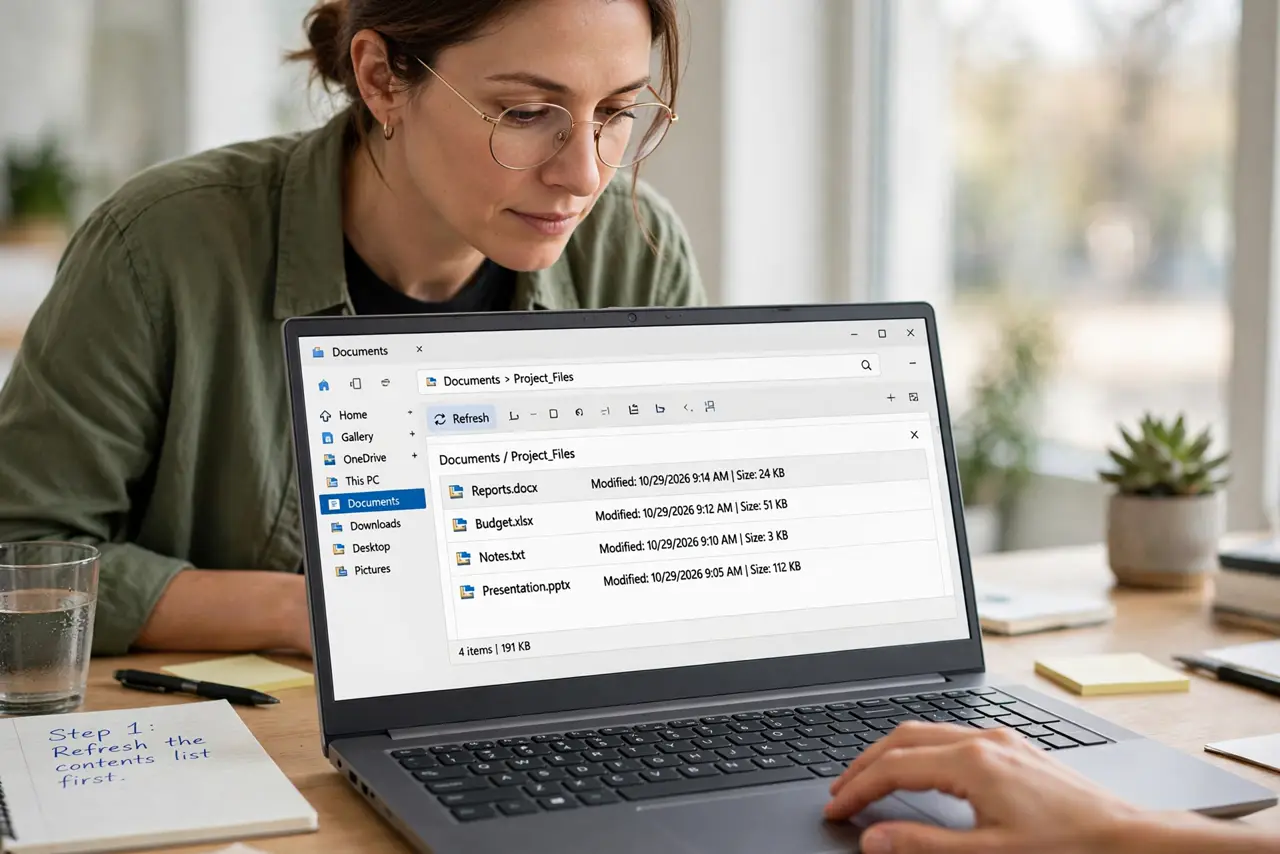
- Refresh the contents list first. Use the update option on the table of contents and refresh both headings and page numbers. Half the time, this one click fixes everything.
- Check that headings use real heading styles. A contents list only picks up text formatted with heading styles. Text that merely looks big and bold will not appear, no matter how often you refresh.
- Fix any heading that is missing or mistyped. If a section is absent from the contents, find its heading, apply the correct heading style, and refresh again. Also fix typos in headings, since they appear verbatim.
- Refresh page numbers after structural edits. Adding or removing pages shifts everything after the change. Refresh the contents last, after numbering is final, not in the middle of editing.
- Check the header pages the contents points to. Click or follow a few contents entries and confirm they land on the right pages. A contents list that looks right but points wrong is worse than none.
- Refresh once more right before sharing. Do a final refresh as the last step before sending or printing. Last-minute edits after the refresh are how stale contents lists escape.
What NOT to do
- Do not type a table of contents by hand. Hand-typed lists go stale with the first edit.
- Do not refresh only page numbers when headings changed too. Refresh both, every time.
- Do not use lookalike formatting instead of heading styles. Bold large text is invisible to the contents generator.
- Do not share the document right after a big edit without refreshing. The contents will describe the old document.
Frequently asked questions
Why does my table of contents not update itself?
Because it is a generated snapshot. It only changes when you explicitly refresh it.
Why is a section missing from the contents?
Its heading probably lacks a real heading style, so the generator cannot see it.
Should I refresh before or after final edits?
After. Refresh as the very last step, once headings and page numbers are final.