Document Version Names That Actually Work
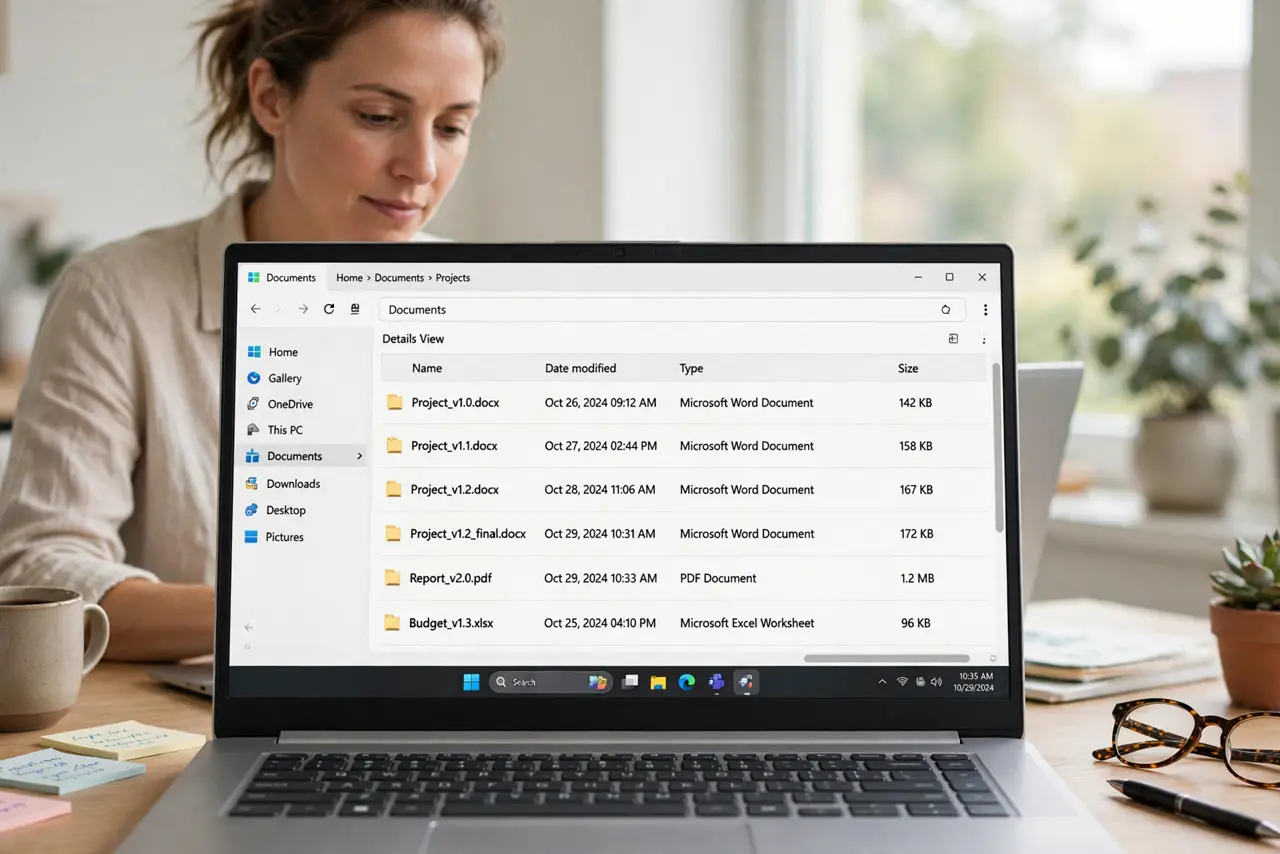
Files named final, final2, and final-REALLY-final multiply until nobody knows which is current. A simple naming system with dates and version numbers ends the confusion for good.
TL;DR / Quick Fix
Quick fix: rename your current file with a clear pattern like project-2026-10-29-v1, using the date and a version number. Then apply the same pattern to every version you keep, and delete the confusingly named copies and delete the confusingly named copies for good.
Follow these steps
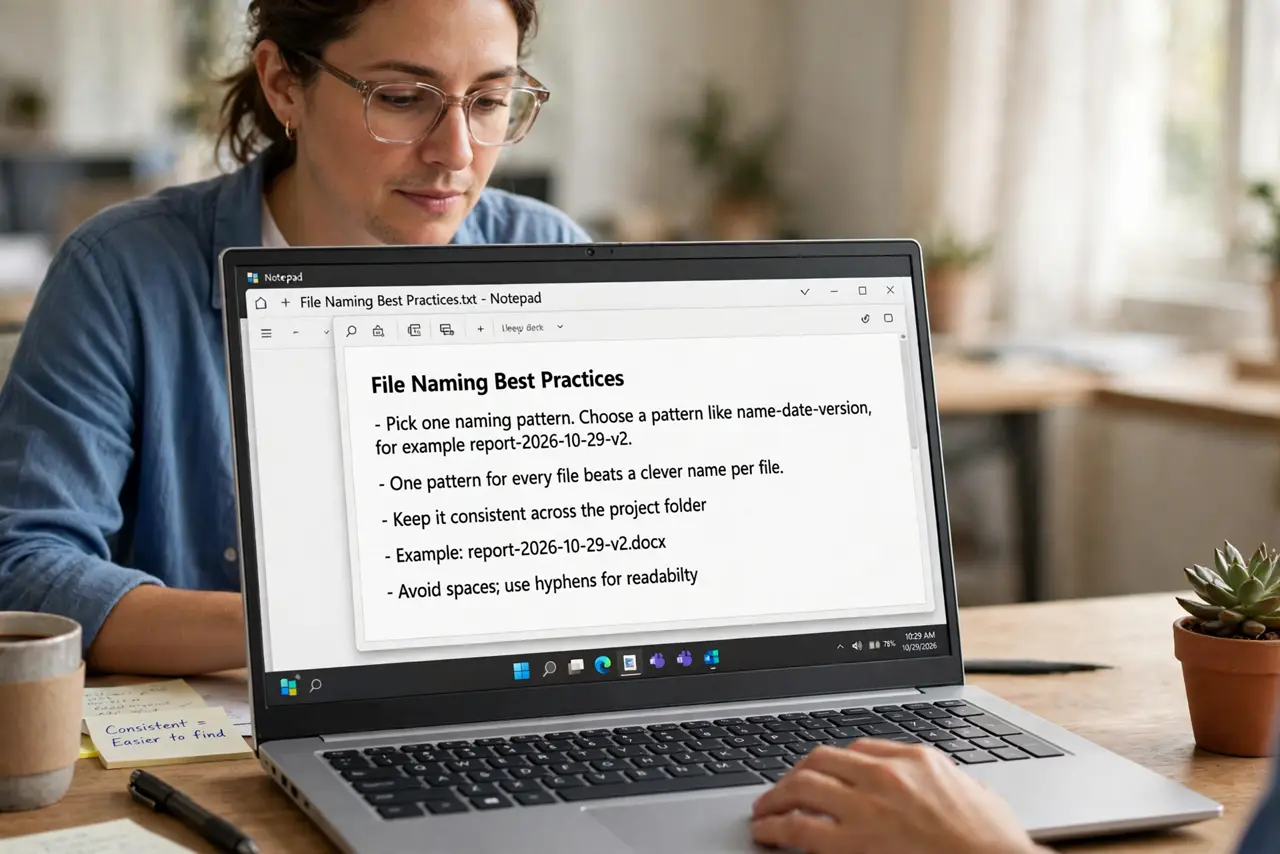
- Pick one naming pattern. Choose a pattern like name-date-version, for example report-2026-10-29-v2. One pattern for every file beats a clever name per file.
- Put the date in year-month-day order. Write dates as 2026-10-29 so files sort correctly. Day-first dates sort wrong, and month names sort alphabetically instead of by time.
- Add a version number. Append v1, v2, v3 after the date. The number shows the order within one day, which dates alone cannot.
- Keep one current file clearly marked. Mark the live version, such as with -current or by keeping it in the main folder. One obvious current file stops the final2 problem.
- Archive old versions in one folder. Move superseded versions into an archive folder. They stay available but stop competing with the current file.
- Delete the joke names. Remove final-final and really-final copies once the real versions are named. Joke names cause real confusion months later.
What NOT to do
- Do not name files final. There is always another final, so use dates and version numbers instead.
- Do not use vague words like latest or new. Those words age badly, while a date stays true forever.
- Do not keep every version in the main folder. Archive old ones, so the current file stands alone and obvious.
- Do not rely on memory for which file is current. The name itself should answer that question at a glance.
Frequently asked questions
What is a good file version name?
A pattern like project-2026-10-29-v1, with the name, a sortable date, and a version number.
Why do dates go year-month-day?
Because that order sorts correctly as text, while other orders scramble the timeline.
Should I keep old versions?
Keep the important ones in an archive folder, and delete the confusingly named duplicates.