Two Routers Cause Double NAT Warning Signs
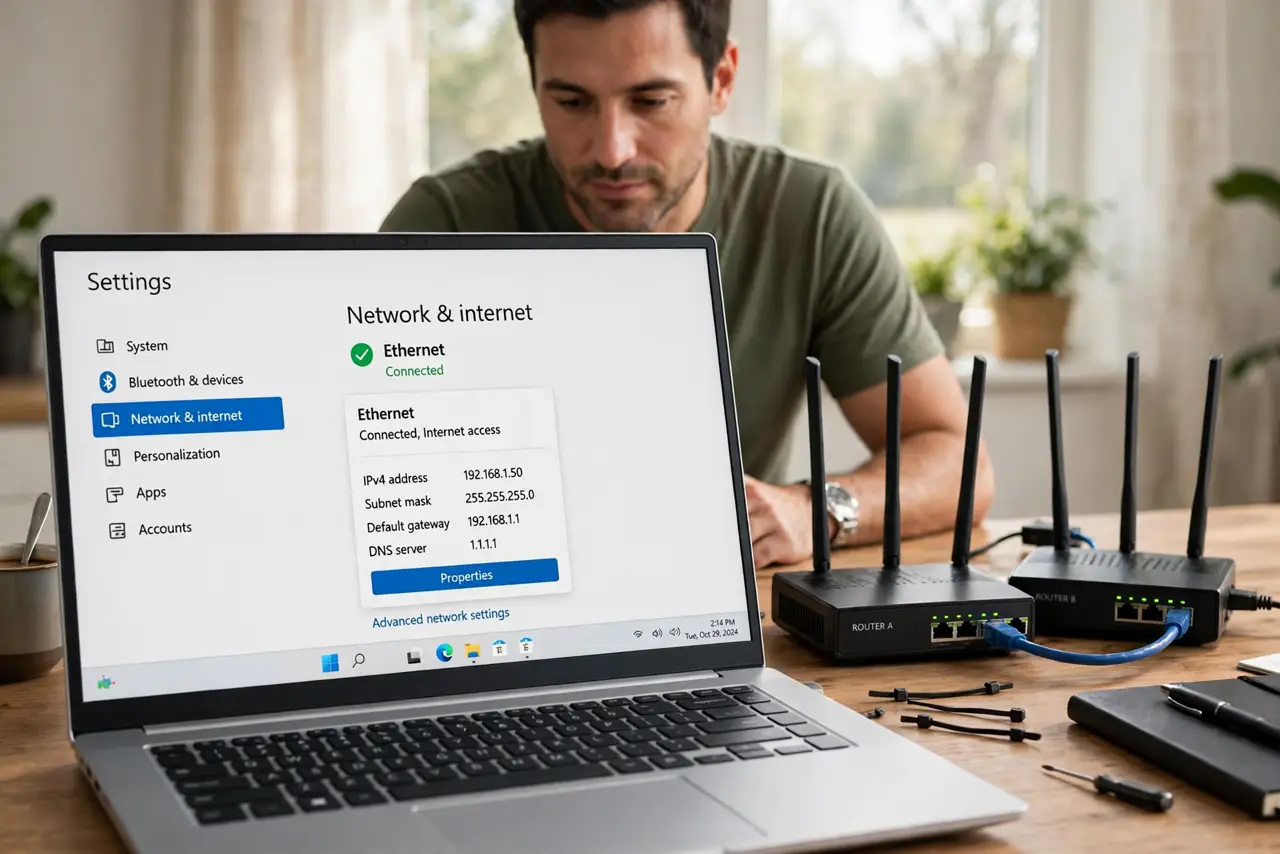
You plugged a second router into the first and now games complain about strict NAT, port forwarding fails, and smart devices act strangely. Two routers both doing network address translation is the classic double NAT trap.
TL;DR / Quick Fix
Quick fix: put the second router in access point (bridge) mode so only the first one routes — check its admin for an AP mode option. If it lacks one, connect LAN-to-LAN and disable its DHCP. One router must be the only one handing out addresses.
Follow these steps
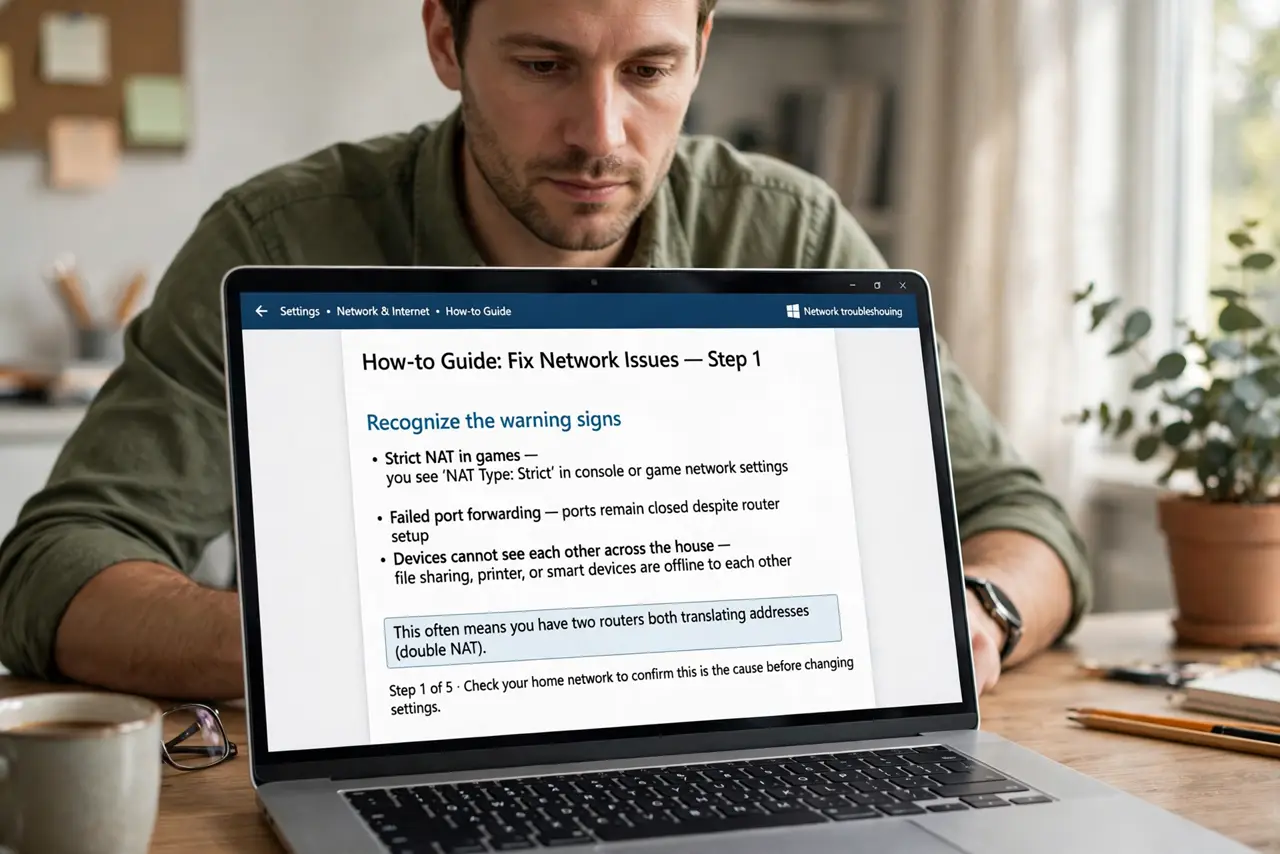
- Recognize the warning signs. Strict NAT in games, failed port forwarding, and devices that cannot see each other across the house all point to two routers both translating addresses.
- Decide which router stays in charge. Keep the better or ISP-provided router as the main one. The second becomes a simple access point — a Wi-Fi extender with a cable, not a second network boss.
- Switch the second router to AP mode. Log in to the second router's admin and look for Access Point, Bridge, or AP mode. One toggle demotes it from router to access point cleanly.
- Or connect LAN-to-LAN with DHCP off. Without an AP mode: run the cable from the main router's LAN port to the second router's LAN port (not WAN), and disable the second router's DHCP server — a misconfigured DHCP is also behind many IP conflict warnings.
- Check for a single address range. After the change, every device should get an address from the main router's range. Two different ranges means double NAT is still alive.
- Retest the thing that complained. Launch the game, test the port forward, or check the smart device. The original symptom is the proof — when it works, the double NAT is gone.
What NOT to do
- Do not forward ports on both routers. Double port forwarding across two NAT layers is fragile and confusing — eliminate a layer instead.
- Do not leave the second router's WAN port in the chain. WAN-to-LAN chaining is what creates the second NAT; LAN-to-LAN avoids it.
- Do not buy a third device to fix two routers. One correct configuration beats another box every time.
- Do not ignore double NAT because 'internet works.' Browsing survives double NAT fine; gaming, cameras, and remote access do not.
Frequently asked questions
What is double NAT?
Two routers each translating network addresses in a chain. Traffic passes through two layers of translation, which breaks protocols expecting one.
Can I just unplug the second router?
If you do not need its Wi-Fi coverage, yes — simplest fix of all. Keep it only if you need the extra coverage as an access point.
Does this affect Wi-Fi speed?
Not directly. Double NAT breaks connectivity for certain apps, not raw speed — though the extra hop adds a little latency.