Wi-Fi Slow Only in the Evening? Fix It
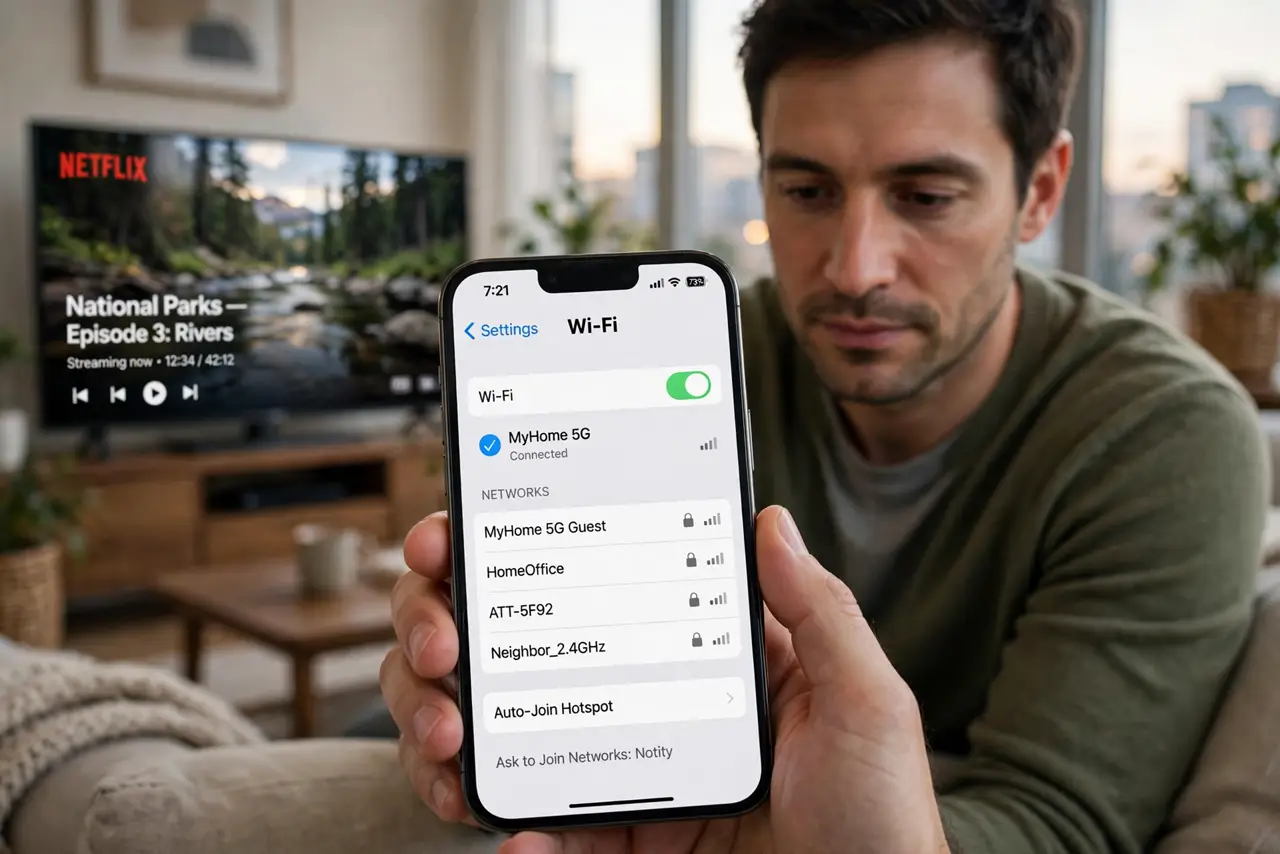
Wi-Fi is fast in the morning but crawls every evening, and video keeps buffering after dinner. Evenings bring more devices, more streaming, and more neighbors online at once, so the cause is usually load, not a broken router.
TL;DR / Quick Fix
Quick fix: count what is streaming in the evening, pause one big stream, and test again. Then restart the router, test with a wired connection, and compare evening speed with morning speed before contacting your provider. If it fails again, start from step one.
Follow these steps
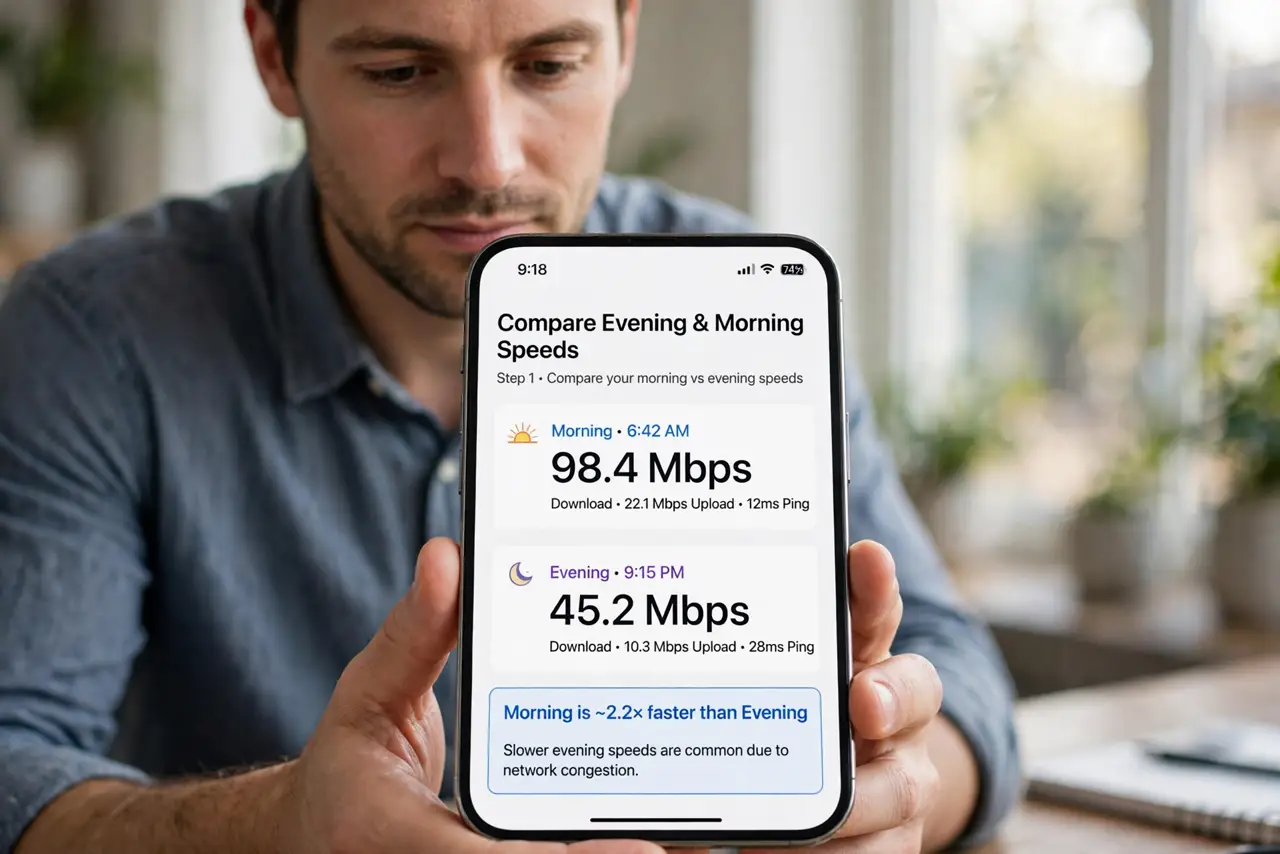
- Compare evening and morning speeds. Run a speed test in the morning and again in the evening, on the same device in the same spot. A big evening drop points to peak-time load, while a constant slowness points elsewhere.
- Count evening devices and streams. List what runs in the evening, such as video streams, game downloads, and video calls. Each one takes a share, so pausing one stream often restores the rest.
- Restart the router in the evening. Unplug the router, wait thirty seconds, and plug it back in, then test again. A restart clears a tired router state and gives every device a fresh connection.
- Test with a wired connection. Connect a computer directly to the router with a cable and test in the evening. If wired stays fast while Wi-Fi crawls, the Wi-Fi signal is the bottleneck, not the internet line.
- Schedule big downloads for later. Set game updates, backups, and large downloads to run overnight instead of in the evening. Moving heavy traffic out of peak hours frees the evening for streaming and calls.
- Contact your provider with test results. If wired speed also drops every evening, note the times and results and contact your provider. Evening-only drops on a wired connection are their line or network to investigate.
What NOT to do
- Do not upgrade your plan before testing wired in the evening. If Wi-Fi is the bottleneck, a faster plan will still crawl over weak Wi-Fi.
- Do not restart the router every few minutes in the evening. One clean restart is a test, while constant restarts hide the pattern you need to show your provider.
- Do not blame one neighbor without evidence. Evening slowness usually comes from total load, including your own home, not a single neighbor.
- Do not run speed tests while streaming. A test during a stream measures what is left over, not what your connection can do.
Frequently asked questions
Why is Wi-Fi slower in the evening?
More people are online at once, at home and in the neighborhood, so the shared load peaks and each device gets less.
Will a faster plan fix evening slowness?
Only if the line itself is the bottleneck. Test wired first, since weak Wi-Fi will still crawl on a faster plan.
Should I restart the router every evening?
No. One restart is a useful test, but needing it daily means the router or the line needs attention.